
In an IT support interview, explain how you move from a user’s symptom to a safe, documented next step. A good answer does not begin with an impressive tool list. It establishes what is broken, who is affected, what changed, which checks you are authorized to run, and when a more experienced team should take over.
IT support can mean help desk, desktop support, or another user-facing technical assignment. The O*NET computer user support profile describes assistance with software, hardware, operating systems, and user questions. A specific employer may also assign account access, ticket documentation, or onsite equipment work. Always prepare against the actual vacancy instead of assuming one standardized IT interview.
Understand the Tasks Behind This Interview
Interviewers may present a vague symptom such as “My computer cannot connect” to see whether you gather context before changing settings. They may also ask about a frustrated user, multiple incidents, or a problem you could not resolve. Your credibility comes from showing a repeatable method and respect for permissions.
Build two evidence buckets: one for problems you personally diagnosed and another for communication or handoffs. A classroom lab counts as a lab; a home project counts as a home project. Neither needs to be disguised as production administration. If a tool or command would be dangerous or disruptive without approval, say that you would follow the support team’s authorized process. Our guide to teaching assistant interview questions goes into more detail.
Translate the Job Posting Into Evidence
Read the job posting for environment cues: Windows or macOS, user accounts, office hardware, remote support, troubleshooting notes, and ticket systems. Treat these as prompts for honest examples, not as a checklist of buzzwords to claim on your resume. A recruiter may ask how you think even when you have not used their exact tooling.
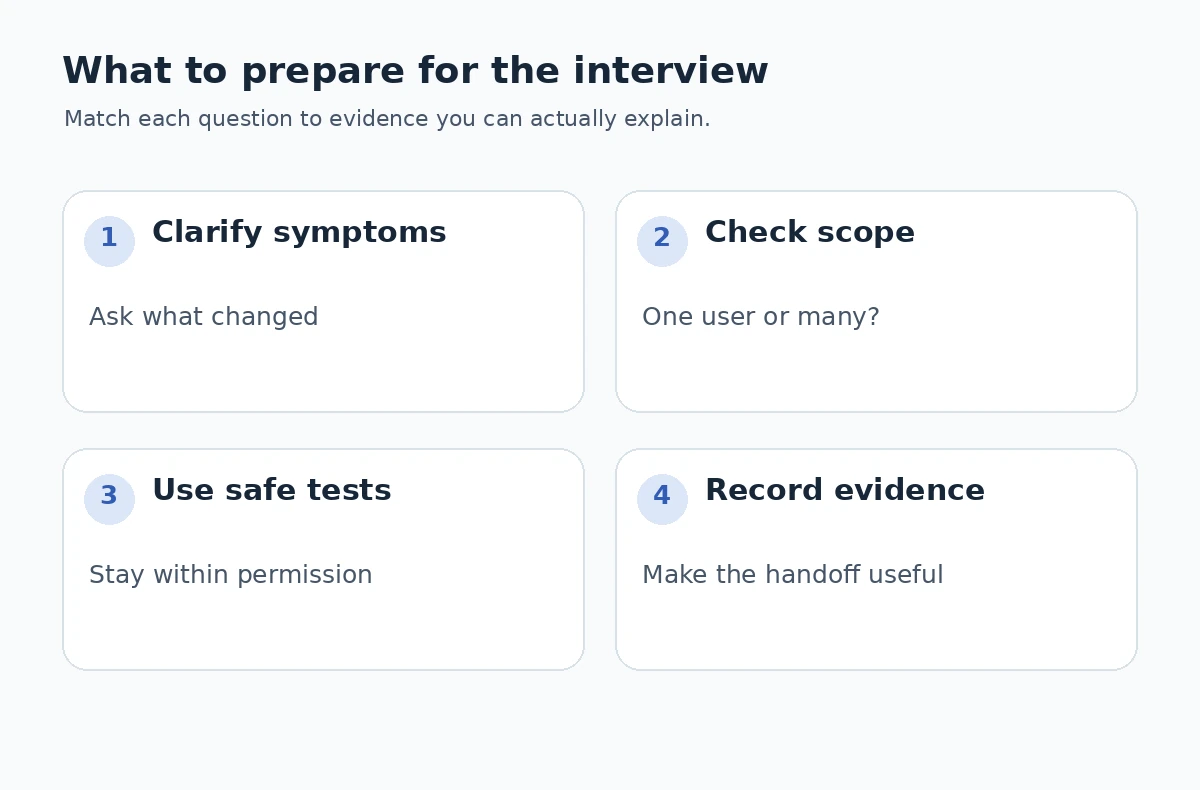
For each responsibility, prepare a concrete before-and-after description. What was the reported symptom? How did you reproduce or narrow it? What observation changed your hypothesis? What information did you document for the next technician? The sequence can be explained without inventing a fix or claiming that a ticket was solved.
| Possible interview question | What it tests | Evidence to prepare |
|---|---|---|
| A user cannot sign in. What is your first step? | Diagnose safely | Clarify symptom and check approved account route |
| A printer stopped working. How do you proceed? | Reduce uncertainty | Check scope, connection, queue, and permissions |
| Two urgent tickets arrive. What do you do? | Prioritize appropriately | Impact, urgency, service guidance, communication |
| How do you explain a fix to a nontechnical person? | Communicate plainly | Simple steps and a confirmation check |
| When do you escalate a technical issue? | Know your limits | Document observations and route with context |
Explain Your Judgment in a Realistic Scenario
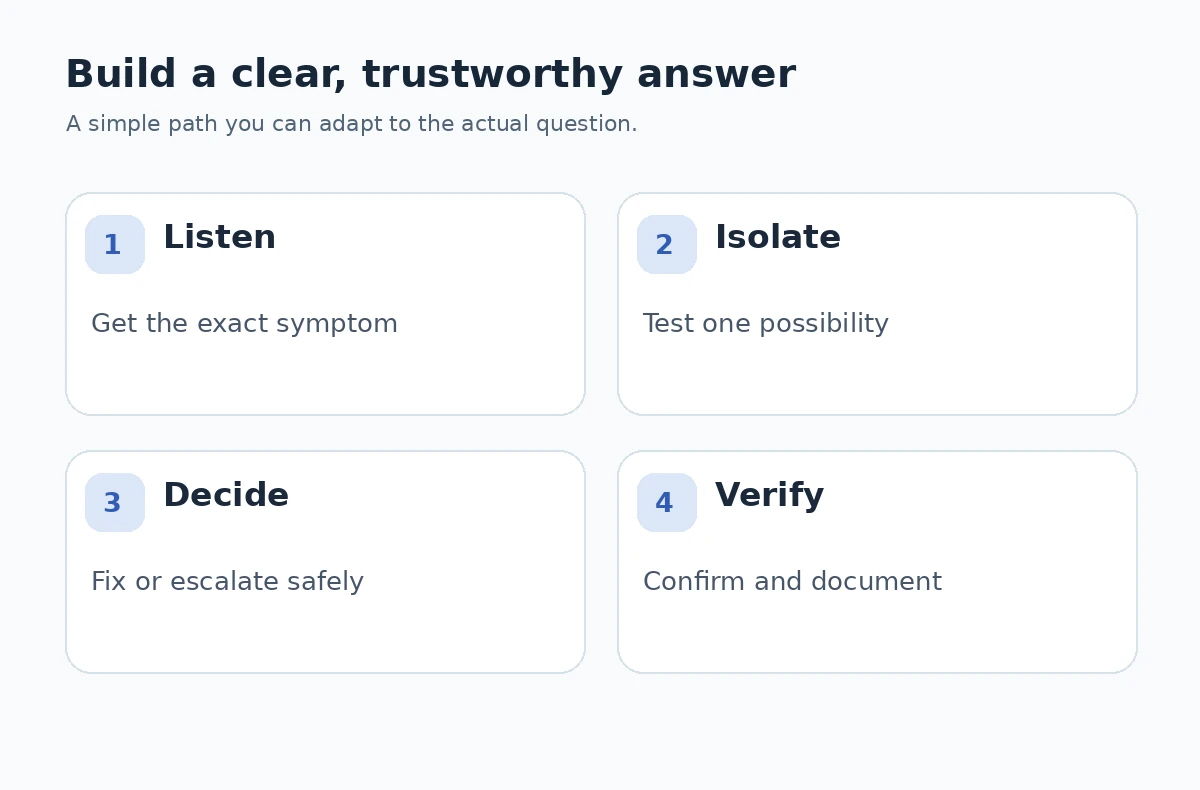
Imagine an interviewer asks, “A remote employee cannot open a shared folder. Walk me through it.” Begin by clarifying whether the error affects one person or several, when it started, and what exact message appears. Check any known service notice or permitted diagnostic information before proposing changes. If authorization or security controls may be involved, avoid bypassing them.
A complete answer should end with a disposition, not an improvised miracle fix. Explain what you would record in the ticket and what details a higher support tier would need. The objective is not to claim you know an unseen network; it is to demonstrate a controlled investigation and a usable handoff.
Sample Answers You Must Personalize
Hypothetical answer — narrowing an issue: “During a class lab, a test laptop could not reach a local practice service. I confirmed the symptom, compared it with another lab machine, checked the assigned network settings using the lab instructions, and reported the difference to the instructor before changing anything. I documented what I observed. That practice taught me to isolate one variable at a time rather than guess.”
Hypothetical answer — communicating a limit: “If a user needed access that my role could not grant, I would verify the request through the approved route, explain the next step in plain language, and transfer the case with the error details already collected. I would not tell the user the account was fixed until they confirmed it. I have practiced this sort of handoff in a volunteer help session, not in a corporate production system.”
Handle Difficult Follow-Up Questions Carefully
A pressure question may contrast the loudest user with the most consequential outage. Explain that priority depends on agreed service guidance, affected users, business impact, and urgency. A widespread outage and a routine individual request may deserve different routing, but you should not invent an employer’s priority matrix or specific response-time promises.
Questions about security shortcuts can reveal professional judgment. A user asking you to disable a protection, share credentials, or work outside approved permissions is a cue to stop and consult procedure. Frame this as a boundary and communication problem, not a chance to demonstrate unsupported administrator powers. Our human resources interview questions guide goes into more detail.
Choose Evidence From Your Actual Experience
If your experience is limited to school, a home lab, or helping relatives, name it precisely. Prepare screenshots or notes only if they are your own and contain no sensitive information. Interviewers can still evaluate your observation process, patience, and ability to explain what you learned from a failed attempt.
Use one STAR story for troubleshooting and a different story for customer communication. The USC Career Center recommends deriving behavioral stories from relevant accomplishments and projects. Do not stretch a simple reinstall into a fictional enterprise incident; describe your exact role and the outcome you could verify.

Ask Questions That Clarify the Role
Ask which issues are normally resolved by the first support tier and which require escalation. Follow up with “What makes a ticket handoff useful on this team?” or “How are new technicians trained to use the knowledge base?” These questions uncover expectations without asking for privileged system details. For more detail, our CNA interview questions guide looks at discuss patient care, dignity, and escalation.
You can also ask how the team confirms user satisfaction and documents recurring problems. Avoid asking for confidential architecture or access credentials. A sensible interview is a two-way check on service practices and growth opportunities, not a test of hidden passwords or internal security settings. For the fuller picture, see our help desk interview questions guide.
Practice Without Memorizing a Fictional Story
Rehearse a short case with a clear symptom, a working hypothesis, two permissible checks, and a handoff. Then remove any step that assumes unauthorized access. Try explaining the same case to a nontechnical friend; if they cannot follow your explanation, simplify the language before the interview. For the fuller picture, see our IT help desk interview questions guide.
Prepare accurate details about the equipment, operating systems, and ticketing environments you actually used. If asked about an unfamiliar system, say what related concepts you know and how you would learn the employer’s procedure. Being transparent about gaps is more valuable than memorizing product names without experience. Our internship interview questions guide covers how to use projects, curiosity, and honest experience.
How We Research Interview Guidance
This article draws its role-specific task examples from documented occupational descriptions or a university career-center resource, and its answer framework from university interview guidance. We checked the three linked sources on 2026-10-21. The practice questions are editorial examples; none is presented as a leaked interview script, an employer-approved rubric, or a prediction of questions for any specific opening. The posting, applicable professional rules, and employer instructions take precedence.
Sources reviewed: O*NET occupational profile; University career-center guidance; University career-center guidance. This is independent informational content, with no claim of sponsorship, paid placement, or approved affiliate relationship. See JobAsk affiliate disclosure. All named sample answers are hypothetical; replace them with your own verified experiences.
More Interview Preparation Guides
- Tell Me About Yourself in an IT Support Interview: Triage and Evidence
- IT Support Interview Strengths and Weaknesses: Triage, Notes, and Escalation
- Situational Interview Questions: Explain What You Would Do
- Time Management Interview Questions: Explain Priority Tradeoffs
- Team Lead Interview Questions: Coaching, Coverage, and Escalation
Use the posting to prioritize user-account issues, basic device and network troubleshooting, ticket documentation, and safe escalation, while reviewing only tools relevant to that environment.
Yes. Call it a personal or class project and explain observations and limits accurately; do not present it as a company incident.
Describe what you would verify, what you can safely try with permission, how you would document the problem, and when you would escalate.
Explain impact and urgency, follow the team’s service guidance, communicate changes, and avoid inventing a fixed priority policy.
Not always; it depends on the posting. Be truthful about the systems you have used and demonstrate how you keep notes and learn procedures.