
A typo in a submitted job application does not always require another email or an entirely new application. First identify whether the mistake changes a material fact, such as your phone number, employment date, or qualification, or is merely a spelling slip that leaves the meaning clear. Then check whether the employer’s portal allows corrections.
Job applications should be accurate and complete, as CareerOneStop advises. The decision table below is a practical framework, not a statement about how a particular employer or applicant tracking system evaluates mistakes. No one can guarantee how a hiring team will treat a typo.
Identify the Exact Error and Preserve the Application Record
Open your submission confirmation, saved document, or application summary before taking action. Note the requisition or job title, date sent, field or attachment with the mistake, and the correct information. Check whether the error is on your resume, in the form itself, or only in a later email. Those can have different correction routes.
Do not assume that editing your reusable profile changes the version already submitted for a role. If the portal separates profile updates from job-specific changes, look for an application-level edit or replacement feature. Save a local record of any authorized correction without storing account passwords.

Decide if the Mistake Changes a Material Fact
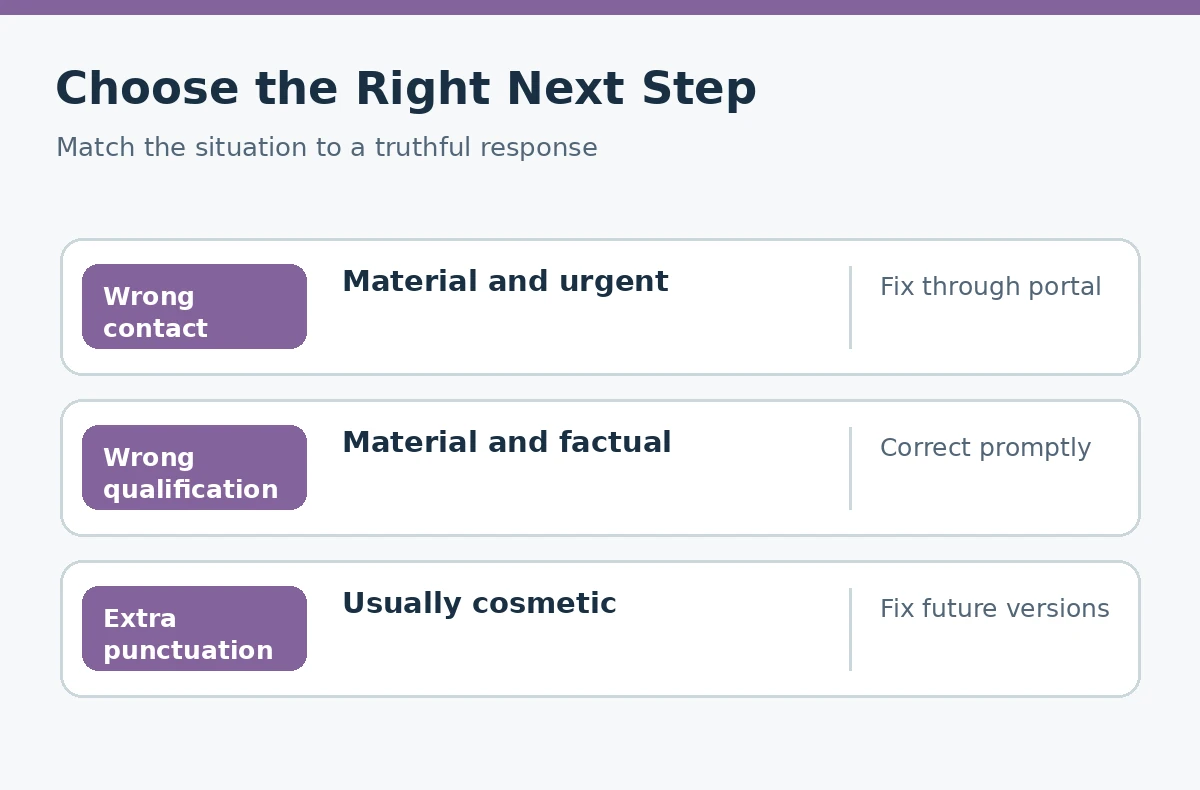
A wrong email address may prevent contact. An incorrect eligibility answer, license status, job date, required qualification, or attachment could materially mislead a reviewer. These deserve prompt, factual attention. A missing comma or ordinary spelling slip is less likely to change the meaning, though the employer’s reaction cannot be predicted.
The Indeed editorial guide on resume typos notes that employer responses to errors vary and that a correction may be possible. That is not evidence for a universal rule to email after every mistake. Judge severity based on whether the recruiter would understand a different fact, not on how embarrassing the typo feels.
| Error | Likely significance | First action |
|---|---|---|
| Wrong email or phone | May prevent contact | Correct promptly |
| False credential or date | Changes material facts | Use official correction route |
| Wrong attachment | May omit key evidence | Ask about replacement |
| Minor punctuation | Meaning remains clear | Fix for future uses |
Use the Employer’s Official Correction Path First
Before sending an email, look for an Edit Application, Replace Attachment, or Help option. Follow the posting’s specific instructions. If there is no edit route and the issue is material, use the recruiter or application-support contact supplied by the legitimate employer. State the job title and what needs to change in one short message. If you want the full process, read how to follow up after an online job application.
Do not withdraw and reapply just to fix a typo unless you understand whether the portal permits resubmission. Some systems may treat withdrawal as final, and a second account can confuse the application history. Do not try to evade an eligibility rule with alternate answers. If the correction concerns eligibility, state the truth even if it may change the outcome.
Write One Useful Correction Message, Not an Apology Essay
Here is a hypothetical example; the details are placeholders: “Subject: Correction to [Job Title] Application — [Requisition ID]. Hello [Hiring Team], I submitted my application on [Date] and noticed an incorrect phone number in the contact field. The correct number is [Number]. Please let me know whether I should update the portal or provide another document. Thank you, [Name].” For the next step, our guide “Typo in a Submitted Job Application” explains how to decide what to correct and how.
For a wrong document, identify the intended filename and ask whether replacements are accepted. Do not send sensitive records or multiple versions without instructions. Once you have delivered the correction through an approved route, keep the confirmation and avoid repeatedly contacting different people to force an update.
Know When Leaving a Cosmetic Typo Alone Is Reasonable
If the error is minor punctuation or a misspelling that does not alter identity, qualifications, or contact information, you may decide not to call extra attention to it. Fix the master resume or saved response so it does not recur. This is a judgment call, not a guarantee: a proofreading-heavy position may value precision differently than another role.
If the portal still shows an editable draft, correct the mistake before final submission. If the portal explicitly allows post-submission edits, use that feature for consistency. The aim is one accurate final record, not a growing chain of apologetic emails.
Be especially careful with a required yes-or-no question. For example, a mistaken answer about whether you hold a certification may be much more significant than misspelling the title of a past project. The correction should state the accurate eligibility status, even when that status is less favorable. If you accidentally clicked a different shift or work location, check whether the form allows edits and clarify whether your availability has truly changed. Avoid presenting a correction as a request for special treatment. If an employer confirms it cannot amend the record, keep that answer and adjust future applications; do not open additional accounts to conceal the original submission. Record what was corrected so you can answer consistent questions later.
Prevent Repeated Errors and Stay Alert to Fraud
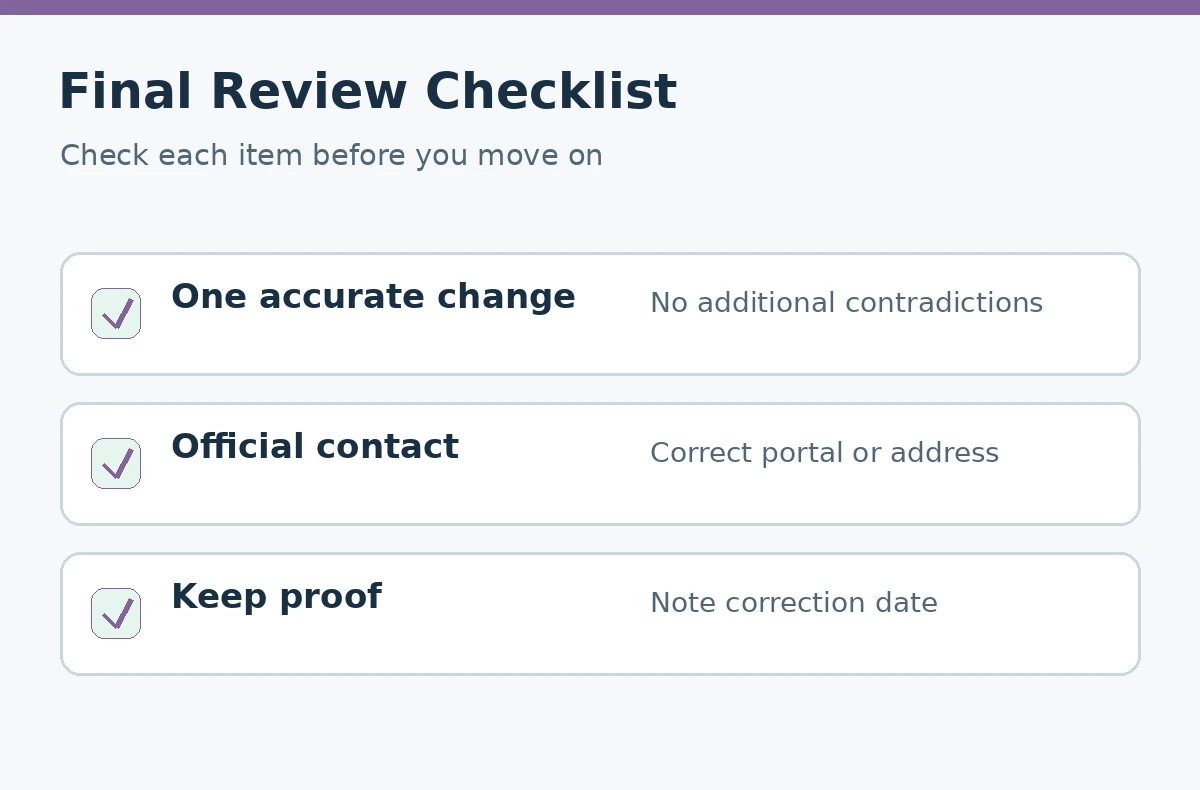
Before your next submission, proofread the job title, employer name, contact details, employment dates, key eligibility answers, and attachments. Review the final preview rather than assuming the uploaded file populated everything correctly. A private checklist is more useful than a ritual of rereading only the top of your resume.
If an unexpected person offers to “repair” your application for a fee or asks for bank credentials through a new link, stop and verify the organization. The FTC warns that fraudulent job offers can be used to obtain money and sensitive details. Legitimate correction instructions should come from the employer’s genuine channel.
How We Research and Check Our Advice
For factual guidance, we checked CareerOneStop job application guidance, Indeed guidance on resume errors, FTC job scam guidance. These sources describe good application practices, not private employer rules or guaranteed screening outcomes.
Sources, Examples, and Affiliate Disclosure
Sources checked October 21, 2026: CareerOneStop job application guidance, Indeed guidance on resume errors, FTC job scam guidance. Each citation supports only its stated advice; employers may use different application fields and review processes. All sample answers, cases, names, and messages in this guide are hypothetical, not real hiring results. There are no approved affiliate relationships or compensated product links in this article. See the JobAsk affiliate disclosure for sitewide information.
Related Job Search Guides
- Job Application Attachments: Upload the Right Files Safely
- Job Application Tracker: Build a Simple System for Follow-Ups
- Common Online Job Application Mistakes: A Field-by-Field Audit
- How to Complete a Job Application PDF and Check It Before Sending
- Withdraw a Job Application by Email: A Clear Message Before an Offer
There is no universal answer. It depends on the mistake, the role, and the employer; avoid assuming a guaranteed outcome.
Only if that employer’s system permits it. Check the job-specific record and help instructions first.
Usually check with the employer first. Withdrawal can be irreversible or may prevent resubmission on some systems.
Treat contact information as material. Try an official portal update or send one concise correction through the listed employer contact.
If the typo does not change meaning, leaving it alone may be reasonable. Correct your master file and use judgment for that employer.