
Quick answer. If the employer instructs you to return a signed offer letter by email, first check that you reviewed the terms and signed the correct document. Address a concise message to the verified contact, state that the signed letter is attached, and ask whether any further steps are needed. Reopen the actual attachment before sending. If the employer provided a secure portal, use that required method instead of sending the document by ordinary email. Examples and roles in this guide are hypothetical. Always follow your real offer and the employer’s official instructions.
Check the Instructions Before Sending the Attachment
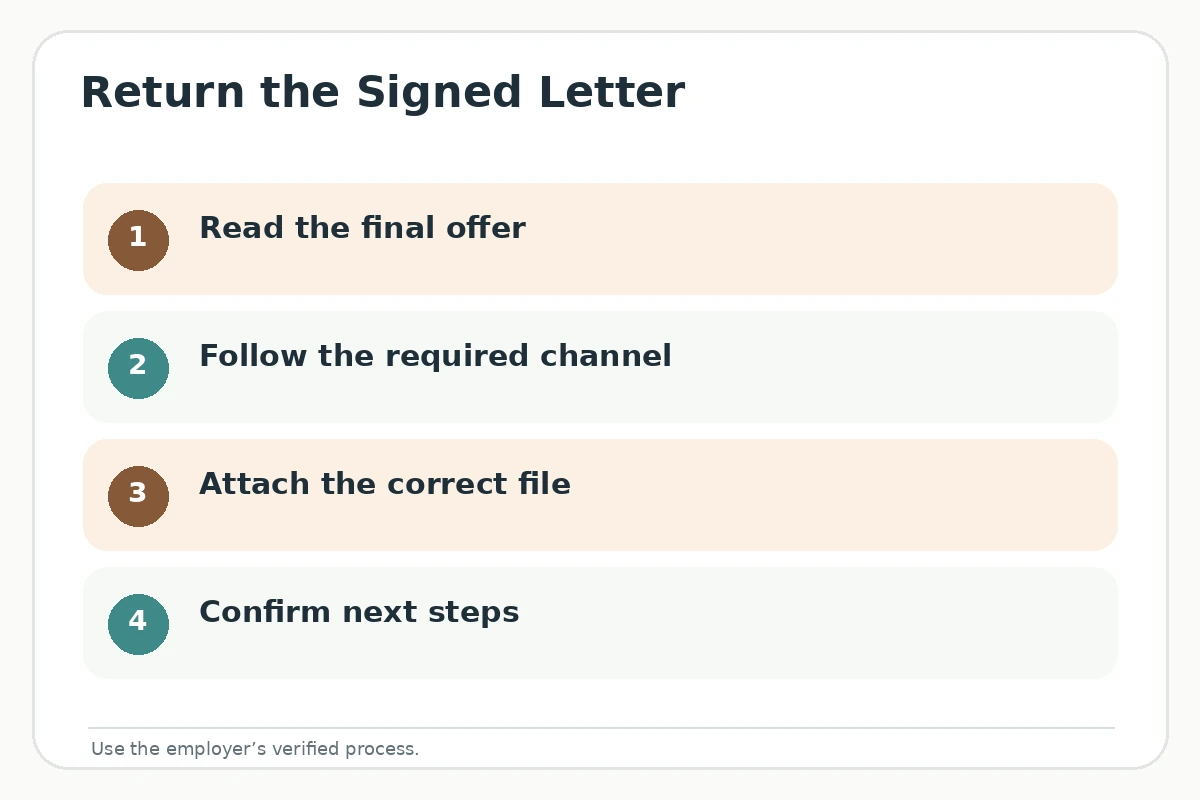
Organizations may use e-signature links, secure onboarding portals or direct email attachments. Read the message that accompanied your offer and follow its named recipient, accepted file format and deadline. If a link is sent through a channel you do not recognize, verify it using official contact details instead of replying with sensitive information immediately. Do not download and sign an unfamiliar version simply because it has an official-looking logo. The employer’s actual instructions override any generic email template.
University of Maryland and Tufts recommend confirming acceptance in writing; the Natural History Museum of Utah illustrates one organization’s signed-letter-to-onboarding sequence. That particular museum process is not universal, and this page does not assert all employers require a scanned signature. A signed letter can be an important document with consequences specific to its terms and jurisdiction. Read it carefully; questions about its legal effect may require qualified guidance rather than an internet template.
Confirm That the Document Is the Right Version
Before you sign, compare the named position, start date, compensation structure, location or work arrangement and any stated conditions against the final written offer you agreed to review. If you negotiated a change but the document still shows the old terms, request the corrected version before signing. Check all pages, signature fields and any required initials. Do not fill missing items with guesses or strike out conditions without discussing them with the employer. Store a copy for your own records in a secure location.
If you already signed but notice a discrepancy before sending, stop and contact the designated representative rather than silently editing the signed document. Clarify whether a replacement is needed. The University of Minnesota Duluth advises documenting negotiated changes before acceptance. That source supports a general accuracy practice, not a rule for what contract modification is legally effective. This article is about accurate communication and file handling, not contract interpretation.
Write a Covering Email That Names the Attachment
The email accompanying the signed document should do one job: identify the document you are returning and request the next steps if appropriate. Thank the recipient, name the position, state that the signed offer letter is attached, and close with accurate contact details. You usually do not need to repeat every term from the signed letter. If the employer asked you to use a particular subject line, follow it; otherwise, a descriptive one improves clarity for both parties.
Hypothetical email: “Subject: Signed Offer Letter — Facilities Assistant. Hello [Name], Thank you for the opportunity to join [Organization]. Attached is my signed offer letter for the Facilities Assistant position. Please let me know whether any further documentation or onboarding steps are needed. Best, [Your Name].” This fictional message assumes the candidate really reviewed and signed the correct file. Never write “attached” before verifying that the file is present. For the fuller picture, see our guide “Thank-You Email for a Job Offer Before You Make Your Decision”.

Review Attachment Privacy and File Readability
Open the exact PDF or other requested file that will accompany your message. Confirm that all pages are legible, the appropriate signature is visible, the document is not blank, and there are no accidental unrelated pages. A filename such as “Signed Offer Letter — [Your Name]” is descriptive, but use the naming instructions your employer supplies. If the document contains sensitive personal data, prefer the approved secure transfer method. Do not share a signed document on a public link or forward it to colleagues without a work-related need.
Inspect the recipient address carefully. A familiar display name alone is not proof that an unfamiliar email address is genuine. If there is a discrepancy, verify via the employer’s established contact route. Do not email bank credentials, passwords, national identifiers or other records merely because a surprise message requests them. This is practical privacy advice; it does not establish a universal rule about what an onboarding process may legitimately require through official channels.
| Check | Send if | Hold if |
|---|---|---|
| Recipient | Matches verified instructions | Address is unfamiliar |
| Document | Final reviewed version | Terms conflict or are unclear |
| Signature | Requested fields complete | Page or signature missing |
| Attachment | Opens and is readable | Wrong file or broken upload |
Check That Sending and Receipt Are Not the Same
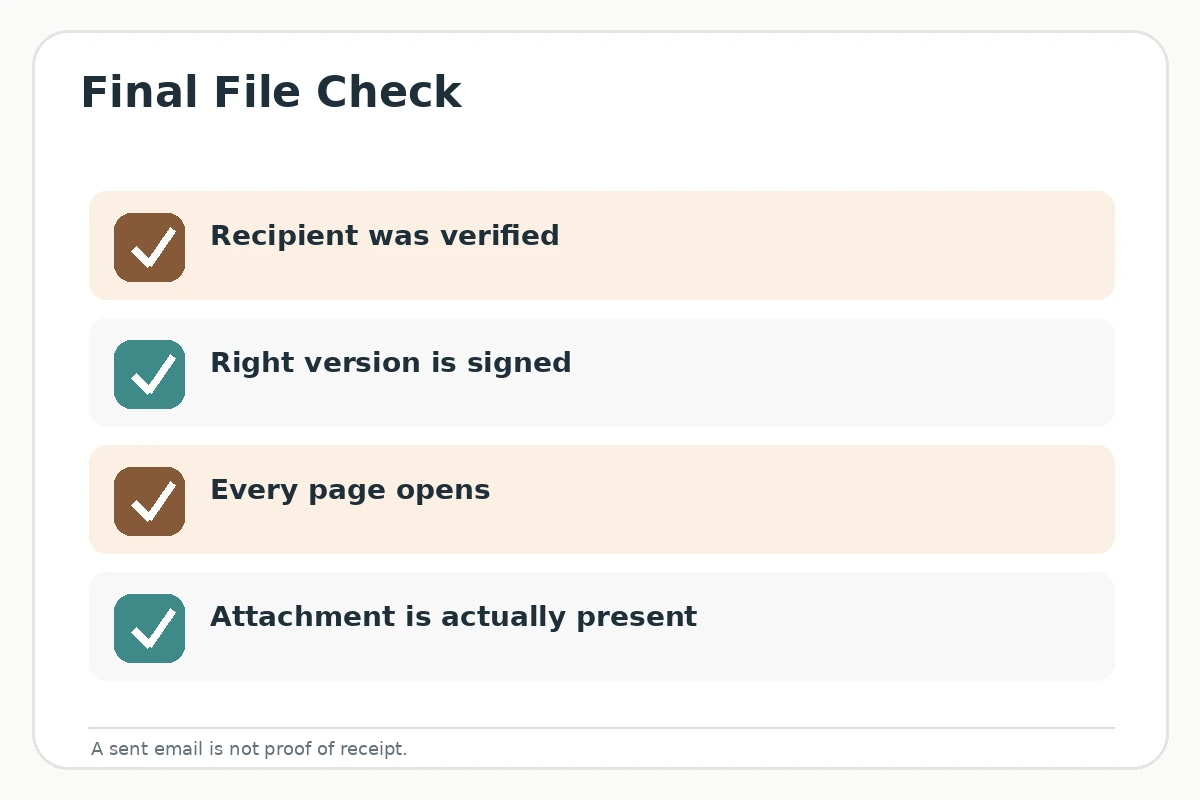
After you send the message, keep the sent email and your copy of the attachment in a private folder. Your sent-mail record confirms that you attempted to transmit it; it does not prove the organization received or processed the file. Some employers acknowledge signed letters automatically, while others add them to a portal. If your instructions request a receipt or if your deadline is close, use the confirmed contact channel to ask whether the document arrived. Avoid sending repeated copies to multiple people without reason.
If a file was omitted, send a concise correction in the same thread with the actual attachment and a straightforward explanation. Hypothetical correction: “Apologies — the signed letter was missing from my previous email. I have attached it here.” Keep that message factual, not elaborate. If the organization instead requires an e-signature workflow, contact the administrator for the proper link rather than inventing your own document-signing procedure.
Make the Final Submit-or-Hold Decision
Use a simple pass/fail check: verified recipient, correct offer version, all required signatures, required file format, readable attachment and no unresolved material contradictions. If anything is uncertain, pause sending and ask the appropriate person. If every item checks out, send the concise note and follow the organization’s subsequent instructions. Do not assume the mere presence of your scanned signature means that every onboarding condition has been satisfied or that your start is guaranteed without further steps.
If your question concerns obligations, withdrawal rights, confidentiality, taxes or legal effect of signing, generic career guidance cannot answer it reliably. Refer to the actual documents and jurisdiction, and seek qualified professional advice where necessary. This checklist is about preventing avoidable communication and attachment mistakes, not determining legal enforceability or telling you whether to accept the offer. Our walkthrough on how to accept a job offer by phone and confirm the details in writing sets out each step.
How to Check Your Own Offer Details
The example names, roles, dates and messages in this article are hypothetical teaching examples, not real job offers or success stories. Replace every bracket with information from your own current offer. Do not invent a compensation figure, manager contact, employment condition or promised start date. Where signed terms or jurisdiction-specific rights are relevant, review the actual documents and seek a qualified professional rather than treating a public template as legal advice.
For a final check, compare the recipient, position title, offer version, response deadline and requested next steps against the employer’s latest verified instructions. A helpful phrase in a general career-center guide is not proof that a specific company follows the same process. Keep private records securely, avoid unverified requests for financial data, and make a written statement only when you can defend its accuracy.
How We Research Job Offer Communication
We used university guidance for written acceptance, verified channels and documenting offer changes, plus one official employer’s public example of a signed-offer process. That museum page is explicitly treated as an example rather than a universal rule. The attachment checklist is an original communication-quality framework, not legal advice or an assertion that emailing an offer letter satisfies every contractual requirement.
Reviewed Sources and Affiliate Disclosure
Public sources reviewed October 20, 2026: University of Maryland Career Center — Recommends carefully reviewing an offer, respecting its deadline, and confirming accepted role, start date and key terms.; Tufts University Career Center — Suggests confirming acceptance verbally and in writing, with the role, start date and agreed terms.; University of Minnesota Duluth Career Center — Recommends asking for written offer details, reviewing terms and documenting agreed changes.; Natural History Museum of Utah — Illustrates one employer-specific sequence: verbal offer, signed written offer and onboarding instructions; not a universal policy.; University of Illinois Chicago Engineering Career Center — Recommends requesting a written offer, checking the response deadline and promptly raising offer questions.. These resources describe general professional communication, not private hiring rules, a guarantee of an offer, or a legal conclusion about any signed agreement.
This article does not claim an employer endorsement or an approved affiliate partnership. This guide contains no affiliate links. See the JobAsk affiliate disclosure for site-wide policy.
Related Guides
- How to Send an Updated Resume by Email After Applying: Version and Timing
- Email a Signed Job Offer Letter: Attach the Right Final Copy
- Signing a Job Offer Letter: Check the Final Version First
- How to Accept a Job Offer by Email After Checking the Details
- How to Decline a Job Offer by Email Before You Accept It
Thank the contact, identify the position, state that the signed document is attached and ask whether anything else is needed. Confirm that it truly is attached.
Only if the employer accepts that method. Some organizations require an e-signature or secure portal, so follow the actual instructions.
Usually the signed document is the primary reference; include only the details requested or needed for clarity. Do not introduce a conflicting version of the terms.
Reply promptly with a brief correction and the correct file. Recheck the recipient and attachment before sending again.
No. It records your attempt to send it; delivery and processing depend on the receiving system. Ask for confirmation through the official channel when needed.