
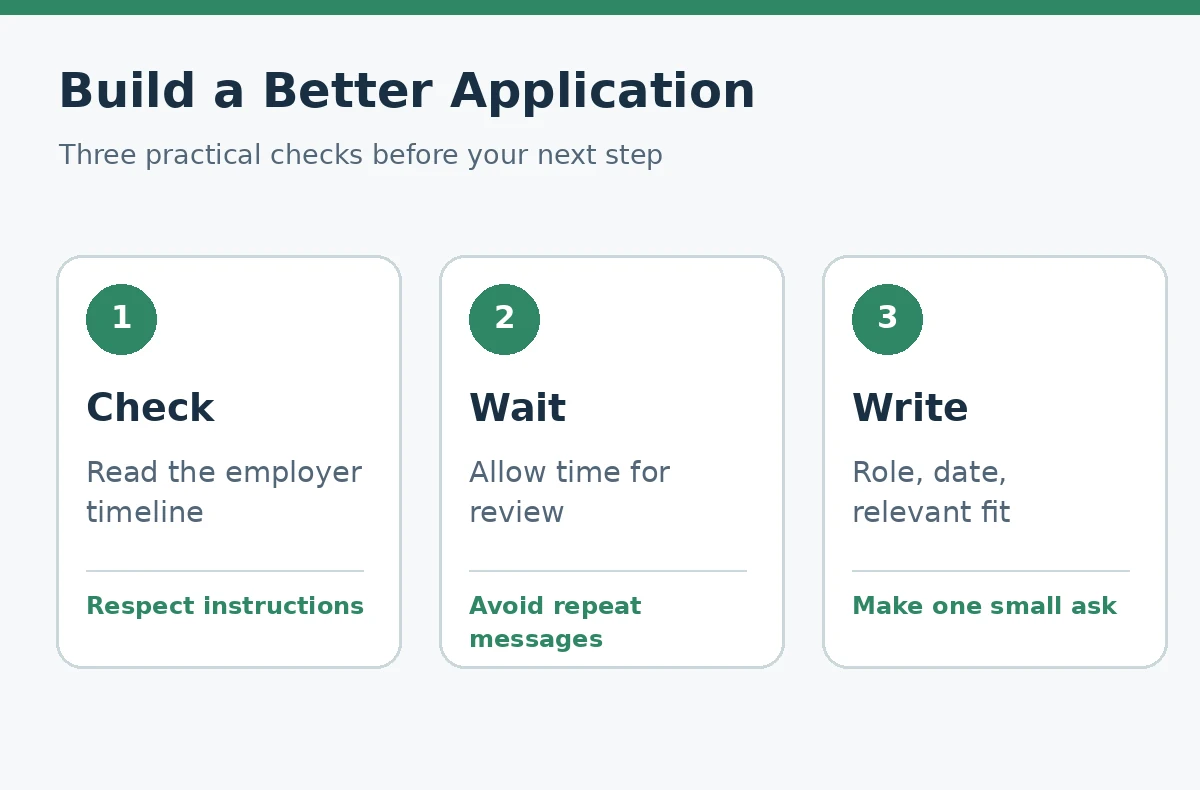
To follow up after an online job application, first read the posting and confirmation for instructions and a review timeline. If contacting candidates is permitted and no different deadline is given, a short inquiry after the employer has had time to review applications may be appropriate. Identify the role and date you applied, restate one concrete fit, and ask whether anything else is needed.
The University of Arizona career guidance suggests waiting about two weeks after submission before reaching out in the absence of a different timeline. That is practical guidance, not a guaranteed response window. The plan below also explains when not to follow up and how to keep moving with other applications.
Check the Posting Before Choosing a Follow-Up Date
Look for a stated closing date, review period, candidate portal, or “no calls” instruction. If the employer says applications will be reviewed after a deadline, an immediate check-in is unlikely to add information. If a recruiter already gave you a specific update date, use that date rather than an arbitrary rule from a general article.
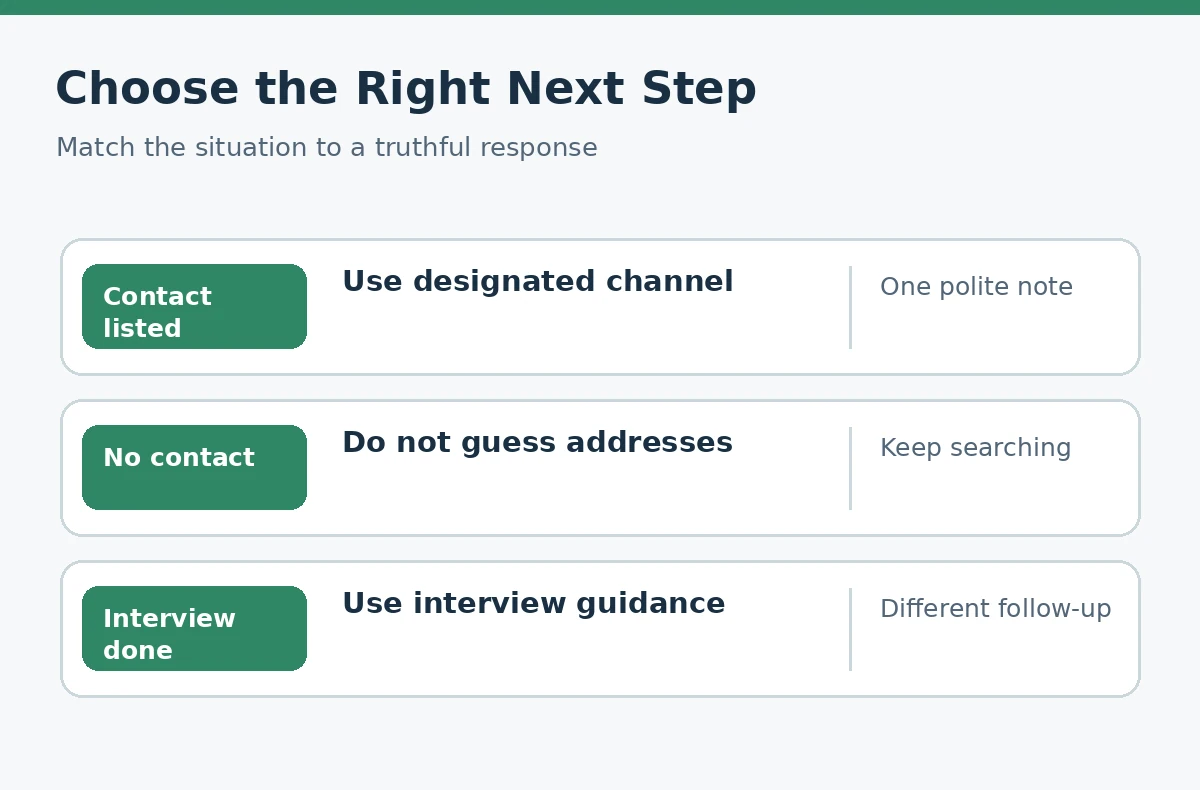
If the confirmation email comes from a no-reply address, do not assume replying will reach a person. Use only a genuine recruiter contact or a designated employer support route. For an organization that explicitly asks candidates not to contact its hiring team, respect the instruction and monitor your application record.
Allow Review Time Without Treating Silence as a Verdict
Application review schedules vary and may change. A portal label is not a direct view into a recruiter’s decision process. It can be useful to check the application record periodically, but repeatedly refreshing a status field will not supply details the employer has not shared.
The University of Arizona suggests about two weeks as a reasonable default for an initial follow-up when no timeline is given. That is not evidence of a universal best day to send a message. A reasonable alternative is to wait until the specified application deadline has passed, especially if the employer said review begins after closing.
| Situation | Useful action | Avoid |
|---|---|---|
| Specific timeline given | Wait for that date | Immediate reminders |
| No timeline or restriction | Consider polite follow-up after review time | Daily emails |
| No valid contact listed | Use official portal or wait | Guessing private email addresses |
| Employer requests no contact | Honor that instruction | Circumventing the process |
Choose the Correct Person and Contact Channel
A named recruiter or hiring contact from the posting is usually more appropriate than contacting random employees. Some platforms provide candidate messaging; others use email. Match the channel to the employer’s instructions and do not forward your resume to unrelated staff in hopes of accelerating review.
If a legitimate professional contact is already in touch with you about that specific role, reply in the existing thread when suitable. Keep the message easy to identify using the position name and requisition number, if provided. An unsolicited message to a senior executive is not a replacement for the published application process.
Send a Brief, Specific, Hypothetical Follow-Up Email
Here is a hypothetical template: “Subject: Follow-up on [Job Title] Application — [Your Name]. Hello [Hiring Team], I applied for the [Job Title] position on [Date] and remain interested in the role. My experience with [verified relevant task] relates to [specific responsibility in the posting]. If the team is still reviewing candidates, please let me know whether any additional information would be useful. Thank you for your time, [Name].”
Replace every bracket with a true detail; do not invent a prior conversation or credential. One useful, specific connection between your work and the job is better than claiming you are the “perfect fit.” Avoid demanding a status update, sending a long life story, or implying the employer promised an interview.
Track the Outcome and Decide When to Stop
Record the submission date, employer, role, confirmation ID if one exists, follow-up date, and next reasonable check. CareerOneStop’s apply-for-jobs worksheet guidance recommends tracking positions and employer contacts. Keeping a log helps prevent duplicate messages and distinguishes this contact from an earlier interview or unrelated opening.
If the team replies with a timeline, respect it. If there is no reply, continuing to apply to other opportunities is usually more productive than sending repeated messages. A single follow-up does not obligate the employer to answer, and lack of response should not be converted into a fictitious rejection or offer in your records. For a step-by-step method, see how to follow up with a recruiter without sending repeat messages.
The follow-up becomes more useful when you can name one verifiable skill that addresses the posting. If the role requests scheduling experience and you have actually coordinated volunteer shift calendars, mention that connection in one sentence. If you lack the requested experience, do not claim it simply to make the email stronger. You should also distinguish your own availability from the employer’s reply time: saying you can interview on particular days is fine when true, but demanding a decision by an invented date is not. When an automatic confirmation arrives, record that the system acknowledged your application; do not interpret it as evidence that a human read the resume. Keep applying elsewhere while this one opportunity remains uncertain.

Separate This Stage From Interview Thank-You Notes
A pre-interview application follow-up asks whether the hiring process is still active or whether documents are needed. An interview thank-you responds to an actual conversation and follows the interviewer’s stated timeline. Using the wrong template can confuse the recruiter by referring to a meeting that never took place.
If you later speak with a recruiter, change your plan based on that interaction rather than continuing the earlier application-only cadence. If a new posting for the same employer appears, confirm it is a distinct requisition before applying again. Keep your search organized but avoid treating communication as a tactic that guarantees selection.
How We Research and Check Our Advice
For factual guidance, we checked University of Arizona post-application guidance, CareerOneStop applying and tracking guide, CareerOneStop job application guidance. These sources describe good application practices, not private employer rules or guaranteed screening outcomes.
Sources, Examples, and Affiliate Disclosure
Sources checked October 21, 2026: University of Arizona post-application guidance, CareerOneStop applying and tracking guide, CareerOneStop job application guidance. Each citation supports only its stated advice; employers may use different application fields and review processes. All sample answers, cases, names, and messages in this guide are hypothetical, not real hiring results. There are no approved affiliate relationships or compensated product links in this article. See the JobAsk affiliate disclosure for sitewide information.
Related Job Search Guides
- Common Online Job Application Mistakes: A Field-by-Field Audit
- References on a Job Application: Permission, Fields, and Privacy
- Supporting Documents for Online Job Applications: What to Upload
- Online Job Application Assessments: Prepare Without Guessing
- Online Job Application Won’t Submit: Find Errors Without Losing Your Work
There is no universal number. University of Arizona guidance suggests about two weeks when no employer-specific timeline applies.
Include the job title and your name; add a requisition ID if the posting uses one.
Follow the employer’s instructions. A new attachment is not necessary for every inquiry; offer documents if useful.
Respect the restriction. Check the candidate portal or approved communication channel instead.
Avoid repeated messages. After one appropriate inquiry without response, keep pursuing other openings unless the employer provides a new next step.