
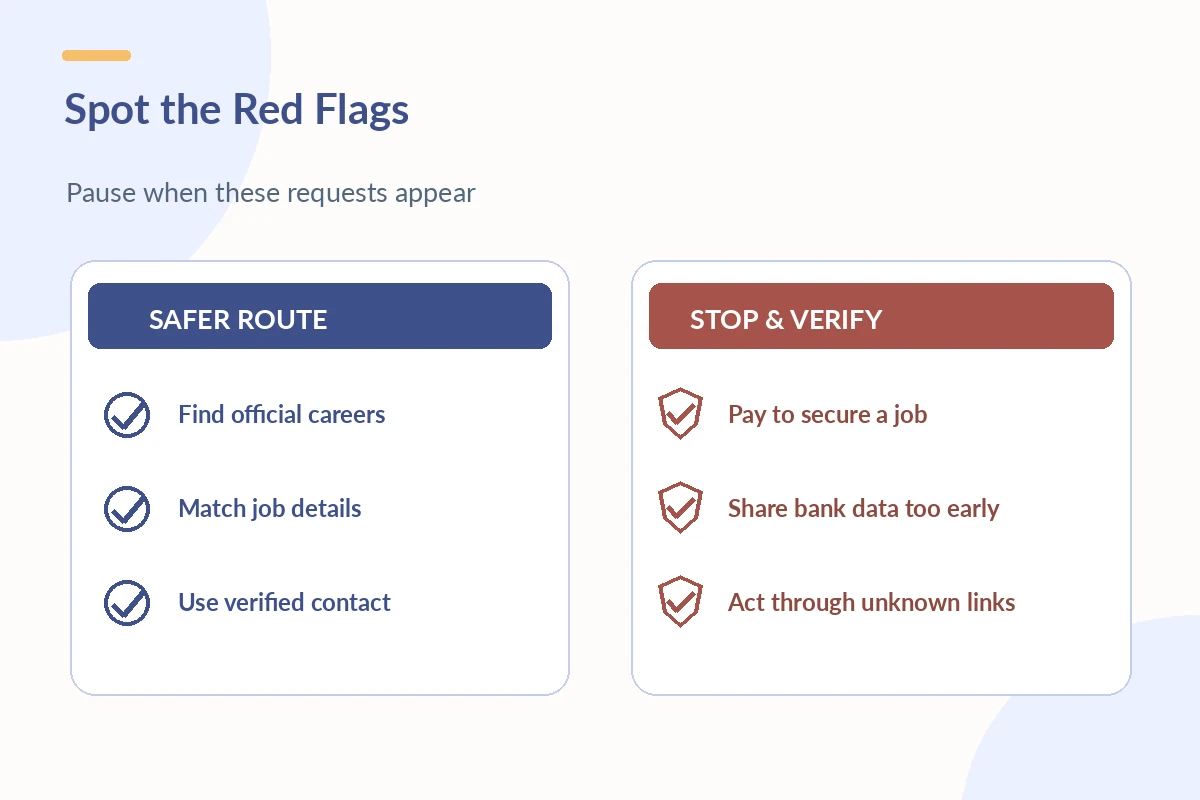
Before creating an account on an unfamiliar job application portal, verify that the posting is actually connected to the employer. The safest route is to find the organization’s official careers page independently, locate the same vacancy, and follow its own application link. A recognizable logo, realistic job description, or professional-looking email is not enough to prove the portal is genuine.
This guide is about checking the application destination and the information it requests, not reviewing particular employers or declaring any specific link trustworthy. The U.S. Federal Trade Commission warns that scammers impersonate real organizations to collect money and personal data. Never rely only on an address or phone number supplied by a suspicious recruiter to verify that recruiter.
Find the Job Through an Independent Employer Route
If a message asks you to apply at a new URL, do not simply click and start entering data. Open a fresh browser window, search independently for the employer’s official site, and navigate to its careers section. Compare the job title, location, duties, and job identification number with the message. If the role does not appear, seek clarification from an independently located employer contact.
FTC guidance on fake job postings specifically recommends verifying openings on the actual employer website and using its legitimate application route. Large employers may use third-party vendors for recruiting; a different portal domain is not automatically a scam. Verify the connection from the employer’s official site rather than guessing based on a domain that merely looks similar.

Inspect the Link and the Source of the Invitation
Look closely at spelling in the web address. A slightly altered brand name, unexpected extension, or unrelated redirect deserves investigation. HTTPS is useful for securing a connection but does not by itself prove the company or job is legitimate. A recruiter using a personal email account while claiming to represent a large company may be a warning sign; confirm the relationship independently.
A legitimate-looking invitation can still come from a compromised account or impersonator. Pause when someone insists that you switch immediately to an unfamiliar encrypted messaging app, keep the process secret, or skip normal interviews. If the application originates on a job board, distinguish between the board’s own submission process and redirection to the employer portal.
Spot Payment Demands and Suspicious Account Requests
Do not pay to obtain a job, an interview, or the promise of wages. Be skeptical of requests to buy equipment through a specified vendor or deposit a check and return a portion of the money. These are well-documented job-scam patterns, not routine application fees. A request for payment should stop the process while you verify independently.
FTC job-search advice warns against paying to secure a job and sharing personal details without research. More recent FTC guidance describes fake recruiters pushing for bank or identity information before the candidate has even completed a legitimate hiring process. If a request feels premature, contact the employer using a number from its verified website.
Separate Early Application Data From Later Onboarding
Many genuine applications ask for ordinary contact and work-history information. More sensitive details such as bank-account data, government identification, or tax documents require greater caution and a verified business purpose. Even after an offer, confirm that the organization and onboarding system are authentic before entering sensitive data. Do not send this information through unexpected chat links. For the fuller picture, see our guide “Online Jobs From Home”.
The exact forms and timing can vary by job and employer, so a general article cannot declare every requested field unlawful. The decision is whether the request is appropriate for the confirmed stage and comes through an independently verified channel. When uncertain, stop and ask the genuine HR team how they handle secure onboarding and what data are required. Our guide “Application Received” goes deeper into what the status actually confirms and what comes next.
Compare the Ad With the Real Employer’s Information
Check the role title, schedule, location or remote arrangement, reporting contact, company name, and the stated selection process. Vague tasks, unexplained unusually attractive terms, or a refusal to discuss responsibilities can be warning signs. No single typo proves fraud, just as good design does not prove legitimacy. Evaluate the combination of evidence.
If the listing is claimed to be confidential or unpublished, a recruiter should still be able to direct you to a trustworthy way to verify their affiliation and the hiring process. Do not provide sensitive data merely because an imposed deadline is approaching. You can decline to proceed until the employer’s identity is independently established.
Use a Privacy-First Application Routine
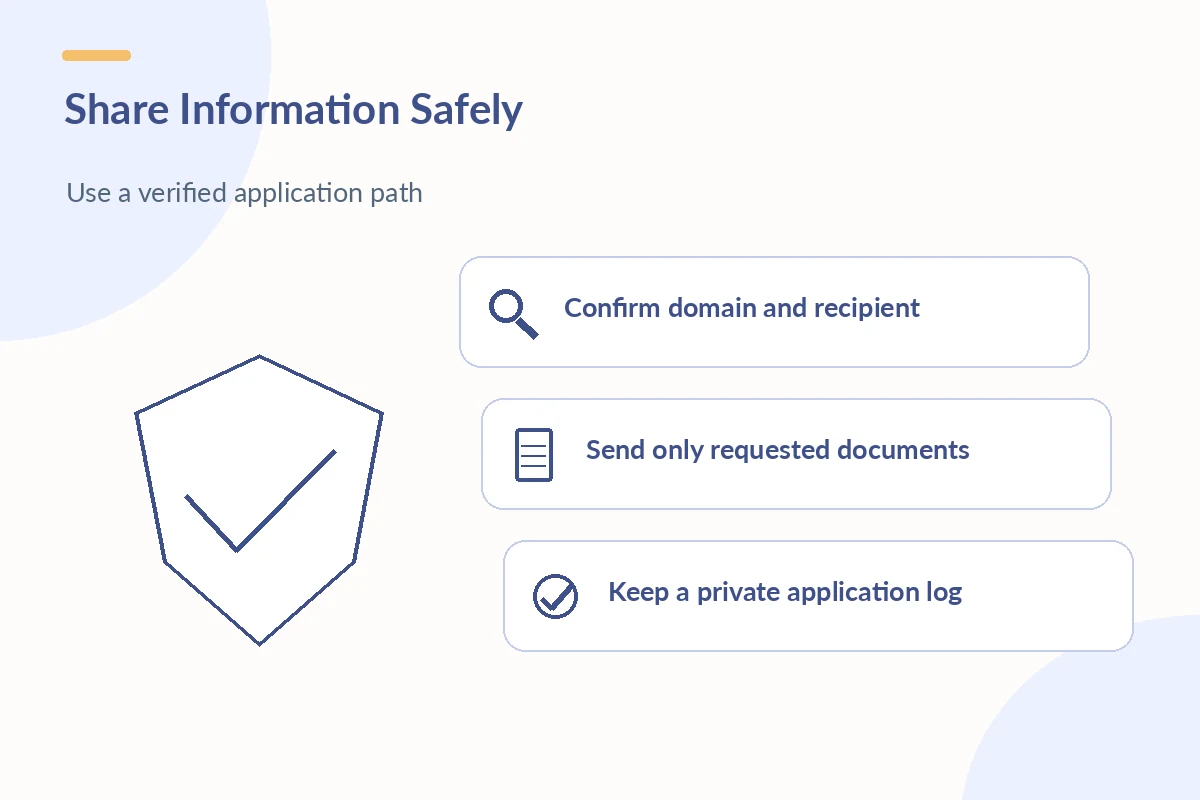
Use a unique password for each job portal and avoid sharing it with recruiters. Enter data only after reviewing the URL and the privacy context. Attach only the resume or documents the application actually requests. Keep a log of where you applied so an unexpected message later can be compared with a real submission. Do not use public documents that expose reference phone numbers without consent. Our walkthrough on how to apply for jobs online without losing track of details sets out each step.
After applying, retain non-sensitive confirmation information such as the posting reference and date. If you must send additional materials, use the verified portal or employer contact. Do not forward employer emails containing account access links to strangers, and do not click requests to “verify your interview” by entering banking information into a new site. Our guide “Job Search Websites” covers how to choose the right boards and verify listings.
What to Do When a Portal Seems Fraudulent
Stop entering information and preserve non-sensitive evidence such as the suspicious URL, sender information, and description of the request. Report the listing to the job platform and to the real employer through a verified contact. You can report scams through the FTC’s official channels. If you already sent identity or financial information, seek tailored recovery steps promptly instead of trying to fix the problem by replying to the sender. Our job fair tips covers how to plan employer conversations and follow-up.
FTC consumer guidance links suspicious recruiter tactics to efforts to obtain personal and financial information. An authentic employer can still have a confusing portal, but a legitimate verification path should exist. Continue the application only when you have sufficient confirmation, and be prepared to walk away from an unverifiable link.
How We Research Online Application Advice
This article was checked against publicly accessible source material on October 22, 2026: FTC consumer guidance, FTC consumer guidance, FTC consumer guidance, Indeed Help Center. The sources support the general application, security, or status procedures identified above; they do not certify any individual employer, website, candidate, or hiring result. All sample responses are hypothetical.
JobAsk provides general U.S. career information, not legal, immigration, privacy, or employment representation. Confirm the relevant employer policy and official application instructions before acting. No affiliate partnership is represented in this article; read the affiliate disclosure.
Related Job Search Guides
- Online Job Application Assessments: Prepare Without Guessing
- Online Job Application Screening Questions: Answer Without Guesswork
- Teacher Job Application Online: Verify Licenses and Required Documents
- Warehouse Job Application Online: Check Shifts, Handling, and Training
- How to Follow Up After an Online Job Application
No. HTTPS protects data in transit, but a fraudulent site can also have HTTPS. Verify the employer and vacancy independently.
No. Employers may use recruiting vendors. Follow a link from the employer’s verified careers page to confirm the relationship.
No. Payment to secure a job or interview is a major scam warning sign; stop and verify the employer.
Do not provide them through an unverified channel. Contact the real employer independently and ask about the legitimate process.
Report it to the platform, the impersonated employer, and the FTC through official reporting channels; protect your accounts if you shared sensitive data.