
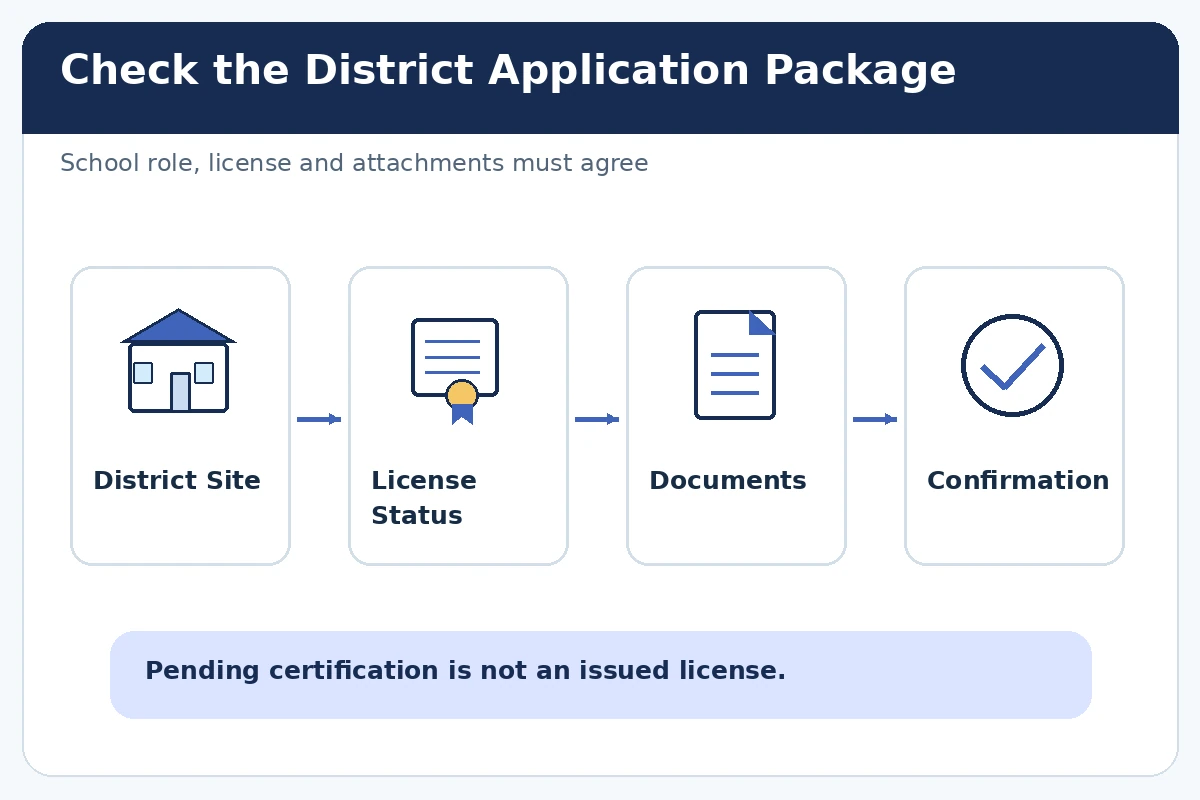
Quick answer: Before completing an online teacher application, verify the jurisdiction, grade or subject assignment, and the status of your teaching certificate. Public-school requirements vary, and a pending credential is not the same as a license already issued. Use the district’s actual posting to map each requested transcript, endorsement, teaching experience, reference, and attachment to a truthful record. Do not assume a generic job-board form completes the district’s own application.
The sample responses below are hypothetical, not actual hiring outcomes. Exact fields, eligibility rules and processing steps depend on the employer and vacancy. Follow the real posting rather than treating these examples as a universal form.
Start With the District and Assignment
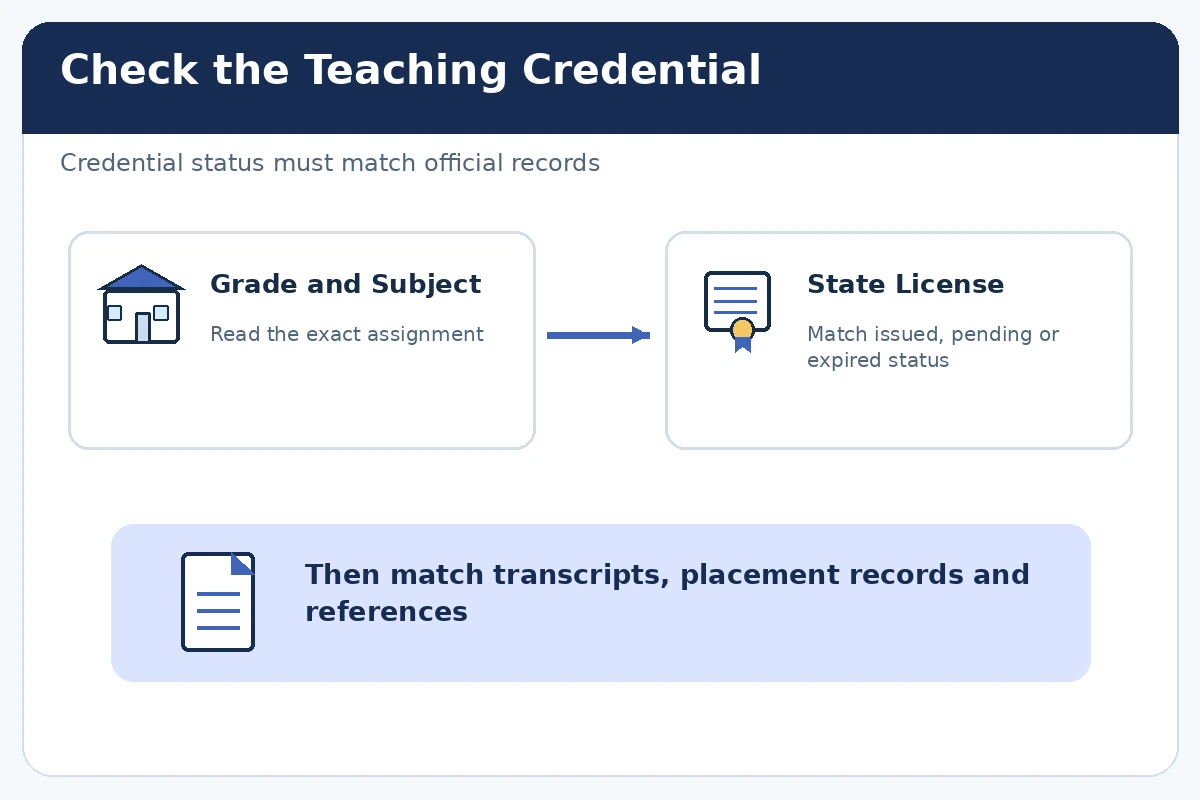
A district application may list elementary grades, a particular subject, special education, substitute work, or a temporary assignment. These may have different requirements, so record the job number, school or district, grade band, closing date, and hiring system. Read “minimum qualifications” separately from “preferred.” Public kindergarten and elementary teachers generally need state certification or licensure, according to BLS. Requirements differ across states. Do not use an elementary license to claim eligibility for an unrelated subject or special education assignment without checking the relevant state licensing agency and job posting.
Report the Exact License or Endorsement Status
A license field may distinguish active, provisional, pending, expired, or applied-for. Use the status that is true today, not the status you expect by the first day of school. If a certificate number, expiration date, or endorsement is required, check your official state record. If your application is pending, use the portal’s pending option and explain only what you can document. Student teaching, subject coursework, and professional development can be valuable, but none automatically replaces a required license. The job posting, school type, and state credential authority determine whether you can be considered.
Prepare Records in the Requested Format
Collect your education history, transcript types, official degree names, student-teaching placement dates, and relevant certificates before beginning the form. Some systems require an unofficial transcript at application time and an official version later; do not guess. Name each attachment clearly on your computer, select the file type the employer allows, and preview the uploaded page order. A resume does not necessarily substitute for separate work-history fields, supporting statements, or a state application. If a document is unavailable, verify whether you may apply while it is pending instead of uploading a misleading replacement.
Describe Classroom Experience Without Inflating Authority
Student teaching should be labeled as supervised classroom practice, not employment as the licensed teacher of record unless that was your actual job. Describe the grade band, teaching task, lesson planning contribution, assessment support, and mentor review. A paraprofessional or teaching assistant role can provide experience with routines and student support, but it does not necessarily establish independent instructional authority. Use only student materials you have permission to share, remove identifiable student information from any portfolio sample, and follow district privacy guidance. A good example conveys what you did and who supervised it, not fabricated test score growth.
Answer Reference and Supervisor Fields Thoughtfully
District forms may request cooperating teachers, supervisors, principals, or professional references. Ask for permission before entering someone’s phone or email. Give the reference the job description and remind them of the work they actually observed. Do not identify a peer as your direct supervisor if that was not their role. If the application asks about previous employers, use the real dates and reporting relationships; some systems check those fields independently from attached resumes. Accurate references support the application better than prestigious names unfamiliar with your classroom practice.

Use a Hypothetical Classroom Evidence Statement
Hypothetical example: A candidate completing a supervised grade-three placement writes: “Planned small-group reading activities with my cooperating teacher, recorded lesson observations, and revised instructions after mentor feedback.” This demonstrates classroom preparation without claiming independent licensure or guaranteed student achievement. If the portal asks for a license number and the candidate has only applied, they should select the documented pending status if offered or use official district support for instructions. Do not type a future or guessed number to bypass a required field. This is an illustrative response, not a real candidate outcome.
Confirm the Portal Is the District’s Actual System
A listing on a general job board may point to the school district’s separate recruiting software. Navigate through the district’s published careers page, verify the role remains open, and follow its final submission steps. Beware of fraudulent recruiters asking for bank details or identity documents before normal verification; the FTC outlines common job-impostor tactics. Public education jobs may legitimately require background checks and identity verification during a formal hiring process, but the timing and channel should be established directly with the hiring authority.
Review Credential Questions and Submit Once
Use the final review screen to compare grade level, endorsements, certification status, work history, employment dates, and attached documents. Check the district’s instructions for required references and any separate questionnaires. Save a confirmation or candidate portal record. If the application appears incomplete, investigate the portal status before clicking submit again. Some employers allow edits before a deadline; others require HR help. If you notice a misreported license status, contact the district promptly through its documented correction route. A successful upload is not a promise of credential approval or an offer.
Prepare for a Role-Specific Follow-Up
Keep a private copy of your application answers, licensing verification, classroom examples, and questions for the district. If invited to interview, be ready to discuss differentiation, lesson structure, classroom routines, and how you responded to mentor feedback without exposing student records. Check whether the district expects demonstration teaching or additional background documentation. Do not send student identifiers, confidential evaluation reports, or unapproved classroom images as unsolicited attachments. The application should help hiring staff understand your readiness while respecting the responsibilities and privacy of the school community.
How We Research Online Application Guidance
This guide combines the checked primary and professional sources BLS Teacher Requirements, CareerOneStop Application Tips, FTC Job Scam Guidance. Each source supports a defined issue, such as job duties, safe work, licensure, agency submission, or recruiting fraud; none verifies a particular open vacancy. The response examples are hypothetical and should be rewritten to match your actual experience. Our affiliate disclosure explains site relationships; no link here is presented as a confirmed affiliate referral.
Related Job Search Guides
- Supporting Documents for Online Job Applications: What to Upload
- Teacher Job Application Email: Match the Assignment and Required Credentials
- Is an Online Job Application Portal Safe? Verify Before Sharing Your Data
- Online Job Application Assessments: Prepare Without Guessing
- Teacher Job Search Sites: Find District Openings and Check Credentials
Check the state and district rules. Use the actual pending status; do not claim an issued license or invent a number.
Describe it as supervised student teaching unless it was also an actual paid employment relationship.
Follow the specific posting. Some employers accept an unofficial copy initially and require an official version later.
Reuse verified facts, but match each grade, subject, school need, and instruction to the actual posting.
Use the district portal’s edit or official HR correction process promptly; do not silently leave a false credential claim.