
An IT internship resume can demonstrate useful troubleshooting even if you have never worked on a corporate help desk. Show a home lab, campus project, or approved volunteer task with a clear symptom, safe diagnostic step, observation, and outcome. Label simulated systems accurately. Do not claim you reset real employees’ accounts or closed production tickets if you practiced with test users. The examples are fictional learning models; your resume must use your own verified work.
Translate the job posting into three support problems
An IT internship may involve desktop support, inventory, software setup, knowledge-base documentation, or network basics. Read the real posting and identify three concrete needs rather than stuffing every technical acronym onto the page. A hardware-focused placement may prioritize device checks and peripherals; a help-desk placement may value patient questions, basic diagnostics, clear notes, and escalation. O*NET describes technical assistance and diagnostic records as part of computer-user support work, but an intern’s permissions are employer-specific.
Write a short evidence table: requested task, activity you genuinely performed, and proof you can describe. A course exercise about network connectivity is not a real incident. A family printer repair is not a customer-service ticket. A permitted campus help-desk shift is work experience if the role and dates are accurate. These distinctions should appear in the section title or bullet, not be hidden until an interview. An internship application benefits from a truthful bridge from learning to supervised workplace tasks.
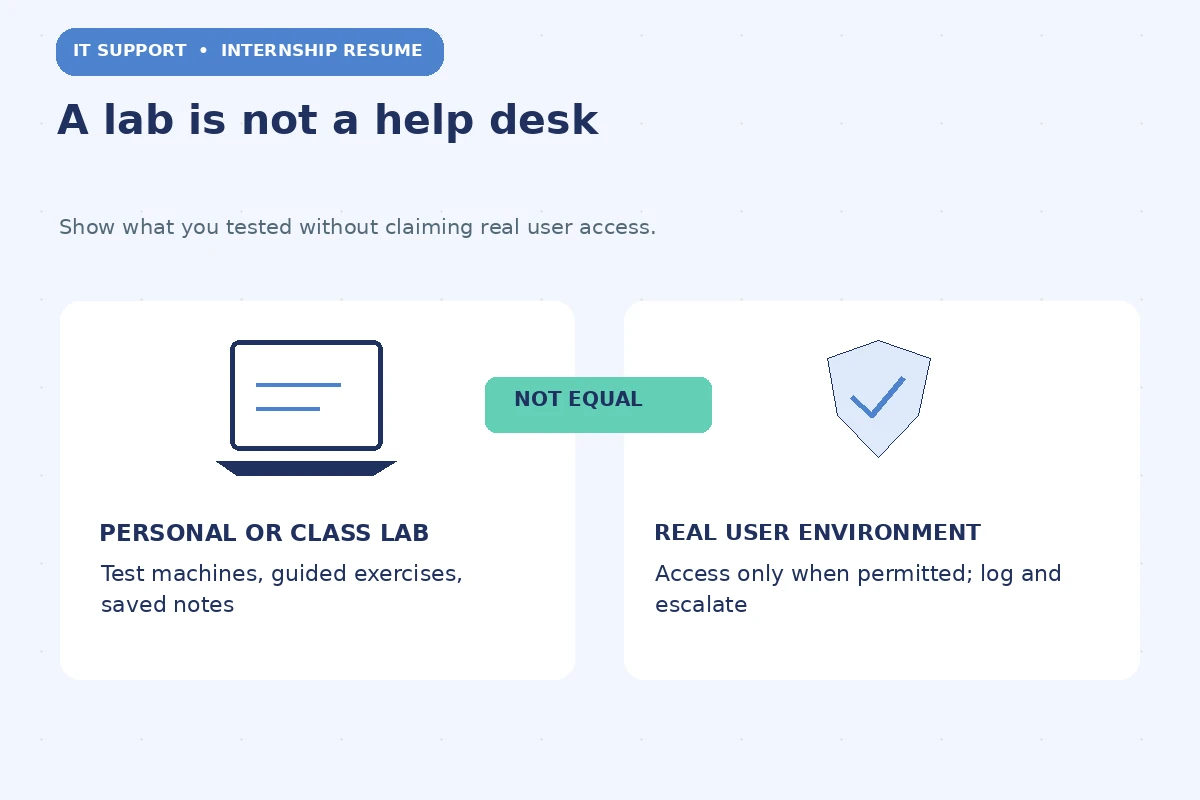
Build a lab section without pretending it is production
Name the environment: “Personal home lab,” “Course virtual machine project,” or “Campus network simulation.” Include the platform only if you configured it yourself. A useful description records the system, problem, change, verification step, and what you learned. For example, a student might configure a virtual machine, observe that a service cannot connect, check addressing, and document a corrected test setting. This is an invented scenario for instruction, not a credential or a guaranteed fix.
Do not list twenty tools used only once in a tutorial. Put the most relevant ones in Skills and connect them to a specific project. If you watched a video about cloud identity, that does not establish administrative practice. Separate reading, guided labs, and independent work. If a lab involved security testing, stay inside your own authorized environment; never claim production penetration testing or network access. A small, well-explained lab shows more interview-ready judgment than a large collection of unverified technology names.
Create a five-field troubleshooting record
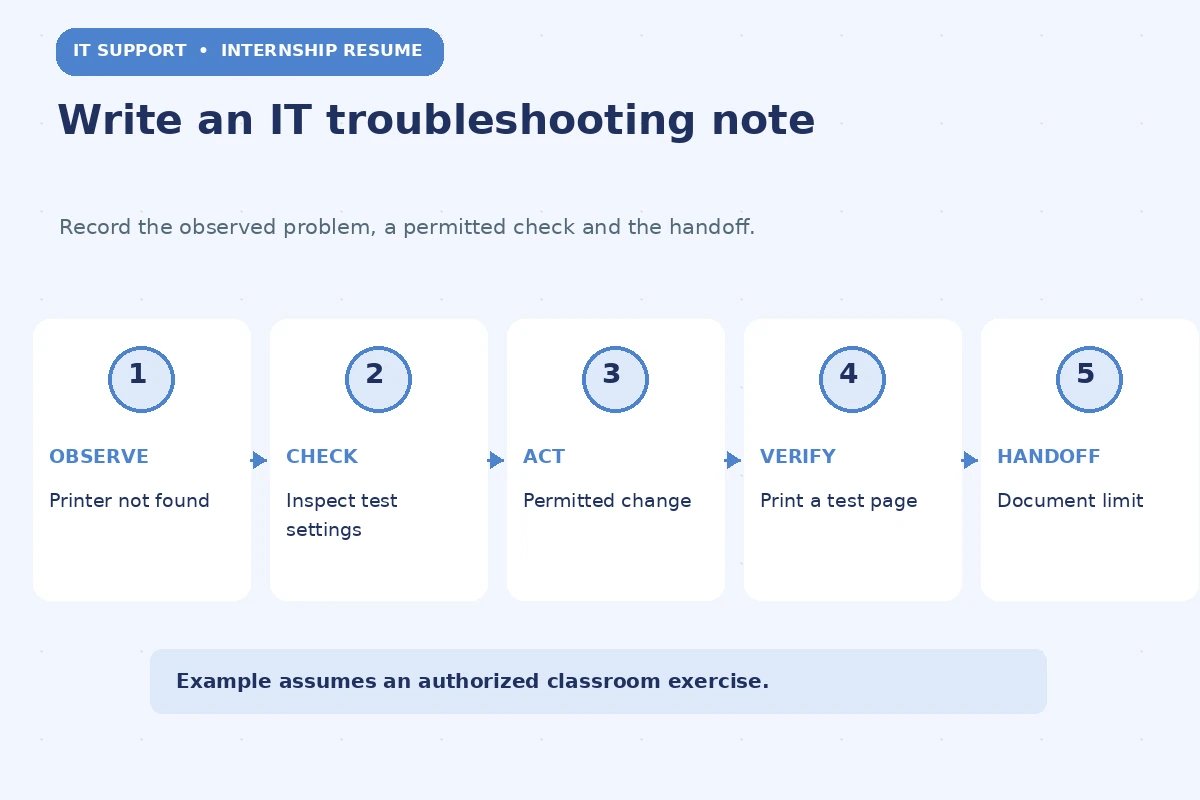
For an IT support bullet, reconstruct the problem without exposing credentials. The five fields are observed symptom, permitted check, action taken, verification, and next step. Suppose a fictional class exercise uses a disconnected printer. A precise bullet could be: “Documented a simulated printer connection issue, checked assigned network settings, tested a permitted configuration change, and confirmed output on a class device.” The text shows a process; it does not misrepresent the work as a real campus support ticket.
For actual user support, do not mention account names, screenshots of messages, IP details, or protected records. Summarize the class of problem and your approved actions. If escalation ended the case, say “referred unresolved access issue to staff” rather than “resolved all access issues.” Troubleshooting is not only producing a fix. It includes finding when the information is insufficient or the next step requires privileges beyond your role. Employers can assess judgment from that boundary.
Distinguish user communication from system administration
A student club technology helper might document instructions for using a shared display, verify setup with an organizer, and note problems for authorized support staff. That experience can demonstrate communication and repeatability. It does not grant authority to modify organization accounts, bypass passwords, or change network policies. If the internship asks for user support, an honest example of explaining a permitted step may be relevant even when it occurred outside paid IT work.
Try a sample statement only if accurate: “Created a quick-start guide for a student event projector, tested it with the organizer, and recorded follow-up issues for campus support.” Contrast that with “Administered university infrastructure,” which would be false for this task. If you contributed to a documented group project, indicate your portion, such as reproducing a bug or maintaining a setup checklist. Keep the responsibility level consistent with real access and supervision.
Use numbers only for objects you counted
Counts can clarify scope, but only with records. A home-lab project may have two virtual machines; a class network assignment may have several deliberately configured test devices. Report the exact count only if you can verify it from your notes. Never adopt online template claims of dozens of tickets, high resolution rates, or time savings. Those figures often depend on employer systems you did not use. Say what was observed, checked, and documented instead.
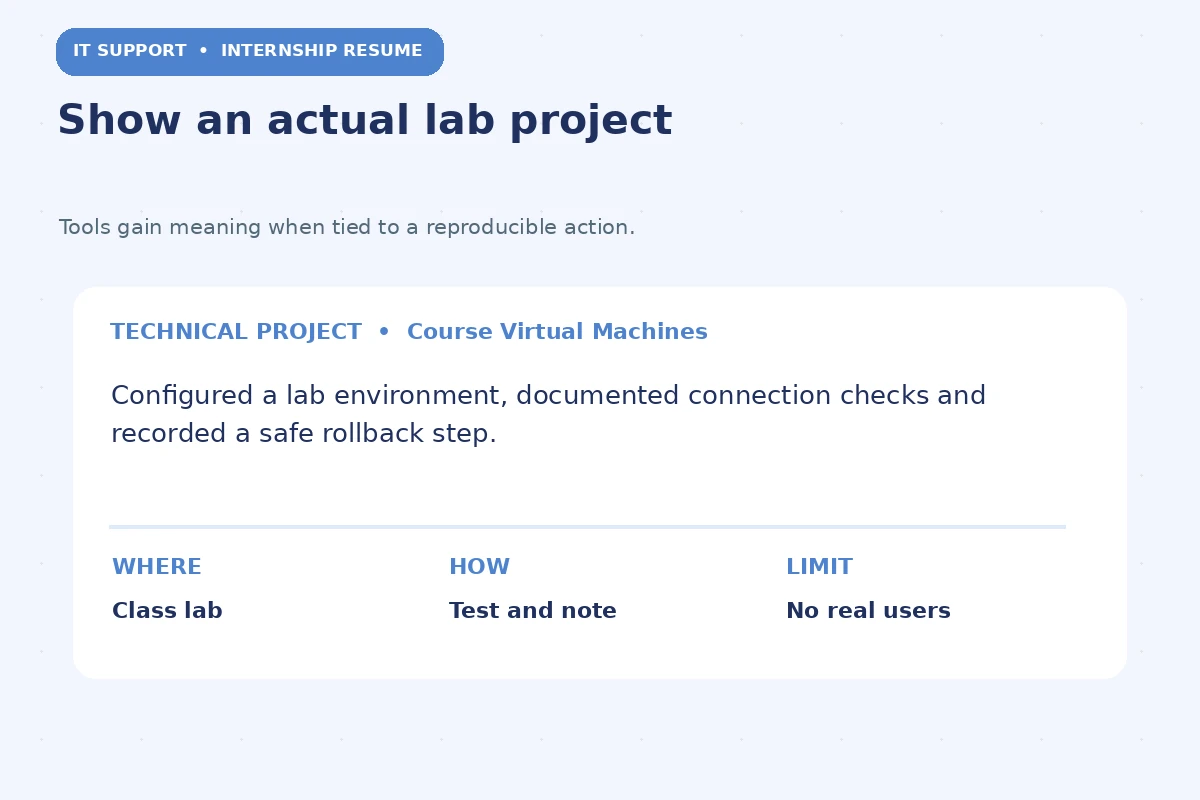
A strong hypothetical example is “Configured two test virtual machines for an assigned lab; documented connectivity checks and a rollback step.” This would be appropriate only for someone who did exactly that. If you do have real tickets, verify whether counts may be shared, whether you were the assignee, and whether a supervisor completed the work. The resume should not imply independent closure when the case was passed to someone with higher privileges.
Put education, projects, skills, and support work in useful order
For a current student, Education and Technical Projects often carry the strongest evidence. An applicant with a genuine campus help-desk role can put Relevant Experience before Projects. Use headings that reveal the origin of the work, and make course completion and expected graduation dates accurate. Mention an exam only as scheduled or in progress when that is true; never list an industry credential as earned until it actually is.
Break a long skills line into categories such as Operating Systems, Networking Fundamentals, Documentation, and Scripting. Do not treat the categories as a checklist to fill artificially. Each named item should be something you can explain or demonstrate. Include customer-facing or team work if it proves communication. UC Berkeley’s technical resume guidance treats projects as relevant proof, while UC San Diego emphasizes the individual contribution. Your section order should help a reader locate that proof quickly.
Make privacy and access control part of your story
Technical support often touches private data, authentication, and accounts. A responsible resume does not include screenshots of users’ emails, ticket extracts, device serial numbers, or security configuration that belongs to an organization. For actual internship or campus employment, follow the organization’s policy before describing tools, internal procedures, or systems. A generic summary of an approved help-desk task is different from publishing a case record.
Use a before-and-after check for every phrase: Is the first version exaggerated? Does the revision identify what you verified? “Fixed security problems” is too broad for most student exercises. “Checked access behavior in an authorized lab and documented an unexpected test result” is more limited and defensible. If your project involved other students, their data and permissions matter too. Do not confuse public GitHub code with a license to publish someone else’s internal material.
Run a support-oriented final resume test
Ask a friend to explain one project from your resume without your guidance. If they cannot tell what broke, what you tested, and whether the setting was a lab or real support work, the bullet is too vague. Replace passive claims such as “knowledgeable about networking” with an actual test or documented project. Check that the tool names align with your level of experience and the duties in the selected internship posting.
Export the file and test the PDF. Ensure project titles, dates, and labels remain readable. Keep one or two examples you can walk through in an interview, including an incorrect hypothesis and how you corrected it. Do not invent a happy ending for every case. An intern who identifies an issue, records the evidence and escalates appropriately may be showing exactly the judgment a supervised support team wants to evaluate.
How We Research Internship Resume Guidance
We checked U.S. university career-center recommendations for student resumes and projects, plus O*NET descriptions of related occupational duties. The profession-specific tasks illustrate possible evidence, not what every internship permits or requires. All resumes, projects, figures, and dialogue examples here are hypothetical demonstrations; copy the reasoning pattern, never an invented accomplishment. We did not interview employers or test claims about applicant-tracking systems.
Sources reviewed November 13, 2026: www.onetonline.org — O*NET describes computer-user support tasks such as diagnostics, user assistance, equipment setup and maintaining support records.; career.berkeley.edu — UC Berkeley presents technical projects and portfolios as valid ways for students to demonstrate skill.; careers.ucsd.edu — UC San Diego recommends specific project contributions, methods and measurable scope when appropriate..
This educational article is not legal, certification, professional-practice, or hiring advice. Check individual employer instructions, institutional confidentiality policies and supervisor permissions. Read the JobAsk affiliate disclosure. The links in this article are informational; no employer partnership, placement, or affiliate approval is implied.
More Resume and Cover Letter Guides
Yes, as a clearly labeled personal or course project. It is not paid help-desk experience unless you also held that role.
Only list a tool as a skill if you can explain what you actually did with it. Separate reading or demonstrations from hands-on practice.
Describe a troubleshooting record as a lab note or project issue log; do not label it a production ticket.
Only if you actually performed authorized work and may disclose the generic duties. Do not publish names, account details or procedures.
Requirements vary by posting. Verify the actual qualifications and report any credential or exam status accurately.