
A remote customer support vacancy can involve calls, chat, email, order questions, account issues or technical triage. These are not interchangeable. Read the posting for the actual customer group, service channels, documentation system and escalation responsibilities. Some support work is home-based; BLS confirms that working from home is possible at some companies but does not describe every customer-service role as remote.
Define the support role before applying
Start with three columns: support channels you have used, evidence you can demonstrate, and duties that would require training. A person who answered community questions by email should not relabel that activity as authorized access to a bank’s customer accounts. A person who helped a classmate troubleshoot a device can describe the assistance without claiming to be a certified support technician.
Verify the online opening independently
Remote work advertisements are a frequent target for impersonation. Instead of relying on a message link, visit the company’s official site and find its vacancies through the careers navigation. Compare the job title, location, job number, and employer name. If the application uses a recruiting platform, confirm that the employer’s own site connects to it. A good-looking logo or a polished PDF is not enough.
The FTC describes scams in which fake recruiters conduct chat-only interviews, send supposed equipment checks or seek bank information before legitimate hiring. Do not pay for access to a promised support role, move money for an equipment purchase, or provide login verification codes to a stranger. For an unfamiliar organization, verify its corporate identity through independent sources before submitting personal details.
Read remote location restrictions literally
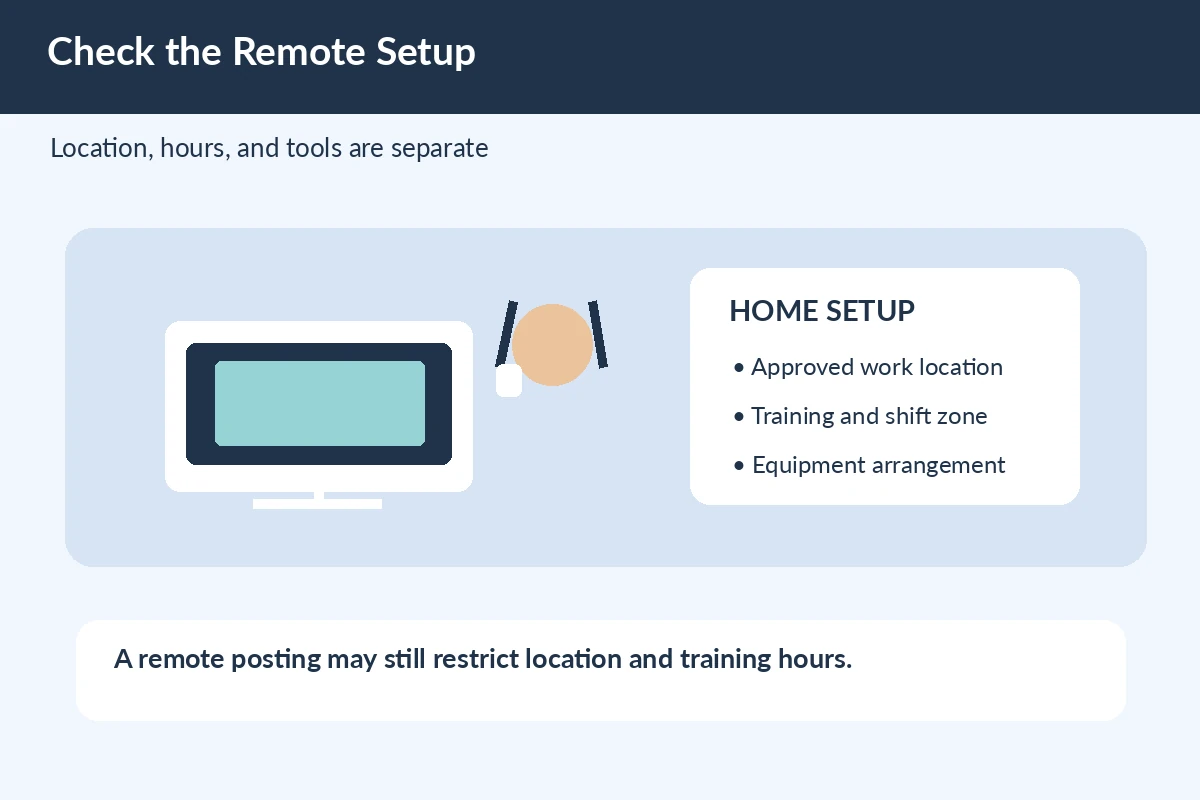
“Remote” can mean remote from an approved state, a specific time zone or a country, not unrestricted work from anywhere. An employer may have business, support-hour or other reasons for limiting a home-work location; do not invent a universal legal rule. The vacancy’s exact wording is the decision point. If you live outside the permitted area, do not enter a false address to pass the application.
Make a short comparison of the allowed work location, training location, occasional office attendance and required hours. If one is unclear, send a narrowly worded question using the employer’s verified recruiting contact. You can ask whether the position permits residents of your location without disclosing unnecessary private information.

Check hours and equipment separately
Customer service may cover evenings, weekends or multiple shifts. An availability form should reflect the time zone stated in the vacancy, not just the clock on your device. Record any compulsory training schedule and whether the work involves telephone calls in a quiet setting or written responses that require a secure connection. These are operational questions, not promises that the employer will supply a particular device.
A legitimate equipment policy should be clear in verified employer communications. Be suspicious of instructions to deposit a check, buy equipment from a special vendor or return excess money, which the FTC identifies as a common scam pattern. Ask the verified employer what equipment, network access or training is actually expected before spending anything.
Select evidence for a customer contact role
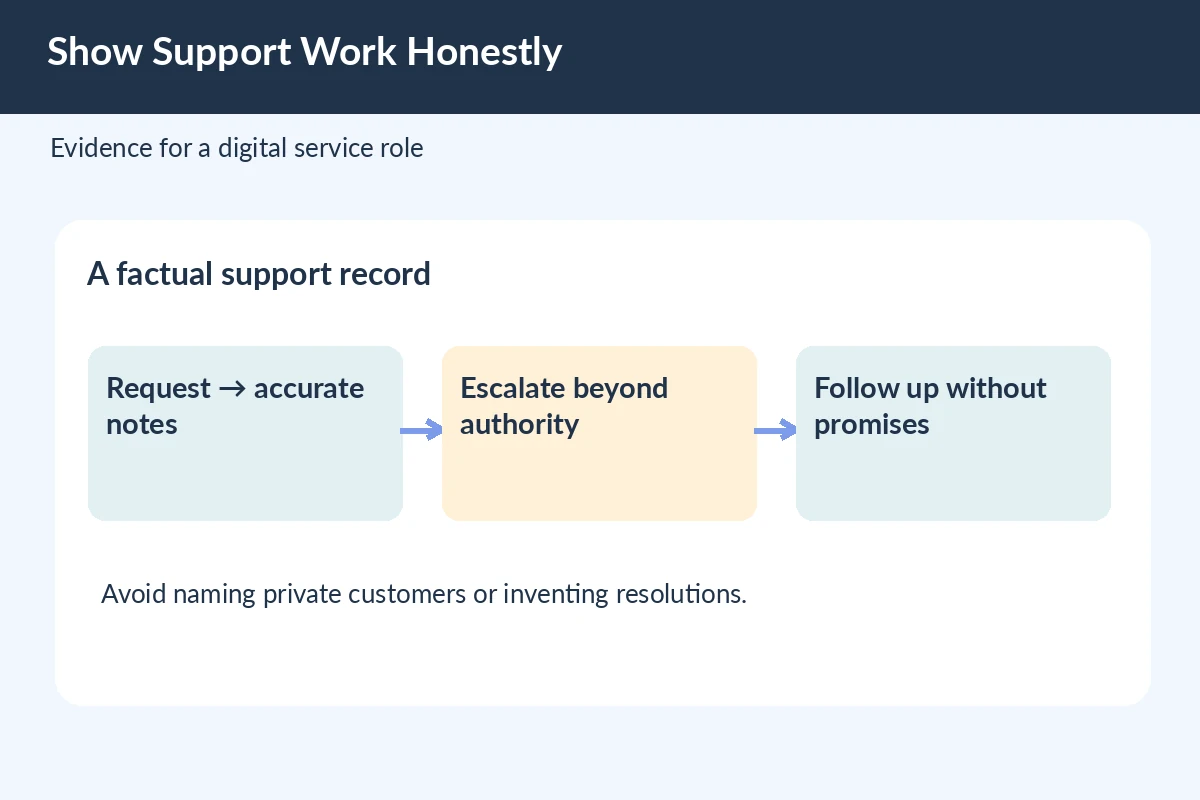
If you have prior support experience, show how you received a request, confirmed a fact, documented what happened and routed unresolved work. A hypothetical line is: “Recorded customer questions in a shared queue and escalated policy exceptions to the team lead.” That wording works only if you actually used a shared queue and made those handoffs. Do not claim access to confidential systems you never used.
For a first job, a school help desk, volunteer inbox or event registration task may provide transferable examples. Label that setting honestly and state what you controlled. Remote hiring teams may care about written clarity and follow-through as well as friendliness, but a generic statement that you are “great with people” does not show how you resolve a support case.
Complete the online form with matching facts
Use the exact employer and position title for the role you selected. Many forms ask the same information found in a resume, so inspect automatically transferred dates, locations and job titles. If a question asks whether you have specific CRM experience, do not say yes because you used an unrelated spreadsheet. Explain an adjacent skill only in a field that permits detail.
Use a consistent contact email and a file version tailored to customer support. If a portal requires a skills assessment, follow the employer’s instructions and do your own work; do not infer that a third-party practice quiz is the real employer test. Never send sensitive records from a previous employer as a work sample.
Use a strong short application statement
An illustrative application note can say: “I am applying for the customer support position listed for the Eastern time-zone schedule. In a volunteer service role, I responded to questions through a shared inbox, kept factual notes and referred unresolved requests to the coordinator. I am available for the listed training schedule.” Replace the geography and evidence with your real situation.
The note does three jobs: names the actual role, demonstrates service activity and confirms a practical requirement. It does not promise that every issue was resolved, claim access to private customer accounts or state that remote work means independently deciding company policy. The source of truth remains your work history and the posting.
Confirm submission without exposing accounts
Check for a position-specific confirmation screen or email, rather than assuming a saved profile has reached a recruiter. Record the job ID, permitted location, training hours and resume version for follow-up. If the site reports a technical problem, use the employer’s documented support route; sharing your password or one-time code with an unsolicited helper creates a separate risk.
Do not resubmit repeatedly because someone in a messaging app tells you your application has disappeared. Verify the portal record first. A legitimate recruiter may ask useful follow-up questions, but the source and privacy of the request matter as much as its wording.
Prepare for the next stage, not a fantasy offer
Review a few scenarios: the customer wants a refund outside policy, a ticket contains missing data, or a message requires a specialist. Explain how you would verify facts, communicate the next step and escalate appropriately. For remote work, be ready to explain how you manage reliable contact, written notes and privacy without pretending that you can promise outcomes outside company policy.
An interview invitation should come through a verifiable channel. Keep applying elsewhere until you have a legitimate offer from a real employer; a promising portal status is not evidence of hiring.
How We Research Online Job Applications
We reviewed U.S. occupational descriptions, university career-center guidance, and FTC consumer protection material as relevant to this specific online application. Our editorial examples and field labels are hypothetical, not screenshots of a live employer portal. The employer’s own posting and authorized application instructions determine eligibility, file types, deadlines, screening and training. The guidance is informational and cannot guarantee an interview or offer. Review date: November 10, 2026. We do not assume a saved profile is a completed application or that a candidate possesses access, certification or approval they have not earned.
Primary and reference sources reviewed November 10, 2026: www.bls.gov (BLS notes that some customer-service jobs can be performed from home and describes support work and training.) consumer.ftc.gov (FTC details common work-from-home job fraud and warns against payments or fake equipment checks.) consumer.ftc.gov (FTC advises independent verification of remote opportunities and protection of financial data.) Examples are fictional and should be replaced with the reader’s own dates, work history and documents. This independently prepared article does not imply paid placement or any employer endorsement. Read the JobAsk affiliate disclosure.
Related Job Search Guides
No. The employer may restrict the approved location, time zone or required training site. Follow the exact posting and verify uncertainty with the real employer.
Do not act on a request for a purchase, check deposit or reimbursement arrangement from an unverified recruiter. FTC materials specifically warn about equipment-check job scams.
Yes, if you describe what you actually did and label it volunteer experience. Do not imply access to private customer data or formal CRM systems you never used.
Start with the employer’s independently located website or contact channels and verify the role and person. Branding or an unsolicited message alone is insufficient.
No. Check the actual application record or confirmation tied to the role; a profile and draft can exist without a completed submission.