
For a virtual interview, dress to the employer’s expected professional level, not to the fact that you are at home. Pick clean, comfortable clothes that look clear on your actual camera, test them under your lighting, and keep the entire outfit presentable even if you plan to stay seated. Plain or subtle fabrics often display more consistently than fine stripes, strong glare, or busy patterns; that is a practical camera check, not a rule that one color always wins.
The goal is to help an interviewer see and hear you without distractions. Eastern Washington University’s interviewing guidance advises checking attire in the screen view, while USC recommends reducing background noise and making sure a candidate’s clothing is professional from head to toe. A screen test is more reliable than deciding from a clothing photo, because the webcam, exposure, background and room lighting all change what appears on the call.
Start With the Employer Standard, Not the Webcam
Review the interview invitation and the organization’s dress expectations. A bank or corporate office may call for business professional clothes; a creative or technical team may indicate a less formal level. A video call is still an interview, not permission to disregard the company’s guidance. When the employer does not specify a level, choose a neat professional default and ask the coordinator if you need to confirm an unusual setting.
If you usually wear religious or cultural attire, focus on a comfortable and appropriate presentation consistent with your identity and practical needs. Advice about camera-friendly fabrics should not become a rule that every candidate must look identical. Select the clothes you can sit and speak in comfortably. That often matters more than trying to copy an influencer’s carefully lit video outfit.
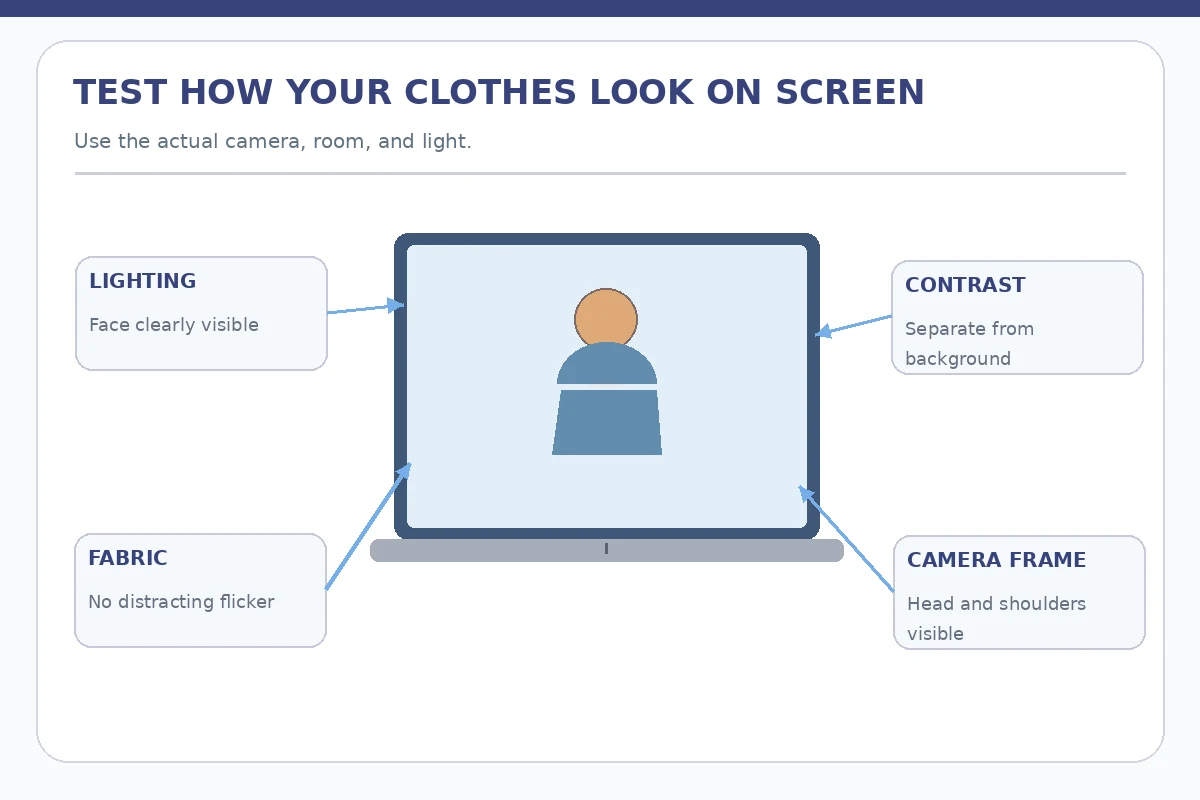
Check Contrast Between Clothes, Face, and Background
Open the same video platform and camera you plan to use. Sit where you will actually take the interview, with your expected background in view. If a dark jacket disappears against a dark backdrop, add contrast through lighting, a different top or a slightly different seat angle. If a bright pattern flickers or draws your own attention, try a simpler fabric. Look for comfortable visibility rather than a universal “best interview color.”
Check whether overhead lighting makes glasses reflect or places your face in shadow. If possible, use soft light in front of you rather than a bright window directly behind your head. Make a short local test recording without confidential material, review it, and delete it when finished if not needed. The point is to confirm practical appearance, not to create or publish a recording of another person without permission.
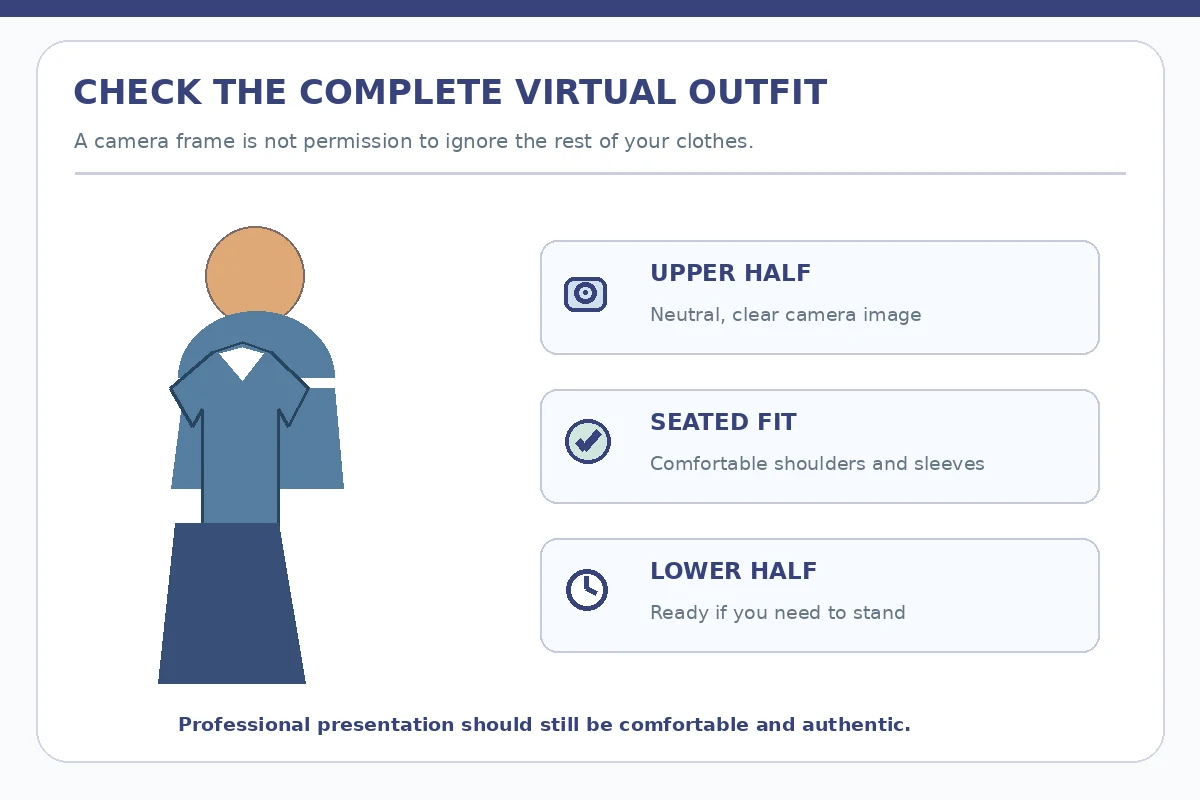
Keep the Whole Outfit Ready for Movement
Even if you expect a head-and-shoulders camera frame, keep your lower half professionally dressed. You may need to stand to fix a charger, retrieve a document, or adjust the camera. USC and other university career centers recommend treating video interview clothing as a complete outfit. Choose comfortable pants, a skirt, dress, or other appropriate lower garment that coordinates with your top without restricting movement.
Test seated posture and avoid clothing that bunches dramatically or requires frequent adjustments. Keep sleeves from rubbing noisily against a tabletop microphone. If using earbuds or a headset, check that hair, collars, jewelry and cables do not brush the microphone. You do not need expensive clothes or a studio setup: a clean outfit and functioning camera often do more than new accessories.
| Camera check | What to inspect | Practical change |
|---|---|---|
| Color and background | Does clothing disappear into the wall? | Adjust contrast or light |
| Patterns and focus | Do stripes or prints flicker? | Try a simpler fabric |
| Movement and audio | Can you stand and speak comfortably? | Test complete outfit and microphone |
Run a Quiet Five-Minute Preflight
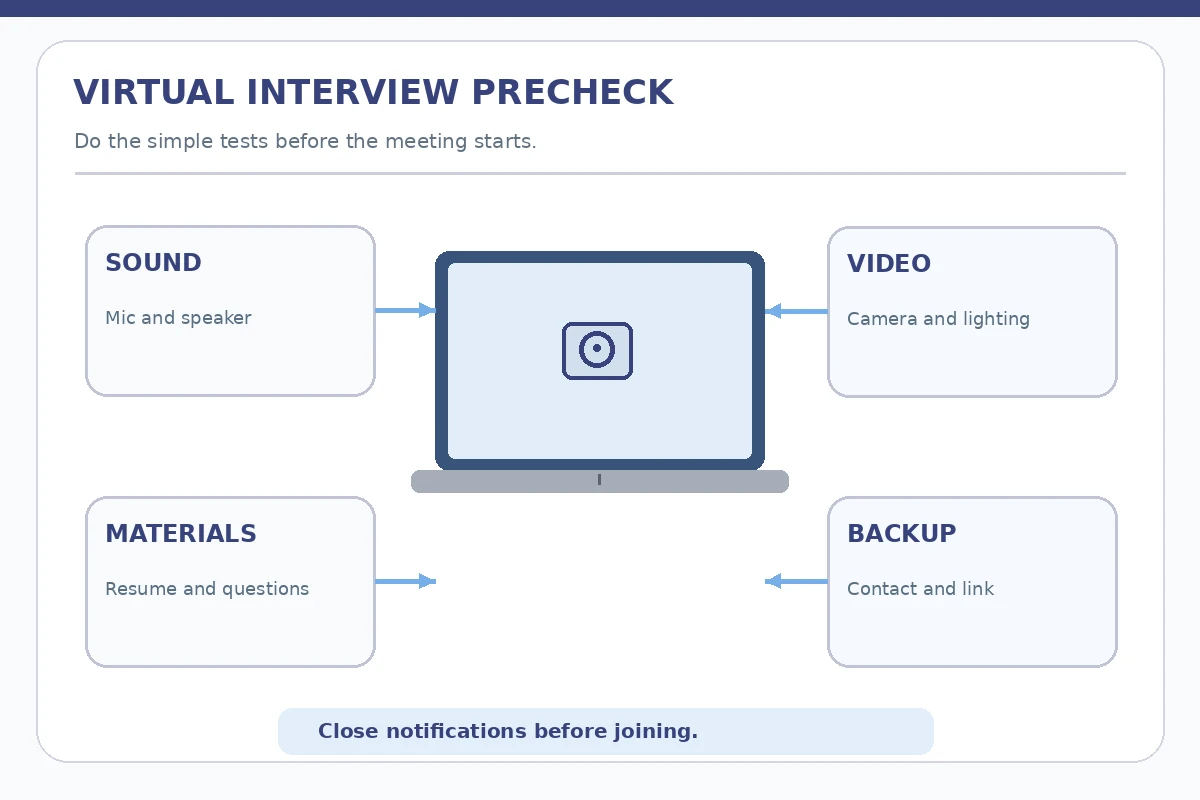
Check camera height, microphone input, speakers or headphones, charging, internet connection, notifications, and the link or meeting code. Then look at your outfit once more in the actual camera frame. Prepare the resume and two or three questions off to the side without covering the screen with notes. If the background is messy, use a tidy wall or a restrained background effect if the platform supports it and it works reliably.
Keep your contact information and a backup method available in case the platform fails. You need not read your full resume on screen; the purpose of notes is to reduce uncertainty, not replace conversation. If the video glitches, say what happened briefly and follow the interviewer’s preferred backup route. Technology setbacks do not automatically prove a lack of professionalism; your response can be calm and practical.
Avoid Treating Camera Appearance as a Hiring Formula
One job interview does not have a universal score for clothing color, hairstyle, or tie pattern. The employer’s requirements and the conversation matter. Do not use claims like “navy wins interviews” or “a blazer guarantees trust.” What you can verify is that the clothes look neat, your face is visible, and you can move and speak comfortably. Choose a setup that allows attention to return to your actual examples and questions.
If you use an accessibility aid, a particular chair, a different camera position, or a headset, include it in your test rather than following a generic illustration at the expense of comfort. The video platform is a communication tool, not a test of whether your home looks like an office. Remove unneeded distractions where practical and make sure you can demonstrate role-related skills in words and examples.
A Realistic Virtual Outfit Test
Consider a hypothetical candidate joining an online operations interview from a small apartment. They start with a fine-striped light shirt, but the test video shows flickering stripes and their face is poorly lit by a window behind them. Instead of purchasing new clothes, they try a plain top already owned, turn the chair to face soft daylight, and adjust the screen so their face is centered. They also choose comfortable professional trousers rather than treating the camera as a waist-up disguise.
The candidate checks audio, closes notifications, and keeps a paper copy of the job posting nearby. The improvement is observable: the video is easier to view and the candidate can sit without adjusting clothing. It is not evidence that the candidate will be hired or that a particular fabric affects employer preferences. This example illustrates a repeatable preparation test, not a guaranteed formula.
How We Research and Verify Interview Advice
We reviewed these publicly available guidance sources on 2026-11-14: Eastern Washington University Career Center (Eastern Washington University advises checking virtual interview clothes on screen and avoiding distracting patterns.) USC Career Center (USC describes virtual interview setup, notifications, posture, and complete professional attire.) Boston College Career Center (Boston College recommends dressing for a video interview as for an in-person interview.) The practical scenes and sample wording in this guide are hypothetical illustrations, not real employer instructions, job offers, or claims about how a hiring decision will be made. Employers differ in dress expectations, procedures and assessments; use the verified invitation and direct contact as the controlling instructions. No approved affiliate partnership or guaranteed outcome is implied. Read our affiliate disclosure.
More Interview Preparation Guides
Yes, if that matches the employer’s instructions and role. Virtual interviews do not automatically require a suit or permit pajamas.
There is no universal best color. Test contrast against the background, lighting, and actual camera image.
A complete, appropriate outfit is safer because you may need to stand or move during the call.
No. Follow the employer’s dress expectations and choose clean, role-appropriate clothes that fit comfortably.
Prioritize a stable connection, usable audio, visible face, professional presentation, and a backup plan; an expensive setup is not required.