
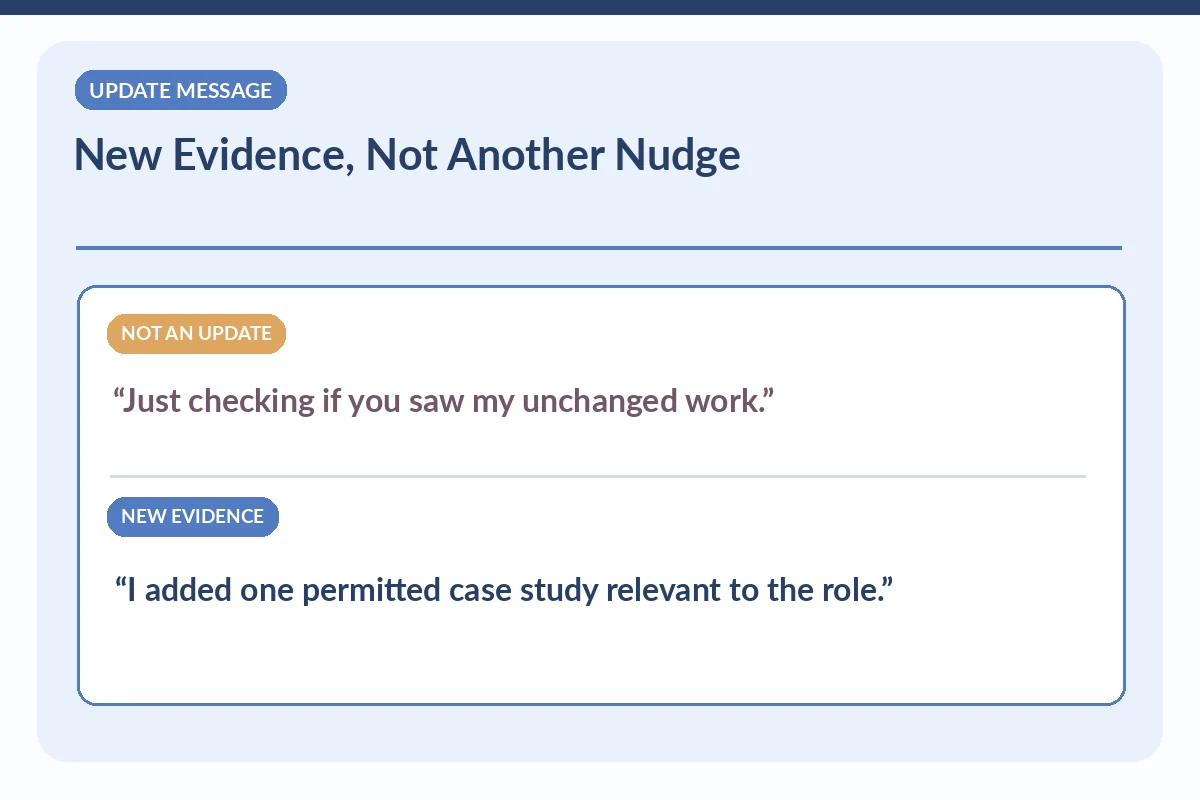
An updated portfolio can be a good reason to contact a recruiter after applying—but only when the new material helps evaluate a requirement in the actual job. Select one relevant work sample, explain your role in it, and confirm that the recruiter can view it without signing into your private account. Do not send the same portfolio link repeatedly as a way to demand an update. A new design case study, reviewed technical document, or permitted code demonstration may be helpful; an unchanged gallery is not new evidence.
The application channel still matters. If an employer asks candidates to upload documents to a portal, first check whether it allows updating your materials. University of Minnesota Duluth describes tailoring experience to a job description; the University of Georgia career center suggests concise, relevant introductions after an application. Neither source guarantees that an additional email is useful in every hiring process. Use an update only when it adds substance and the recipient accepts that kind of contact.
Decide Whether This Is a Real Update or a Status Nudge
Write down what has changed since you applied: a new case study, improved documentation of a permitted project, a publicly reviewable sample, or newly completed training accurately described. If nothing substantive changed, do not label your unchanged portfolio “updated” to get attention. A status check is a different communication with its own timing and etiquette. Also check whether the employer’s instructions say no direct contacts or require updated files only through the applicant account.
Your decision can be simple: new evidence directly matches a stated job responsibility, the sample can be shared, and the recruiter is the appropriate contact. If one condition fails, repair it before emailing or skip the message. Do not attach a large file collection to prove enthusiasm. A one-line explanation of relevance is more useful than a folder link requiring a recruiter to guess why the work matters.
| Situation | Good next action | Boundary to observe |
|---|---|---|
| New and role-relevant | Share one approved sample | Explain what changed |
| Unchanged gallery | Do not send as an update | Use normal process |
| Private or restricted material | Do not share publicly | Use safe original practice work |
Choose One Work Sample With Clear Personal Attribution
Pick a sample whose task matches something in the posting. For example, if the opening involves technical documentation, show a revised help article with an explanatory note about your writing, testing, and reviewer feedback. If a project was collaborative, distinguish the sections you wrote from layouts, analysis, or code owned by teammates. Do not adopt the entire team’s result or cite a fictional lift in engagement as if it had been measured.
An illustrative personal project can still demonstrate a skill when properly labeled. Say “independent practice case study” or “course assignment” where appropriate. It should not be described as a paid client project. A portfolio viewer should understand what the source material was, which decisions you personally made, and what was reviewed or tested. Remove hidden names and any copied customer, user, or patient data before sharing.

Run the Sharing and Access Checks Yourself
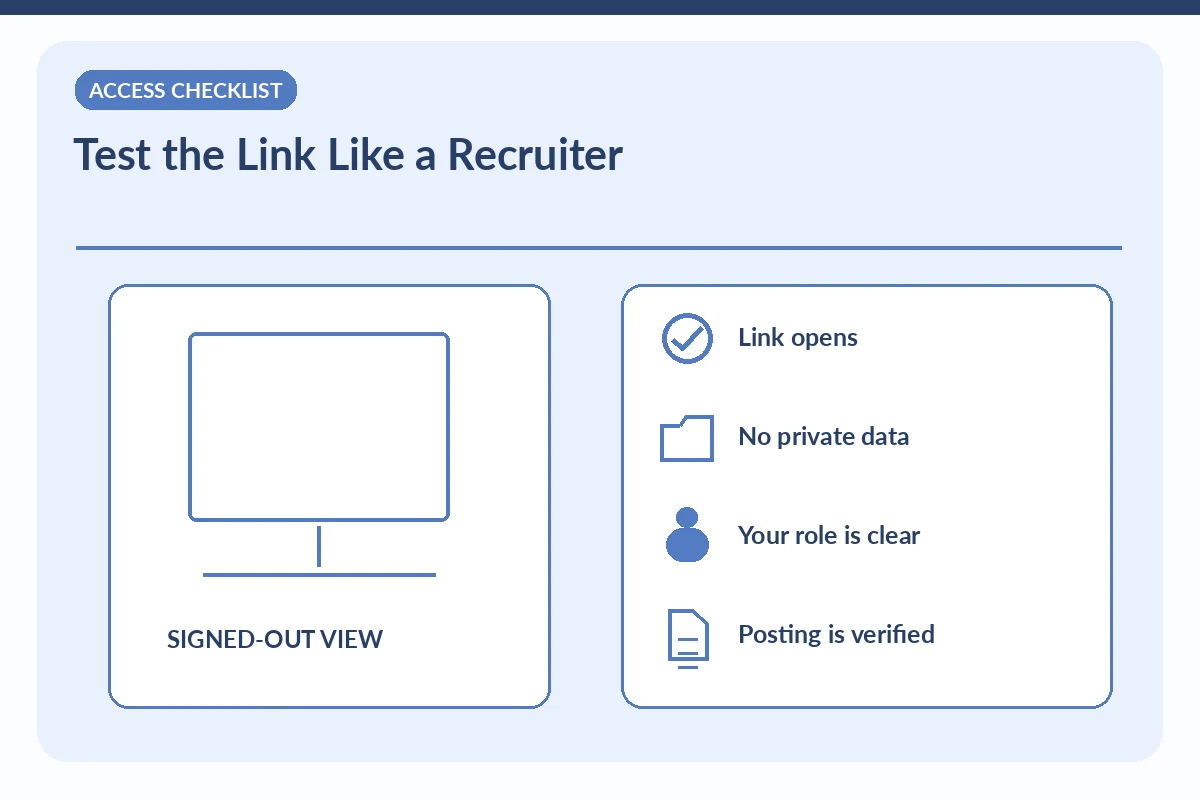
Open the link in a private browsing session or signed-out view to see what an external reviewer can actually access. Confirm that the content loads, the correct page is linked, and the document does not reveal unnecessary addresses, phone numbers, internal conversations, or customer files. If you cannot give access without collecting the recruiter’s personal email or adding them to a private group, use a different permitted sample or rely on the employer’s secure submission route.
Test mobile readability and captions for diagrams that may not convey meaning without text. If a sample uses screenshots, blur or remove details only when you have authority to use the underlying material at all; visual masking is not blanket permission to redistribute proprietary content. When in doubt, create an original practice example clearly labeled as illustrative. A public-looking link is not evidence that you have the rights to share the work.
Write the New-Evidence Note in a Few Sentences
Hypothetical message: “Subject: Documentation Specialist application — relevant work sample update. Hello [recruiter], I applied for the Documentation Specialist opening through your careers page. Since then, I published a permitted example of a troubleshooting guide that I wrote and revised after review. It illustrates the step-by-step documentation listed in the posting: [safe link]. I wanted to share it in case supplementary samples are useful. Thank you, [name].”
Do not claim the example was reviewed if it was not. Substitute the actual role, verified application date, and content that can safely be viewed. Keep the note informational rather than asking for a hiring decision. If the recruiter invites a portfolio review, be ready to explain how you planned, changed, and checked the work. If they direct you to the portal, follow the process rather than insisting they open your personal link.
Prevent Conflicting Versions Across Channels
Check whether your updated portfolio and resume tell a consistent story. A resume saying a project is in progress should not point to a page claiming the final product was shipped to customers. Note the project date and what is new. If the application portal allows an updated link, use it consistently so the recruiting team does not evaluate two contradictory descriptions. Maintain a simple log of which version was sent where.
Do not revoke link access immediately after sending if the employer will need it for screening, but also do not leave sensitive unpublished material public indefinitely. Plan which materials you can safely keep available. A recruiter might never click the link, and that does not measure your skill or the quality of the work. The goal is an accurate, accessible evidence trail, not a speculative view count.
Respect Review Workload and Silence
If the sample is genuinely new and relevant, a single concise message may be reasonable. Do not send daily revisions, read receipts, tracked links that expose the recipient, or follow-ups pretending a new upload every time. If the recruiting team has requested no direct outreach, comply. If they ask for a different file format or a secure portal, use that channel after verifying it. Avoid routing confidential files through personal email to bypass an employer’s access policy.
A response may be a brief acknowledgment, a direction to update the application, or no response. None guarantees interview priority. Evaluate whether the outreach made the evidence easier to find and understand. That is the appropriate success criterion. If you later discuss the work in an interview, keep the same attribution and explain actual limitations or reviewer feedback instead of adding retrospective performance claims.
Worked Example: What the Recruiter Really Needs to Know
Hypothetical: A UX applicant has added a clearly labeled student usability case study that describes participant consent, personal analysis and limitations. The recruiter’s posting explicitly requests case studies. The applicant verifies that the page opens without login and sends one relevant link. They do not call a class exercise a live company deployment or disclose participant names to appear more experienced.
Do Not Turn the Message Into a Second Application
A recruiter note should make the next decision easier, not reproduce every section of a cover letter. Identify the specific vacancy if one exists, state one relevant fact about your work, and ask one answerable question. Keep a local record of the role, verified contact, date, version of materials, and response. Follow the stated application channel; a message is not a substitute for a required portal application. If the posting forbids outreach, respect that instruction and work through the formal process.
Protect Your Information Before You Press Send
Check the employer or recruiting firm through its official site or a separately verified channel. The FTC warns that impersonators may use polished job descriptions and false offers to request money, banking details, or identification. A legitimate-looking name, social profile, forwarded introduction, or employer logo does not itself prove a contact is authorized. Never purchase equipment, share financial credentials, or upload identity documents merely to gain a recruiter conversation. When the role cannot be verified, stop and ask the employer directly.
How We Research Recruiter Outreach Advice
Sources checked on 2026-11-15: career.d.umn.edu (Job materials should prioritize relevant examples, truthful accomplishments, and work the candidate actually completed.); career.uga.edu (A concise application introduction can connect an actual submission to one or two demonstrated skills.); consumer.ftc.gov (Verify the claimed recruiter before sharing personal information or files.). Job-search examples are hypothetical and do not represent a recruiter response or employer policy. University guidance describes general professional communication; verify any actual vacancy, application instruction, recruiter identity, and sharing permission independently. We do not claim an affiliate partnership. See the affiliate disclosure.
Related Job Search Guides
No. A message should add meaningful role-relevant information and comply with the employer’s communication instructions.
Only with appropriate permission and under the applicable confidentiality rules. Use a safe original demonstration otherwise.
It can be, if clearly labeled and relevant; do not call it paid client work.
Test a signed-out view and follow the employer’s secure submission process if public sharing is inappropriate.
No outcome is guaranteed. The value is giving the reviewer truthful and accessible evidence related to the role.