
It support job application email: An IT support job application email should show that you can listen to a user, document the issue, perform checks within your access and explain the next step. One real ticket-like example is more valuable than a list of tools you have never used. Distinguish a troubleshooting lab or coursework from paid help-desk experience, and never claim administrator authority merely because you know the term.
Start from the exact type of support the employer needs
IT support jobs can mean end-user help desk, onsite device assistance, network support or application-specific technical service. The posting may emphasize incoming tickets, hardware setup, documented troubleshooting, identity verification or shift coverage. Decide which of those duties you can actually discuss before sending an email. A generic claim to know “all IT systems” tells the employer little and creates a promise you cannot defend in an interview.
BLS describes computer support specialists as helping users and organizations troubleshoot problems, document requests and sometimes refer complex issues to other staff. That broad description does not grant every specialist system administrator privileges. If the opening is for first-line support, a clear note about logging a problem and escalating within policy may show stronger fit than an invented server migration story.
Turn a real incident into one evidence line
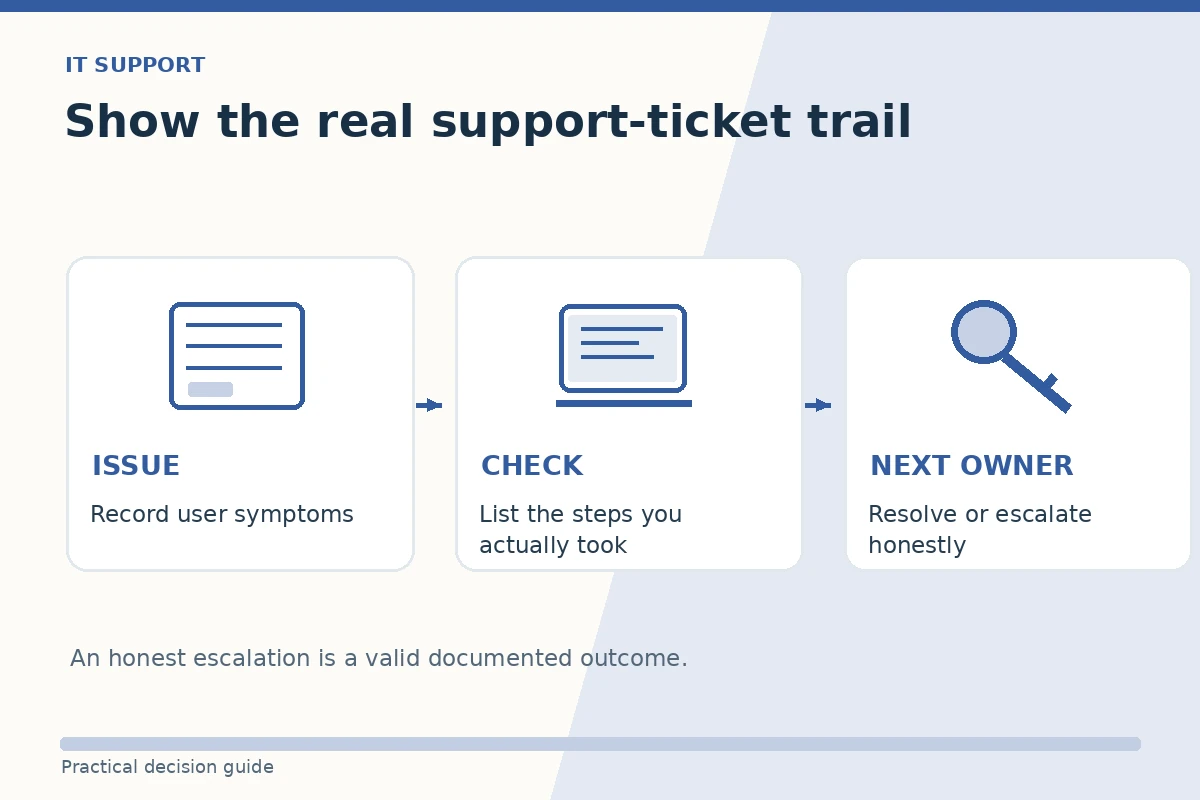
Write the steps of one legitimate case: who reported a symptom, what you could observe, which permitted check you performed, what you recorded and the final state. If you do not have professional support tickets, use a class lab, volunteer computer-clinic case or personal project, labeled accordingly. Do not reproduce a previous employer’s private tickets, passwords, workstation identifiers or customer account data.
A truthful line could be “In a classroom support lab, I reproduced a printer connection error, recorded the steps tried and escalated the driver-policy issue to the instructor.” It is not the same as saying “I restored a company-wide print service.” If the issue remained unresolved when you handed it off, state that outcome. Clear escalation is part of responsible support rather than proof that you failed.
Name tools and access levels precisely
List only the applications, operating systems and ticket systems that you actually used, and specify your level of use when it matters. Reading a demonstration of Active Directory is not administering production identities. Following a password-reset policy is not designing access controls. Familiarity with a vendor product can mean coursework, a sandbox or work experience; the email should not blur those categories.
If you have a certification, check that the credential is current before mentioning it. If you are studying, say “currently studying” rather than “certified.” You can describe how you follow instructions and keep tickets reproducible without claiming permission to inspect confidential logs, change user accounts or handle security incidents independently. An employer will teach its approved procedures; your email should show judgment, not rule breaking.
Build an IT support application email example
This example is illustrative and should be rewritten using your actual evidence. Subject: IT Support Specialist Application — [Full Name]. Message: Dear [Hiring Team], I am applying for the IT Support Specialist role listed on your careers page. During [real job, volunteer activity or training], I documented user problems, reproduced [specific issue] and recorded the checks I performed. When the next step required access I did not have, I escalated it to [authorized role]. I attached my resume in the requested format. Thank you for your consideration. [Full Name].
If you resolved the problem yourself and can verify that, replace the escalation sentence with the actual resolution and verification step. If the job is for application support, reference software workflows rather than hardware you never touched. Resist the temptation to list ten certifications, languages or platforms in the email body. The resume provides detail; the email should be an accurate doorway into one relevant troubleshooting story.

Match email and resume without revealing secrets
Check that your email example appears consistently in the resume, particularly the dates and scope of the support role. Avoid sample screenshots containing names, email addresses, customer messages, internal hostnames or IP addresses that are not yours to disclose. For a public portfolio, use a synthetic issue recreation and label it as such. You do not need to prove your competence by giving a recruiter unauthorized access to a company system.
Follow attachment instructions exactly. If the listing requests a PDF resume, do not send an executable script or compressed file as an unsolicited attachment. If it requests a code sample, use the specified repository or secure submission mechanism and check your rights to the work. Send from an appropriate email account, use the requested subject line, and open your exported resume once before pressing Send.

Prepare for the likely next technical question
After reading your email, an interviewer might ask what you checked first and why. Prepare to explain the symptom, assumptions, one reproducible step and the next escalation criterion. It is acceptable to say you did not have permission to attempt a more invasive action. Never pretend that an open issue was solved solely to make your story feel complete.
Track the application role and confirmation just as you would a support ticket: the date, job identifier, submitted version and contact route. If you receive a reply asking for private access credentials, payment for training or unusual remote software installation before verifying the employer, stop and confirm authenticity through official channels. Good troubleshooting judgment should apply to the hiring process too.
How We Research Job Application Emails
We reviewed University of Minnesota guidance on sending job applications by email and University of San Francisco career-service guidance for submission instructions, concise subjects and attachments. For this scenario, we also checked the relevant occupation, verification, or employment-safety material listed in the article sources. All email examples are fictional and illustrative: they do not confirm a real vacancy, a candidate’s qualifications, or employer acceptance.
Employers and licensing bodies may set additional rules that a sample cannot replace. Review the exact posting and current official requirements. No referral, employer partnership or affiliate arrangement is implied. See our affiliate disclosure for the site’s policy.
Related Job Search Guides
Yes, if clearly labeled as coursework or practice rather than paid support experience.
Avoid screenshots from a real employer containing restricted information. Use sanitized or synthetic examples only when appropriate.
No. State the checks performed and that the case was handed off; that is an honest outcome.
Not necessarily. The specific role sets access and skill expectations. Do not claim privileges you never held.
One or two genuinely relevant tools are enough; the resume can give a more detailed, accurate skills list.