
When an online job application asks for availability, give the earliest start date and recurring shift hours you can reliably meet—not the widest schedule you wish you had. Keep fixed weekly commitments separate from one-time conflicts, and read whether the employer asks about interview times, training days or regular work shifts. A clear, truthful answer helps both sides assess practical fit. It does not guarantee a schedule, an offer or a particular number of hours.
Identify what the portal means by availability
An application may ask ‘When can you start?’, ‘What hours can you work?’, ‘Are weekends possible?’ and ‘When are you available to interview?’ Those are different questions. The first concerns your earliest feasible employment date. The second is a recurring window; the third tests particular days; the fourth concerns a near-term appointment. Read the label rather than entering one generic sentence in every field. Check whether the position lists fixed, rotating, overnight or on-call requirements.
A person who can interview next Tuesday may not be ready to begin work until a later date. Someone available most evenings may still have a permanent class on Thursday. Do not use ‘open availability’ as a synonym for flexibility if you actually have restrictions. If the form only offers broad checkboxes, use a permitted note field or contact route to clarify material limits rather than silently promising hours you cannot meet.
Calculate the earliest realistic start date
Before choosing a calendar date, consider existing obligations, relocation, transportation, training commitments and any notice you need to give. Do not promise to start tomorrow merely to appear enthusiastic. Select a truthful earliest date using the employer’s specified date format and local time zone when relevant. If you are uncertain about a condition that must happen first, state it clearly instead of presenting the date as guaranteed.

For example, a hypothetical applicant can complete a current project by June 12 and is available to start June 16, assuming already scheduled obligations are complete. They should choose that realistic date rather than the application date. Avoid implying that a particular notice period is legally required for everyone; employment arrangements and local requirements differ. If the employer requires an earlier start, let it decide whether the mismatch is workable.
Build a weekly schedule from actual commitments
Draw a seven-day grid and mark the periods you are reliably free. Then subtract commuting time and transitions from classes, caregiving or other work. If travel from a morning class prevents an on-time 1 p.m. shift, do not enter 1 p.m. just because the class ends at noon. Record available start and end times, including whether they refer to the same day or cross midnight.
For a retail role, saying ‘weekends’ can be too vague if you can work Saturday mornings but not Sunday evenings. Where the form allows time windows, list those specific limits. If it offers only morning, afternoon or evening checkboxes, read any definitions provided by the employer and avoid assuming each business uses the same shift boundary. Explain meaningful exceptions through the official process when allowed.
Separate recurring limits from temporary exceptions
A regular weekly commitment belongs in your normal availability pattern. A wedding, exam, medical appointment or already booked trip is a temporary exception. Do not place a one-time conflict into an every-week restriction unless the form specifically asks for unavailable dates. An employer may need both kinds of information for scheduling. If the portal has no free-text space, keep a concise explanation ready for the next appropriate communication.

You do not need to share private family or health details to state that you cannot work on a particular date. ‘Unavailable Friday after 4 p.m.’ communicates the scheduling fact. If an employer asks about special needs or accommodations, use the formal process appropriate to that request rather than disclosing personal medical information in a generic shift box. Focus on the job-related scheduling constraint.
Check rotating, split and overnight shifts carefully
Rotating schedules need a more precise answer than Monday through Friday. If alternate weeks differ, describe the pattern rather than combining both weeks into one unrealistic schedule. An overnight window may cross a calendar day, so a bare ’10 p.m.–6 a.m.’ without the associated days can be misleading. Confirm whether shift assignments, overtime or seasonal peaks are mandatory, optional or subject to manager approval in the posting.
If the position mentions on-call availability, do not treat that as guaranteed paid hours or promise immediate travel from any location. Ask about response windows and practical conditions through a legitimate employer contact. If a system cannot capture your rotation correctly, choose the closest truthful option only if instructions allow and promptly clarify the remaining detail. A false ‘yes’ to a shift you cannot perform creates avoidable problems.
Use honest examples for short text fields
A clear example: ‘Available Monday–Thursday after 3 p.m. and Saturday 9 a.m.–5 p.m.; unavailable Friday and Sunday; earliest start June 16.’ This is a hypothetical format, not a recommended schedule. Replace it with your actual times and match the role’s location and time zone. If you are unsure whether a day is consistently free, do not mark it as unrestricted; describe the condition accurately.
For another hypothetical scenario, a student has classes that change each academic term. The applicant can describe the current term’s verified schedule and flag that later availability will need reconfirmation, if the portal allows notes. That differs from saying ‘any shift’ despite known upcoming commitments. Keep the answer compact, and do not include calendars containing classmates’ or family members’ private information.
| Field | Record | Do not confuse with |
|---|---|---|
| Start date | Earliest realistic first day | Interview availability |
| Weekly days | Repeatable work days | Single-day exceptions |
| Shift window | Realistic hours and travel | Vague daypart labels |
| One-time conflict | Specific affected date | Permanent restriction |
Verify calendar formats and form behavior
W3C form guidance recommends clear labels and instructions for required fields and date formats. Applicants should read the portal’s displayed format instead of assuming month/day/year or another ordering. Use the calendar selector when it works, then verify the saved date. If the form resets a field, marks a required entry missing or changes AM to PM, fix the recorded value before submission rather than assuming the system will interpret your intention.
A date can be correct in your head but wrong in a form if the month and day were reversed. If a dropdown shows only predefined shift categories, do not invent a meaning for categories that the employer defines differently. If the portal cannot represent a critical constraint, use the official employer support channel or a permitted note. Avoid submitting contradictory information across multiple pages.
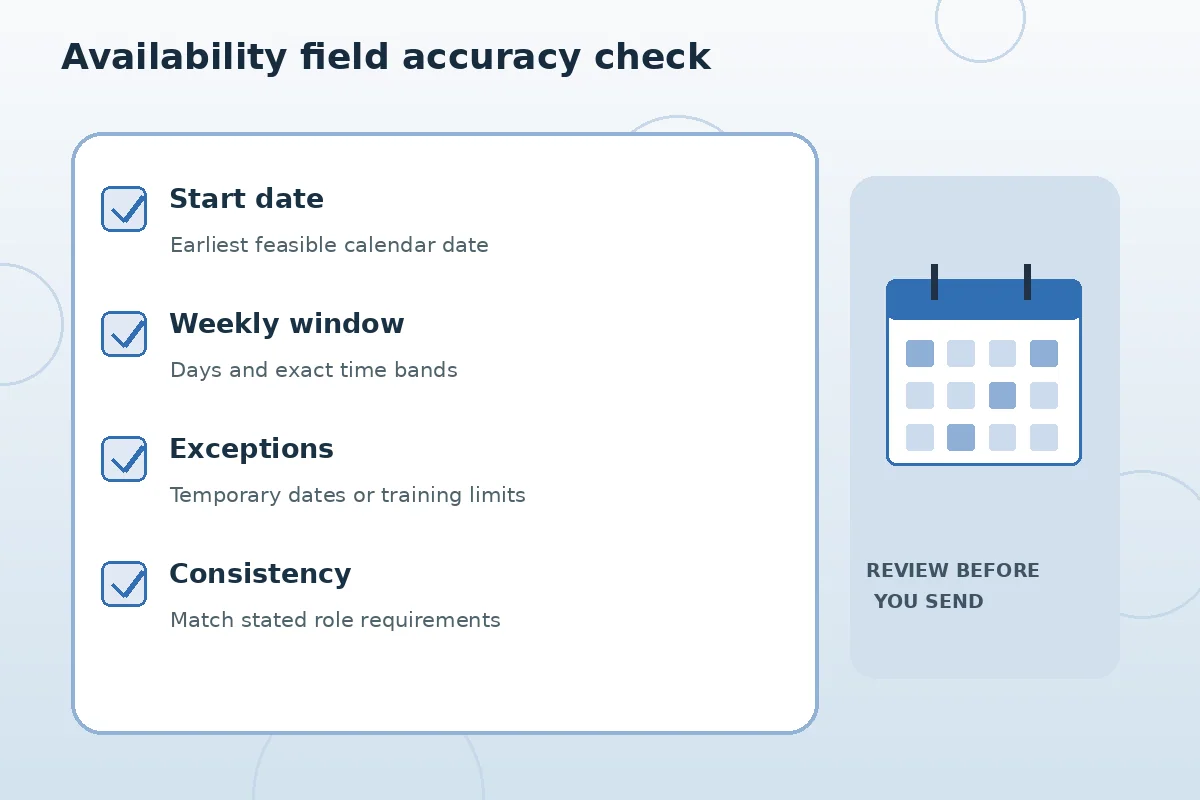
Compare your answer with the actual job requirements
Before sending, place the posting beside your availability grid. If the position requires every Saturday and you cannot work Saturdays, that is a material mismatch, not a wording puzzle. You can still assess whether to apply, but do not conceal the limitation. If flexibility exists, ask the employer rather than making claims about its policies. Save the exact availability information you sent in a private job-search record.
A hiring manager may later propose a schedule that differs from the initial application. Review the new proposal using your actual commitments and clarify it directly. The availability box is not a contract guaranteeing particular hours or pay; it is an early statement of feasibility. Keeping your records accurate reduces awkward corrections and helps ensure that an opportunity actually fits your life.
How We Research Online Applications
JobAsk compared this specific reader question with the user-supplied WordPress post list and reviewed public search results and primary reference material on November 6, 2026. Examples are hypothetical and should never be treated as real applicant success stories. Application software, employer practices, legal requirements, accessibility and deadlines vary; confirm important details with the actual employer. See our affiliate disclosure.
Source: www.w3.org — W3C explains required versus optional fields, expected input formats and clear form instructions.
Source: www.w3.org — W3C form design guidance addresses visible labels, mobile input and accessible controls.
Source: help.usajobs.gov — USAJOBS describes employer-specific application steps, uploaded documents, profiles and completion checks.
Source: consumer.ftc.gov — FTC warns that fake recruiters and sites seek money and sensitive information before legitimate hiring.
Source: www.w3.org — W3C says required fields need clear labels and errors must be understandable.
Related Job Search Guides
Usually it asks when you can reliably work, but the form may separately request a start date or interview times. Read each field.
Only if it is true. A wide but inaccurate schedule can create scheduling conflicts later.
Choose the first date you can realistically begin, and check the portal’s date format and any required conditions.
Use a permitted exception or notes field and provide the date or time limitation without unnecessary personal details.
No. It is information for the hiring process; confirm any actual offer, assigned hours and terms separately.