
A LaTeX cover letter should be a readable job application, not a display of typesetting tricks. Choose a simple letter layout with your contact details, the real job title, a verified recipient or team greeting, specific evidence, and a professional close. Compile it, inspect the rendered page, and test whether the text can be selected in the PDF. If the portal asks for a different format or direct text entry, follow the posting instead of forcing a PDF.
First: choose a format that fits this exact application
Before drafting, examine the actual employer instructions and the material you can verify. A cover letter is not a substitute for a résumé, screening questions, a research statement, or an official submission form. The format should make the job title, your contribution, and the next step obvious to a reader. If a detail is missing, distinguish it from a fact instead of filling it with an invented name or outcome. This guide addresses one specific format problem rather than offering a universal template for every vacancy.
Start with a plain letter class, not a decorative résumé design
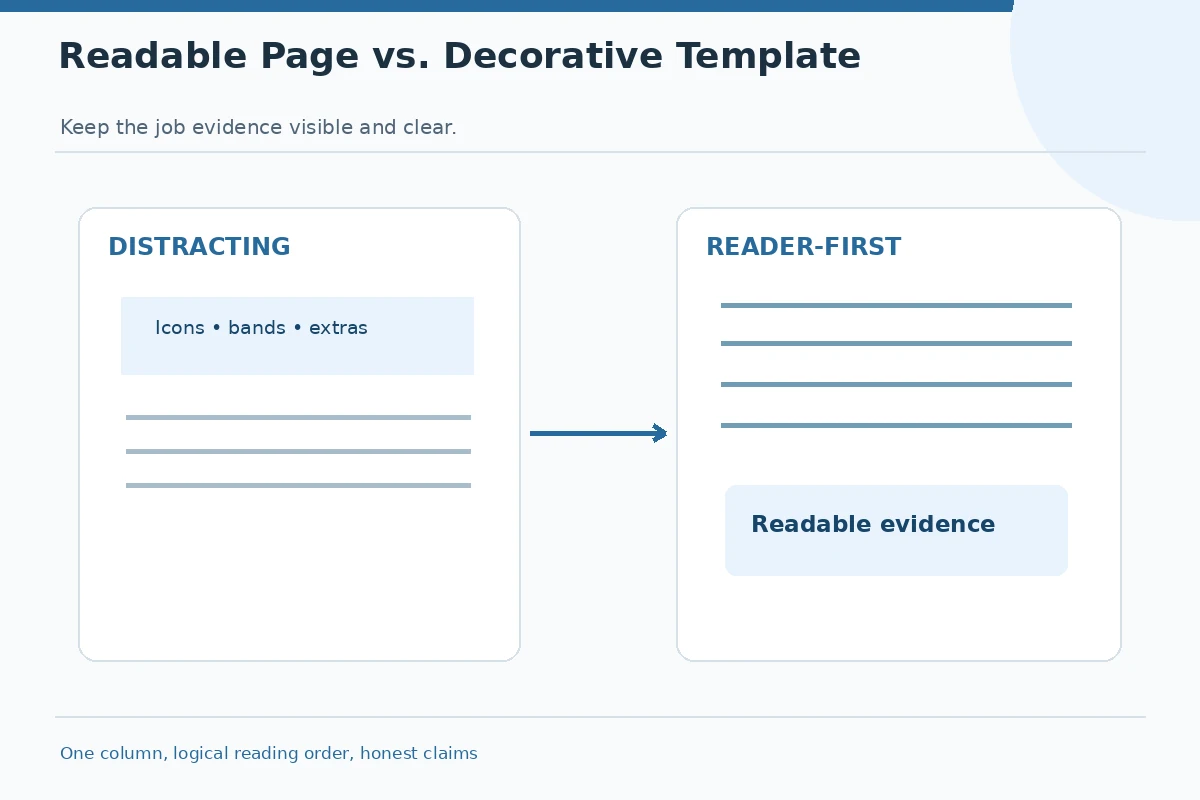
The practical reason to use LaTeX is consistent typography and repeatable source editing. Start from a minimal letter template with conventional margins and one text column. Some public templates include icons, embedded signatures, background bands, special packages, and placeholder information. Review every package before adopting it. A visually attractive PDF is not automatically easy for a human reader or a document parser. Keep the content in a logical reading order and avoid turning the whole page into a graphic.
Write the real header and job context first
Add your name, a dependable professional email address, and a phone number that is appropriate for callbacks. A city and state can be useful when relevant; a residential street address is generally not essential for online applications unless requested. The opening should identify the position exactly as shown in the announcement, including a job identifier when needed. Never copy an imaginary company name or contact person from a template. Check the header against your résumé and your actual application account.
Put evidence in the middle instead of filling template boxes
Most job letters benefit from an opening, one or two focused evidence paragraphs, and a short closing. In the middle, explain a concrete task, the process you used, and what can be verified. For example, a student might discuss tests performed in a coursework project but must not label them as production deployments. If you changed a lab or client document, describe your own contribution without sharing confidential details. The template should support this argument rather than dictate how many empty decorative sections you need.
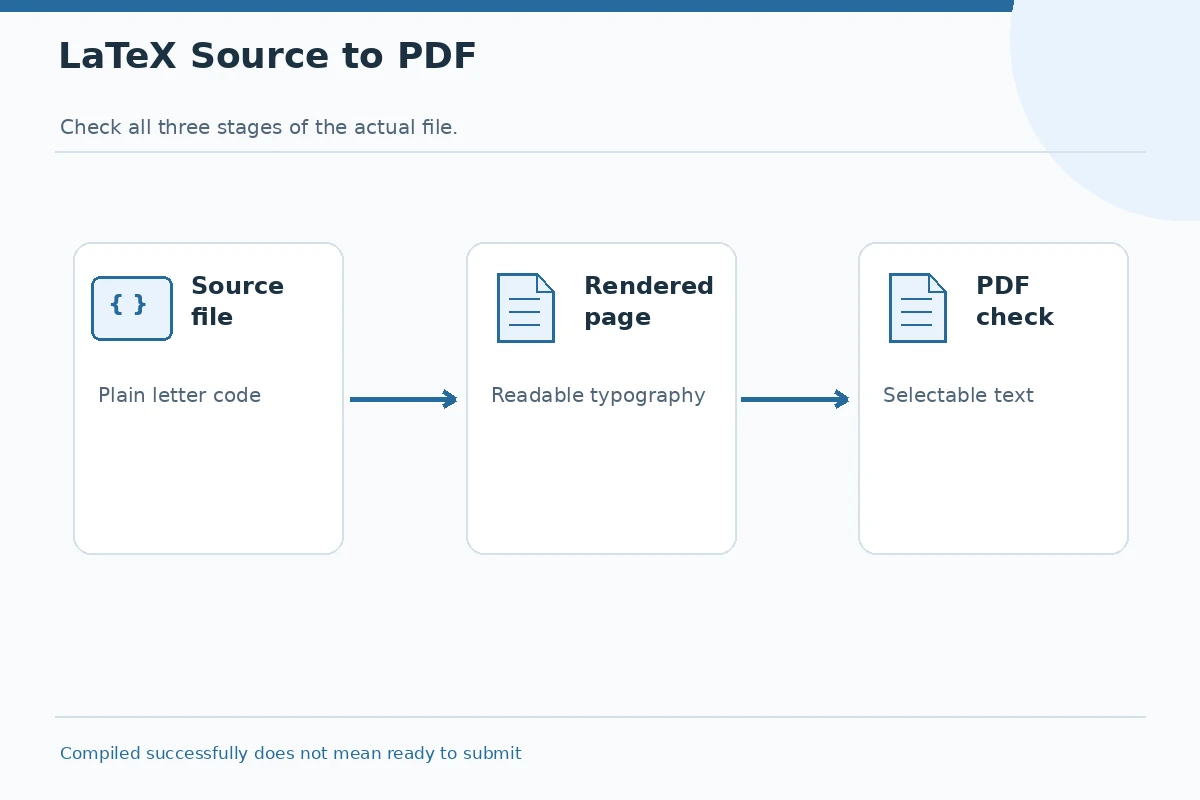
| Decision point | What to show | What to avoid |
|---|---|---|
| Source file | Simple letter structure | No unused sample data |
| Rendered page | Readable layout and line breaks | No clipped text |
| PDF text | Copy and paste in order | Do not assume universal parsing |
Compile and inspect the final page at normal size
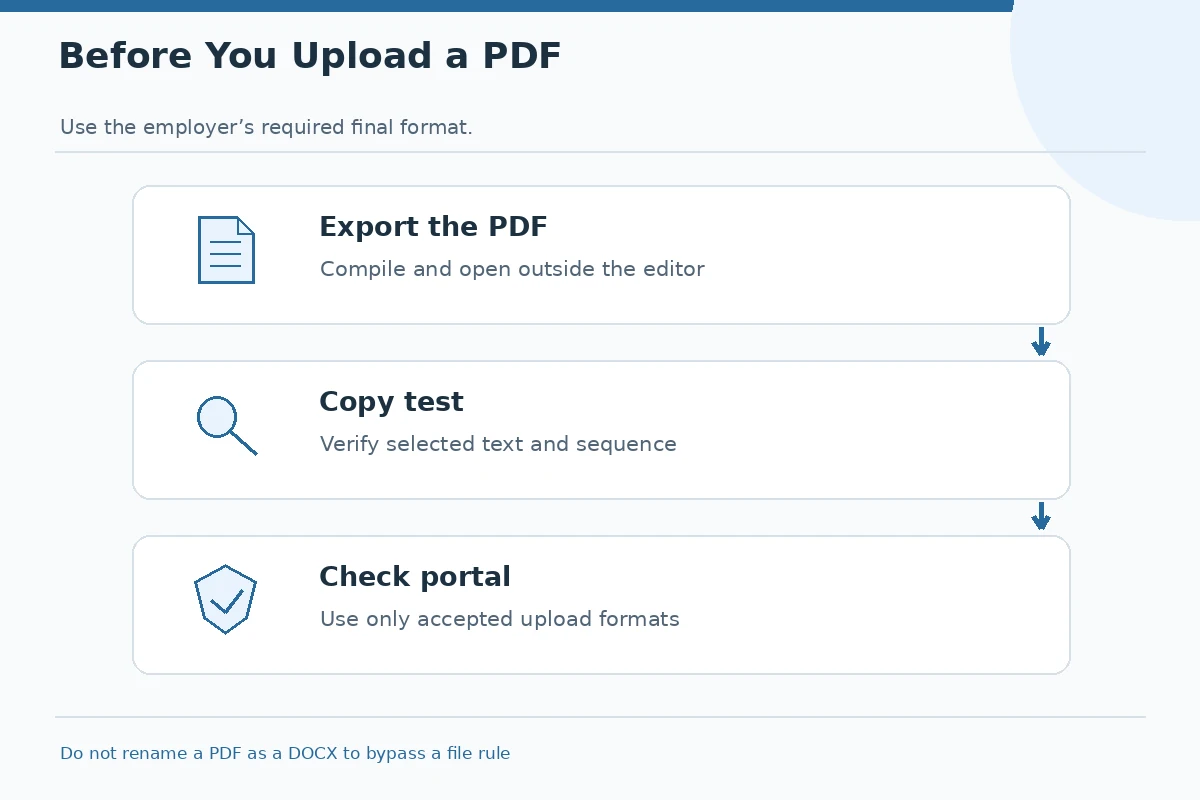
After editing, compile the PDF and inspect it at full page and at ordinary screen reading size. Check margins, headings, the recipient line, paragraph breaks, and the typed signature. Confirm that symbols did not disappear because of missing fonts or packages. Open the file outside your LaTeX editor to catch errors hidden by its preview. If text runs into a footer or a line wraps awkwardly, edit the content or layout rather than shrinking everything to an unreadable font.
Test selectable text and the reading order
Try selecting and copying the job title, a middle paragraph, and your email address from the resulting PDF. Paste them into a plain-text editor and check sequence and punctuation. This is only a useful diagnostic: it does not prove that every employer system will parse the PDF correctly. Decorative columns, tiny icon glyphs, and inaccessible links can create trouble for readers. If the employer offers an upload preview, check that too. Keep the source document so you can correct issues without altering a final file by hand.
Choose a file only after reading the portal instructions
Some application portals allow PDFs; others require DOCX or text entered in a field. Use the employer’s stated format even when you prefer LaTeX. Do not disguise a PDF with a .docx extension. When no preference is given, a simple PDF often preserves layout, but you should still verify that the portal accepts and displays it. Use a neutral filename such as Firstname_Lastname_CoverLetter.pdf and confirm you selected the correct version rather than an older letter written for a different employer.
A worked example: change the layout without changing the truth
Imagine a fictional applicant applying for a junior documentation role after a course project. The first draft reads, “I mastered technical documentation and led professional releases,” while the evidence is only a class assignment. A better paragraph is, “In a class documentation project, I created a setup guide, asked peers to test its steps, and corrected instructions they found unclear.” The LaTeX layout can frame that example neatly, but no typography converts a class project into paid work. The final PDF should preserve both the truthful label and the relevant details.
Finish with a source-to-PDF checklist
Before submitting, confirm the posting is still active, the employer name is correct, and the letter matches the job you selected. Read the first and last sentence aloud. Check that all commands or package errors are resolved, all links work, and no placeholder brackets remain. Ask another person to review the final PDF rather than just the source code. Reopen the file after renaming it. Treat successful compilation as the beginning of quality control, not as proof that your application is ready.
Hypothetical wording: revise the claim, not just the layout
Too broad: “I am a LaTeX expert and can solve every documentation challenge.” More specific: “I used LaTeX to prepare an accessible one-column letter; my related coursework included testing a setup guide with peers.” These are fictional teaching examples, not a candidate’s real achievement or an employer endorsement. Adapt the structure only if the underlying activity and status are true in your case. Do not copy project figures, job identifiers, affiliations, authorship, or approval decisions into your own application unless they match records you can honestly explain. A polished layout cannot rescue an unsupported claim.
Check the final copy against the evidence
Read the document as a reviewer who has only the job posting and your résumé. Can that person find the exact role and understand why your experience matters? Are the dates, names, work settings, and project statuses consistent? Can you explain every named tool, action, and outcome if interviewed? Reopen the final file or form entry after saving and check visual layout, text readability, links, and attachments. Keep a version record for the application rather than overwriting unrelated letters. No font, template, or keyword guarantees selection.
How We Research This Guide
We used these primary professional resources: Overleaf provides examples of actual LaTeX letter source and output templates., Penn recommends a tailored, readable cover letter rather than a generic template., Portland State emphasizes submission format and checking documents before sending.. The sources were checked November 16, 2026. They support the relevant letter conventions, application context, and safeguards; they do not certify any individual employer policy or hiring result. We compared this topic with JobAsk’s existing general cover letter pages and selected a more specific reader problem, then wrote illustrative examples rather than presenting fictitious real-world experience. No affiliate product or paid partnership is recommended here. See affiliate disclosure for the site policy. The employer’s own instructions control the final submission.
More Resume and Cover Letter Guides
Rarely. LaTeX is an authoring choice, not a hiring credential. Follow the requested final submission format.
Use them only if they serve an explicit purpose; a straightforward single-column letter is easier to review.
No. It is a basic check for selectable text and reading order, not a guarantee about any particular system.
Create a legitimate DOCX version using an appropriate editor and proofread that version separately.
No. Every job letter still needs a verified role, accurate evidence, and its own employer-specific reason.