
A LaTeX CV template can help you maintain consistent section headings, typography and citation-style entries, especially for research applications. It is not automatically better than a Word document, and a clean-looking PDF is not automatically accessible or easy for a hiring system to read. Choose LaTeX when you can maintain the source and verify the compiled output. Start by deciding whether the recipient actually requests a CV or a shorter industry resume, then shape the document around that purpose.
The practical workflow is source text, section hierarchy, compile, text extraction, screen-reader-oriented inspection, and final file check. Overleaf explains how newer LaTeX tools can create tagged PDFs, while emphasizing that enabling tagging alone does not guarantee accessibility. For a job application the recipient’s specified file format and instructions still control. Treat this guide as an editing and testing workflow, not a universal guarantee that a particular template will be processed by every system.
Start With a Reader-Oriented Section Map
A research CV may include Education, Research Experience, Publications, Presentations, Teaching, Awards and Service. The exact list depends on what the department, fellowship or employer asks for. An industry role may prefer a shorter resume with relevant experience, skills and projects instead. Write the section list on paper before editing any LaTeX code so an attractive template cannot distract from the real application requirements. Keep your name and contact details in ordinary readable text rather than as an image or logo.
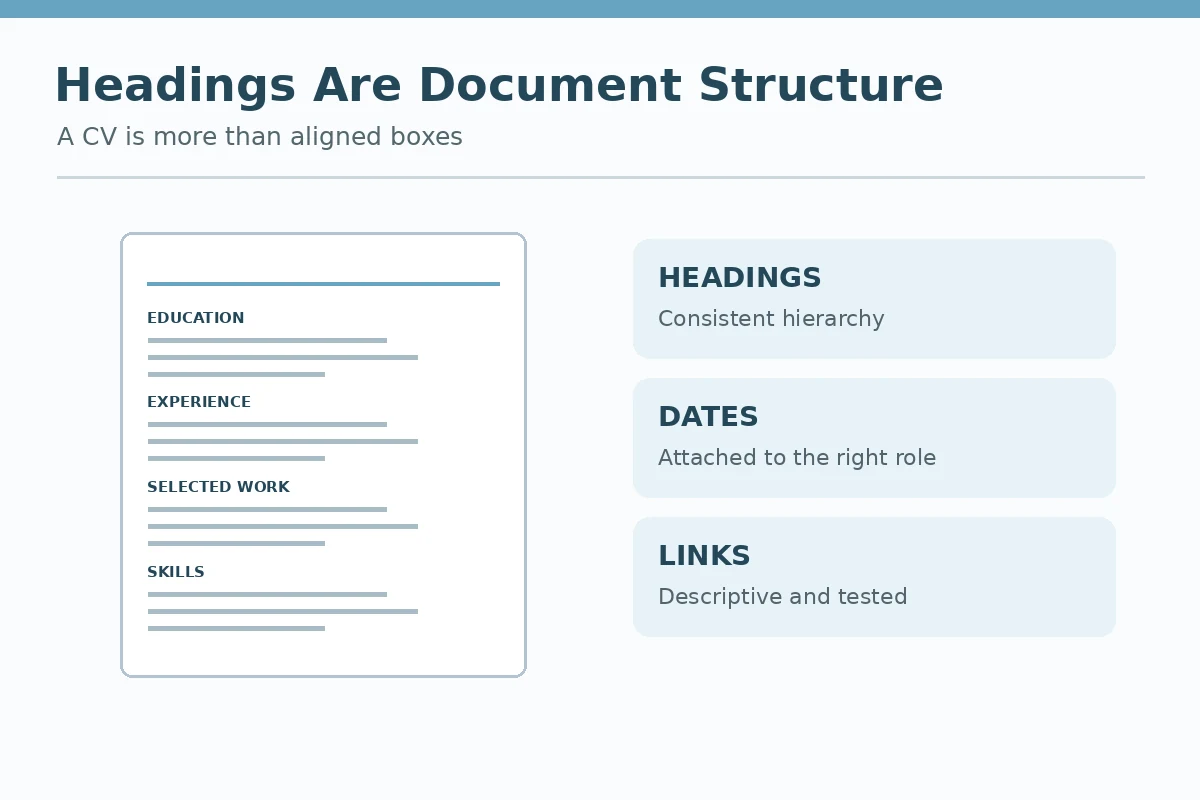
Within each section, use clear dates, accurate institutional names, your actual role and status, and a consistent order. A manuscript under review is not a published paper; a submitted abstract is not an accepted talk. Labeling distinctions remains important even if you use a bibliographic package. Do not let a template’s sample citations, awards or invented affiliations remain in your final document. They are examples to replace, never credentials to borrow.
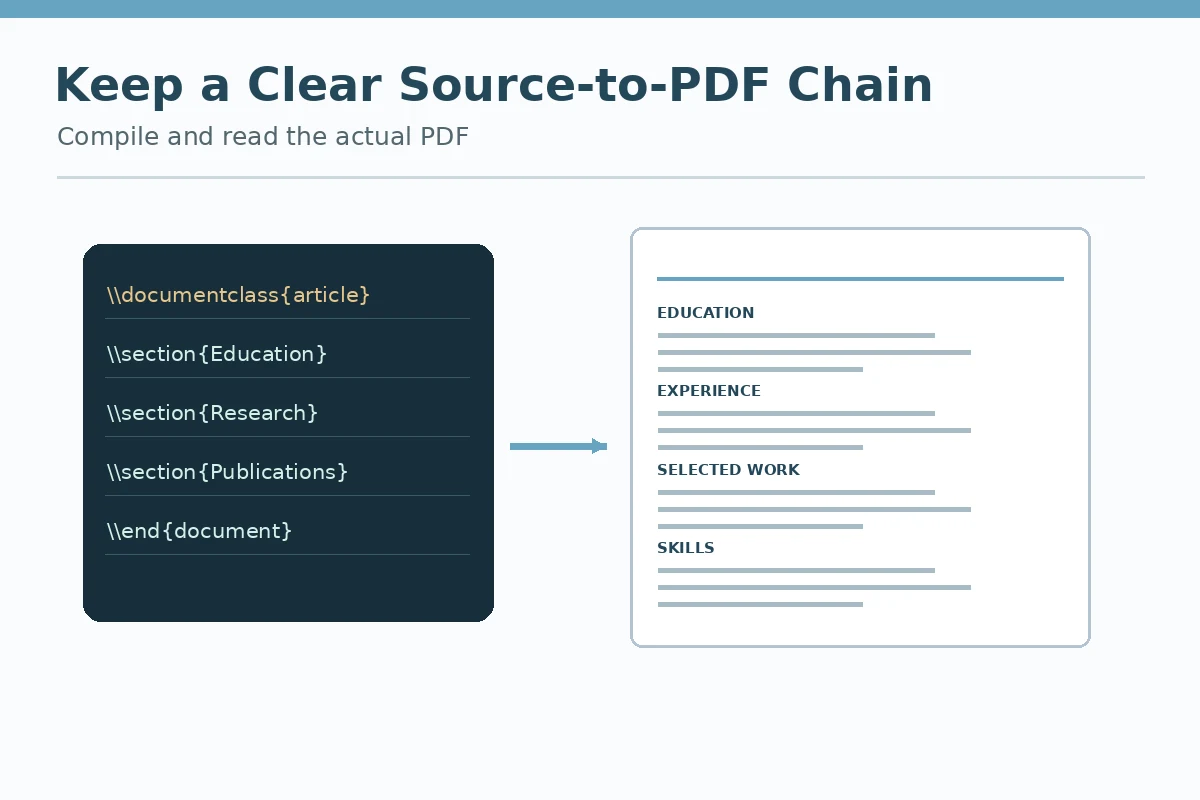
Treat Template Code as Maintainable Source
Inspect the document class, package list, heading definitions and entry macros before copying personal material into a template. Remove unused example sections and avoid third-party source files you do not understand. Prefer simple, semantic markup for headings and lists. If a template requires many nested boxes for every entry, consider a simpler design, especially when text must be extracted reliably or read with assistive technology. Preserve a separate source copy so changes can be reviewed or rolled back.
A hypothetical applicant might store “Education,” “Research Experience” and “Selected Publications” in separate source blocks while retaining a single consistent compilation project. Maintain clear version names for the final PDF; do not put private student records or unpublished collaborative work in a public repository. If links point to research papers, confirm that each URL is authorized and works. Do not assume a GitHub repository or published template is licensed for arbitrary redistribution without reading its terms.
Compile and Check Fonts, Links and Reading Order
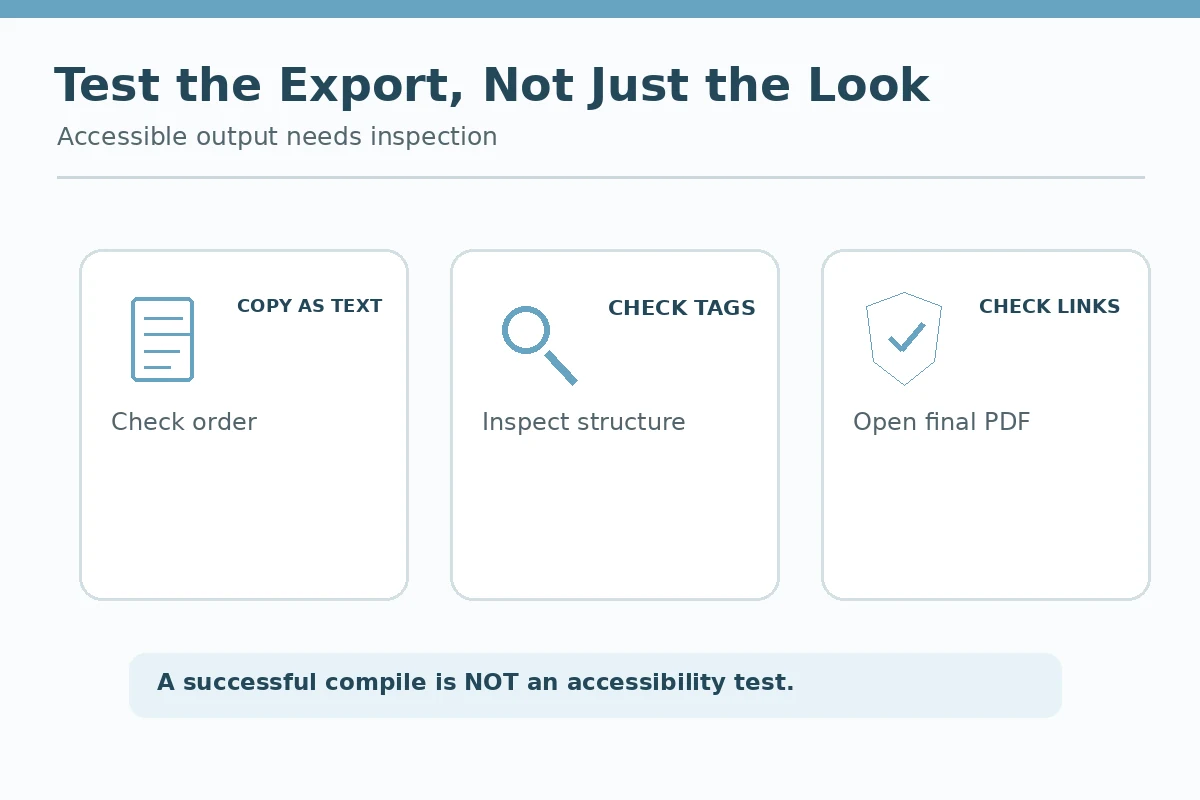
Compile the source and open the PDF at common zoom sizes, including a narrow laptop window. Confirm that headings do not disappear after page breaks, dates do not collide with long organization names, and links have descriptive readable text. Copy the PDF content into a plain-text editor to inspect ordering. A two-column visual design may look elegant but can extract lines in the wrong sequence; a simpler single-column version is often easier to audit. This is a practical check, not a claim about every applicant tracking system.
Run a second pass for special characters: accented names, degree symbols, citations and URL punctuation. Check that the intended language and links survive export. A CV with perfect typesetting but broken contact information has failed its central job. If the application portal requires DOCX or an editable file, do not assume a LaTeX-generated PDF can replace it; prepare the requested format separately and recheck that output too.
| Evidence or document | What to show | Claim to avoid |
|---|---|---|
| LaTeX source | Sections and entry macros | Replace sample claims |
| Compiled PDF | Text extraction and page breaks | Do not equate visuals with accessibility |
| Application portal | Required file type and upload check | Follow the recipient specification |
Understand Accessibility Support and Its Limits
Overleaf describes PDF tagging capabilities available with TeX Live 2025 and `\DocumentMetaData` in appropriate configurations. Those features can help establish document structure for assistive technologies, but an applicant should not conclude that compilation proves compliance. Verify document language, logical heading structure, reading order, meaningful link text and any tables. Use available PDF accessibility tools and, when possible, an assistive-technology reading check. If a template blocks meaningful tagging, consider a simpler alternative.
Do not copy highly technical accessibility commands blindly into an older setup. The available packages, compiler and output standard may vary. Consult current documentation for the installed version, then test the specific PDF you will submit. A screenshot of a visually polished CV is not a substitute for a selectable, structured document. In ordinary application contexts, readable information and accurate claims are more valuable than typographic novelty.
Maintain a Final Version and an Evidence Register
Keep an editable source plus a list of publications, research roles and awards with dates and evidence. Recompile after the last factual edit, not only after design changes. Inspect every page boundary and copy the exported content into plain text once more. Verify all citations and links. Before sending, compare the file name and PDF metadata with the intended application to avoid sending the wrong version. Remove comments, unused addresses, test labels and any confidential collaborator notes.
For multiple applications, preserve one master source but generate tailored variants whose differences you can explain. A teaching-focused academic department may want evidence of instruction; a research assistant position may prioritize data methods. The order can change, but the record of what you did cannot. The best template is the one you can revise, verify and submit without distorting content.
Two Illustrative Cases and What They Prove
Hypothetical case: A graduate researcher uses a colorful two-column CV that displays well but copies into text with dates before the names they belong to. The applicant switches to a simpler layout, checks headings and links, and recompiles. The useful improvement is reliable reading order, not a promise of universal parsing success.
Hypothetical case: A candidate finds a public LaTeX template with example papers and awards. They replace every sample line with true entries, label a manuscript as “under review,” and verify that the bibliography and exported hyperlinks correspond to their actual record. The template supplies formatting, not qualifications.
How We Research and Verify Resume Advice
This article was prepared using primary occupational, documentation, and university career resources checked on 2026-11-14. The docs.overleaf.com source supports overleaf documents TeX Live 2025 accessibility support and the need to test tagged PDFs rather than assume compliance. The www.overleaf.com source supports overleaf hosts CV templates that applicants can review and adapt. The careercenter.tamu.edu source supports texas A&M Career Center differentiates CVs emphasizing scholarship from concise industry resumes. Examples above are hypothetical and must be replaced with your own verifiable dates, duties, permissions, and results. Our editorial purpose is to explain format choices rather than promise a hiring outcome or automated screening acceptance. Read the JobAsk affiliate disclosure for editorial transparency.
More Resume and Cover Letter Guides
Neither is automatically better. Use the format you can edit accurately and the recipient accepts; verify the final output.
No. New tagging features can help, but the specific document still requires accessibility and reading-order testing.
You can when appropriate, but inspect the extracted text, link order and reading sequence before submission.
Not by default. Check the application instructions; many industry roles request a concise resume rather than an academic CV.
Use its real status explicitly and do not move it into a published-publications category without acceptance.