
Microsoft Office Skills on a Resume belong on your resume only when they match the position and describe work you can genuinely demonstrate. This guide shows how to choose specific tasks, assign yourself accurate responsibility, and write supporting examples without fabricated outcomes. Start with the actual job description and a short inventory of authentic experience.
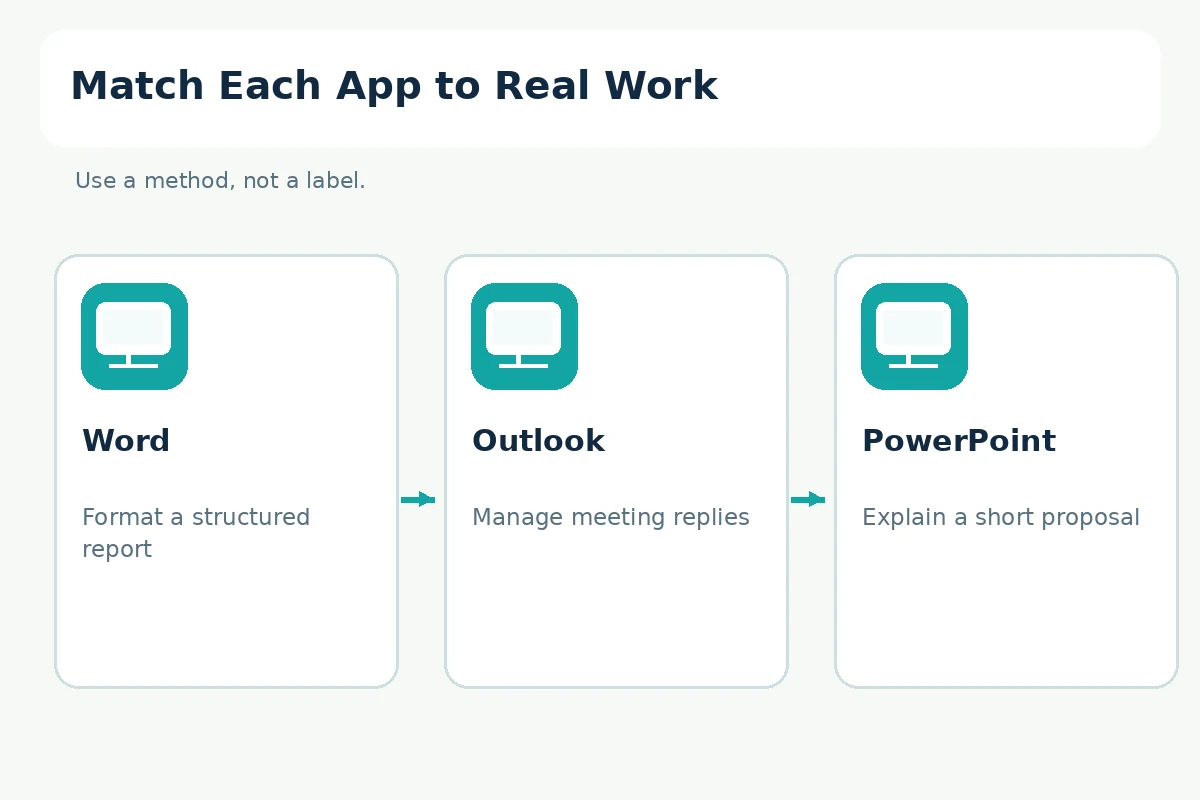
The practical route is Word → Outlook → PowerPoint. These are decision prompts, not proof that an applicant is certified, will pass an automated screening system, or will receive an interview. The examples are hypothetical unless explicitly described as official-source statements.
Decide Which Office Applications the Job Actually Uses
“Microsoft Office” is a software family, not a single skill. A role that needs calendar coordination may value Outlook more than advanced charts; a communications role may require PowerPoint presentation design; an administrative role might need carefully formatted Word documents. Read the requirements and circle each named application, then identify the operation behind it. If the posting says “prepare agendas,” it does not automatically mean the employer expects programming, macros, or system administration.
Build a two-column draft before writing your resume: application on the left, a completed task on the right. Add only tasks you actually performed at work, in a class, or in a transparently identified independent project. If a skill was used just once, avoid “expert” or “advanced” wording. You can still mention a modest task clearly. The CareerOneStop resume guide recommends making a skills section relevant to the specific job.
Describe Word Skills Beyond Opening a Document
Word skills can include editing a shared report, applying heading styles, building a readable agenda, checking revisions, or preparing a document for circulation. Describe what you did rather than claiming that using Word makes you a professional editor. Microsoft explains how built-in heading styles organize longer documents. If you used headings in a class report, you may label that as coursework rather than paid office experience.
Consider this hypothetical student bullet: “Formatted a ten-page course report in Word using heading styles, captions, and a consistent reference layout.” The page count is illustrative, not an achievement you may claim unless it actually matches your document. A weaker line would be “Microsoft Word — expert,” because it offers no scope. Keep the true artifact or a shareable redacted version so you can demonstrate the relevant formatting decisions in an interview.
Explain Outlook and Calendar Coordination Precisely
Outlook experience can mean organizing an inbox, scheduling a meeting, sending calendar invitations, or tracking replies. It does not necessarily mean controlling another employee’s calendar or configuring a corporate mail server. If you sent invitations only for your own school club, say that. Hiring managers can then decide whether the process transfers to their setting. The main evidence is the action you took and how information reached the right people.
A hypothetical administrative example is “Coordinated volunteer meeting invitations in Outlook and circulated updated agendas to participants.” Replace every element with your true experience. Do not invent the number of attendees, calendar ownership, or meeting volume to sound more senior. If confidentiality was involved, describe the procedure without exposing names or sensitive content. Your resume should prove responsible coordination rather than reveal internal emails.
Distinguish PowerPoint Presentations From Design Expertise
PowerPoint abilities may involve structuring a presentation, adding readable charts, writing speaker notes, or revising slides for a specific audience. A polished deck does not prove market growth or sales performance. Describe the audience, your own role, and the resulting deliverable. Microsoft offers accessibility guidance covering Office documents, including presentation files.
For example, a hypothetical class project might say: “Built a seven-slide PowerPoint briefing that compared three research alternatives and identified key assumptions.” The hypothetical slide count does not belong on your resume unless accurate. If a team designed the deck, identify the sections you personally developed. Avoid language such as “led executive presentations” when you prepared slides but never presented them to executives.

Keep Excel Claims Separate From General Office Skills
Excel ranges from opening a workbook to cleaning data, using lookups, making PivotTables, or validating spreadsheet logic. Listing “Office proficiency” should not imply that you can perform any of those advanced operations. State the exact functions or workflows you know and have tested. This article focuses on deciding how to describe the Office suite; a detailed spreadsheet skills inventory belongs in a separate Excel-specific resume guide.
Ask yourself whether you could reconstruct one real workbook with appropriately anonymized sample data and explain the checks you used. If the answer is no, use cautious terminology or leave the claim out. A hiring process may include a practical test, and truthful proficiency is more useful than an inflated label. Do not infer ATS success from including the names of software tools.
Place the Skills in the Resume Where They Matter
For a document-heavy job, a concise skills line may read “Microsoft Word (heading styles and document editing); Outlook (calendar invitations); PowerPoint (presentation outlines).” For another opening, an experience bullet may be stronger because it shows the software applied to a task. UC San Diego Career Center emphasizes job-relevant skills and contributions; choose a location that lets the reader find evidence quickly.
Avoid listing the same tool in a skills box and repeating identical claims in every bullet. If the job ad requires a particular application, keep its name recognizable, but do not copy language that implies unearned certification. A relevant project may belong under Projects with a clear “academic” or “independent” label. If you have used an older version of an app, describe the transferable task without promising mastery of features you have not seen.

Run an Application-by-Application Accuracy Audit
Before submission, mark every application as verified, practiced, or unsupported. Verified means you can name a concrete file or task; practiced means you can repeat the workflow independently; unsupported means you only watched a demonstration. Do not publish unsupported skills. For the remaining claims, check spelling of application names, relevance to the posting, and consistency between the skills section and work-history bullets.
The final audit is straightforward: underline each software claim, point to one authentic example, and ask whether its scope matches your role. If you helped prepare slides but another person approved them, say prepared or assisted rather than approved. Export the finished resume in the format requested by the employer and re-open it to check layout. The application system may parse documents differently; no wording or template guarantees an ATS outcome.
How We Research Skills and Their Limits
For this guide, we compared resume-writing standards and relevant professional task descriptions: professional source 1, professional source 2, professional source 3, professional source 4. Source descriptions support specific features or professional duties, not the success of hypothetical resume wording. No employer has confirmed a hiring outcome or a particular ATS result for any example here. Check the current job posting, local requirements, and documentation before applying.
Examples marked hypothetical are teaching examples, not accounts of real hires. There are no confirmed affiliate relationships for any named products or organizations in this article. See the affiliate disclosure and replace every illustrative detail with facts from your own experience. Local structural checks are separate from independent human editing.
Related Guides
- How to Make a Resume in Microsoft Word: Template to Final PDF
- Clerical Jobs With No Experience: Prove Record, Phone, and Office Skills
- Research Skills on a Resume: Show Methods, Sources, and Your Contribution
- Hospitality Skills for a Resume: Guest Service, Handoffs, and Accuracy
- Childcare Skills for a Resume: Supervision, Routines, and Verified Training
Only when a general suite label is meaningful to the posting; listing specific applications and real tasks is often clearer.
Yes. Identify school or independent projects accurately rather than presenting them as paid employment.
No. The applications support different tasks and Excel has distinct skill levels and functions.
Not generally for describing use. Do not claim a certification unless earned and verifiable.
No. Include only truthful, relevant skills and follow the specific employer submission instructions.