
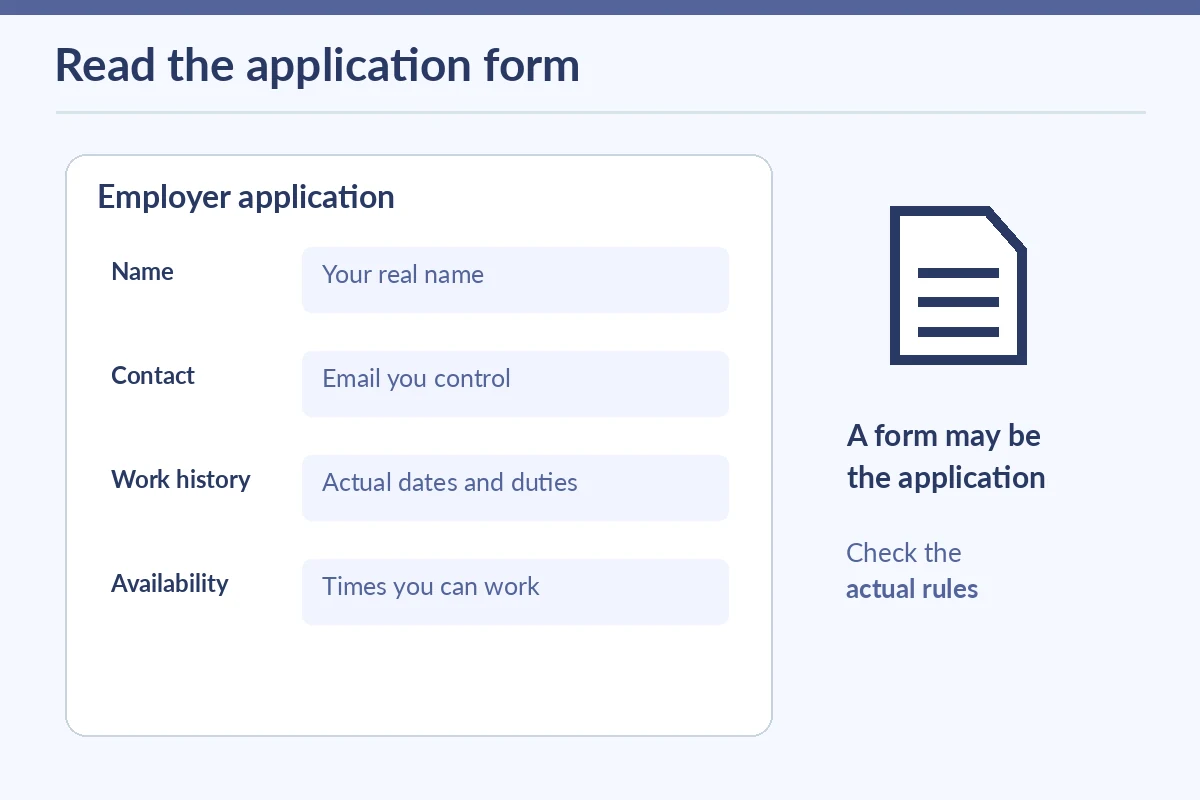
You can sometimes apply for an entry-level job without uploading a separate resume. Some employers use their own application form to collect work history, education, availability, and relevant skills. The deciding factor is the employer’s stated requirement, not whether you have a polished PDF. If the posting requires a resume, prepare one; do not substitute an empty attachment or invent a file. If the form is the application, complete it accurately and clearly. Collect your facts first, explain genuine experience in plain language, and review the final submission before pressing Send.
Check whether a resume is actually required
Read the application instructions from the real employer’s careers page. Some portals ask for a resume upload, others allow manual entry, and some require both. CareerOneStop explains that an application form may be the initial submission or may be requested later. Do not assume a job board’s “easy apply” button is equivalent to finishing the employer’s whole process. Look for a required-file marker, a separate work-history section, and confirmation that the application was submitted.
If an employer permits form-only applications, a missing resume is not automatically a problem. The employer still expects a coherent record. If you are applying in person, ask for the official process rather than assuming a manager can accept an improvised paper note. Keep application requirements separate from interview materials; a recruiter may ask you to bring a resume later even when the initial form did not require one.
Gather accurate details before you start typing
Write a private fact sheet with your contact email and phone number, school or training details, volunteer activities, work dates, location, roles, and the tasks you genuinely performed. If you worked at a family business, helped at a community event, or completed a school project, identify it honestly rather than presenting it as paid employment. Use month and year consistently when a form asks for dates; if it requests exact days and you do not remember, check your records rather than guessing.
CareerOneStop’s Practice Job Application is designed to help applicants see typical questions and gather information before submitting real applications. Practice on a draft or saved document, but protect your personal data if you use a shared device. You do not need to give a public website your Social Security number, passport scan, bank details, or other sensitive documents merely to practice a form. Follow official instructions only when a legitimate hiring or onboarding stage actually requires sensitive verification.
Turn ordinary experience into relevant evidence
Use short task descriptions that answer what you did, in what setting, and within what scope. For example, “Organized labeled supplies for three school events and checked the inventory list with a teacher” is more informative than “Hardworking student.” The number is illustrative and belongs in an application only if true. Other useful evidence may come from helping visitors find a room, recording attendance, filing documents, preparing materials, or handling basic scheduling. Do not call volunteer work paid employment.
Match your evidence to the listed duties. For a cashier opening, describe accurate record-keeping or customer assistance you have actually practiced; never invent cash-register access or reconciliation responsibility. For an office assistant opening, name documents or tools you have truly used, perhaps a shared spreadsheet in a class project. Avoid copying the employer’s entire posting into your answers: the application should show your own facts, not a rewritten job description.
Handle missing history and optional fields honestly
A form may ask for previous employers even if this would be your first paid job. Look for legitimate options such as “no previous employment,” a student category, or room for volunteer experience. Do not enter a fake employer to satisfy a field. If an item is marked required but cannot be answered truthfully, use the employer’s published applicant support process to ask for help rather than fabricating an answer. Do not assume that “N/A” is accepted in every system.
Answer availability questions based on the times you can genuinely work, including school or family commitments. If a form asks for a requested start date, give a realistic date rather than a convenient promise. For references, obtain permission before sharing someone’s phone or email. Optional demographic questions may appear in applications; read the context and the employer’s privacy statement rather than treating every question as a job requirement. Avoid making assumptions about what a particular answer will do to your hiring chances.

Use the correct route and protect private information
Prefer the employer’s independently verified careers website or another clearly authorized application channel. Fake recruiters sometimes impersonate companies, and the FTC warns against requests to pay for a job or send money through fraudulent check arrangements. Never submit banking credentials to an unfamiliar messaging link. If an external form looks suspicious, navigate from the employer’s official site and confirm the vacancy before continuing.
On a public computer, avoid leaving a browser open after submission, save no passwords, and remove downloaded application copies that contain private details when appropriate. Use a secure private place for your work-history notes. A simple text document with role dates and bullets can later become the foundation of a resume if an employer requires one. The immediate objective is to give the employer accurate information through the intended channel, not to create unnecessary files.
| Application field | Good preparation | Common mistake |
|---|---|---|
| Work history | Accurate roles and dates | Invented employers |
| Experience | School or volunteer tasks | Unverified results |
| Availability | Actual workable shifts | Promising impossible hours |
| Files and submission | Follow employer requirements | Assuming form equals receipt |

Review the complete form and track the response
Check the spelling of your contact details, employment dates, availability, job title, work location, and all uploaded documents. Read the application as if you were the hiring team: do the duties make sense without a resume? Are descriptions specific and truthful? Did you omit a required section? If the system allows a preview or confirmation page, use it. Record the date, employer, position, and any reference number it returns.
An illustrative final checklist is: “correct job, current contact information, truthful work history, realistic schedule, required files included, application submitted.” If the posting allows a cover letter, add one only when it supports the role and instructions; it is not an automatic substitute for requested documents. If no confirmation arrives, check the employer’s applicant portal before sending duplicate applications. Completing a form carefully is a valid job-search skill, even when you are still building your first resume.
How We Research Job Search Advice
We reviewed the official resources listed below on November 7, 2026, and matched their guidance to the particular decisions in this article. Examples are illustrative, not employer promises or descriptions of actual vacancies. Confirm current arrangements with the relevant employer, agency, program, or local provider. CareerOneStop says some employers use applications instead of resumes and emphasizes complete accurate forms. supports the stated point. CareerOneStop Practice Job Application helps applicants gather required information and rehearse typical questions. supports the stated point. CareerOneStop outlines collecting truthful work history and education details for applications. supports the stated point. FTC recommends independently researching job offers and never paying to secure a job. supports the stated point.
Our guides are informational and do not promise employment or endorse a recruiter. Any potentially commercial links are subject to our affiliate disclosure; no affiliate relationship or payment arrangement is implied by these resources.
Related Job Search Guides
Yes, if that particular employer allows form-only submissions. Follow the published instructions; a requested resume remains required unless the employer says otherwise.
Use legitimate no-experience options and relevant school, volunteer, or project sections. Do not invent an employer simply to fill a blank.
Yes, when the field or instructions permit it. Identify the activity as volunteer work, give honest dates, and describe tasks without pretending they were paid.
Do not send bank details or identity scans through an unverified link. Follow the official employer’s instructions for legitimate later verification steps.
Look for the employer portal’s confirmation message, receipt, or application number. Keep the date and role in your own tracking notes before retrying.