
Learn how to format a cover letter when an online application asks for a short text response, a file upload, or several separate fields. This guide explains what to change for this specific format, shows hypothetical examples rather than real applicant outcomes, and separates ordinary editorial advice from any employer-specific requirements. Use the latest official announcement before submitting.
Read the actual field labels before pasting text
Online application systems do not all present cover letters in the same way. One portal asks for a PDF attachment, another offers a single free-text box, and a third divides the information into “Why this role?” and “Relevant experience” fields. The employer’s field labels determine the format. Do not paste a complete business-letter header into a box that asks only for one short motivation statement. Similarly, do not upload a PDF into the resume field simply because no separate cover-letter field is visible. Read the required and optional labels before drafting the final version.
Start with the official posting. Make a small map: what the employer requests, where it goes, and the maximum length or accepted file type. For a single text box, a short greeting may be useful when space allows, followed by the specific role and one or two real examples. For a targeted question, answer the question directly; a formal closing may be optional. If no cover-letter channel exists, do not insert the letter into unrelated fields or assume an unrequested attachment is welcome.

Keep the central evidence when space is limited
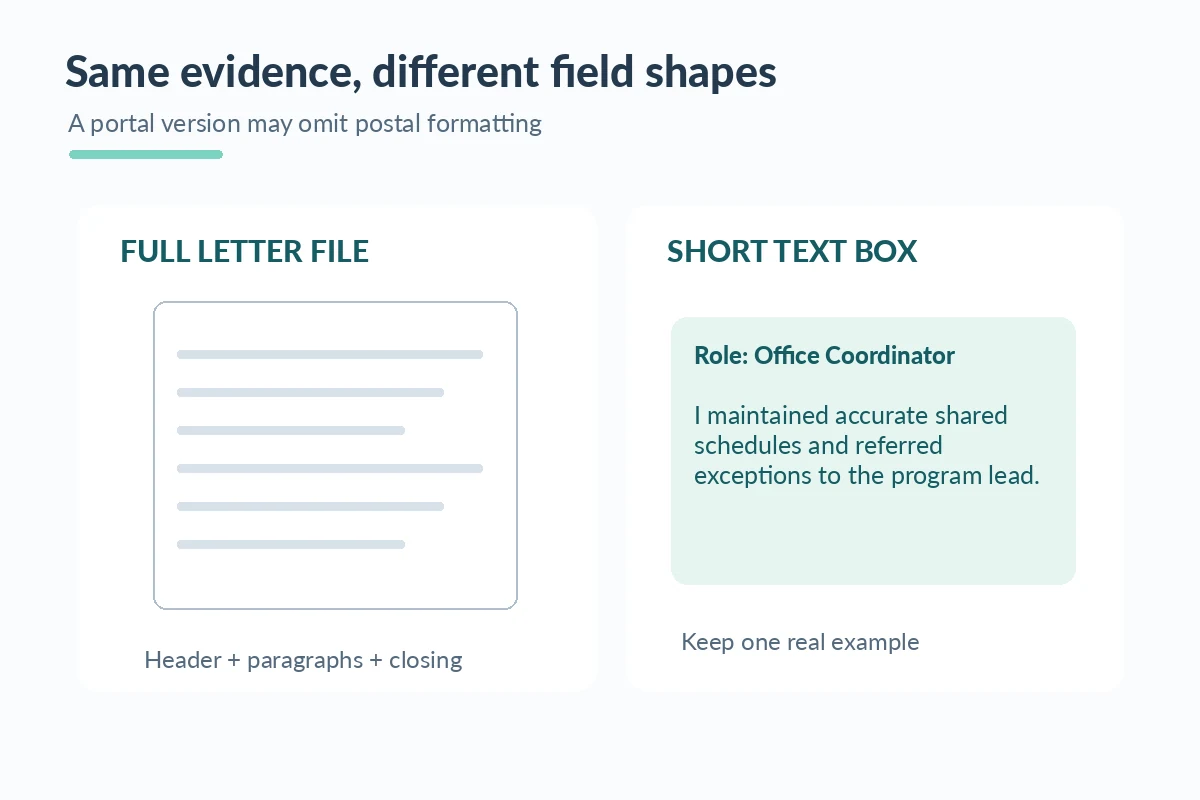
The best part of a cover letter is its connection between an actual duty and a requirement of the opening. Preserve that when adapting to a short character limit. A fictional candidate applying for office coordination might write: “I maintained attendance records for a campus program, checked schedule changes with staff, and passed unresolved requests to the program lead.” That sentence is more informative than a long introduction naming generic soft skills. The example is hypothetical and should never be copied as a personal claim without matching experience.
When a box has a hard limit, reduce boilerplate first: unnecessary street addresses, full postal dates, repeated salutations, and a summary that simply restates the resume. Keep the exact position title and a concrete qualification. If the portal removes paragraph breaks, write short sentences that remain understandable as plain text. Do not use emoji, decorative bullets, or unusual characters to beat a word-count rule. A shorter, truthful message is preferable to one cut off halfway through an important fact.
Format differently for an attachment and a free-text response
A document upload normally carries your name, contact details, role, short paragraphs and a closing in a readable business-letter layout. Its purpose is to be opened as a file. A form response is tied to the application record and may already display your name and chosen vacancy; repeating every document header element can waste limited space. If the employer permits both a cover-letter upload and a supplemental statement, decide whether each is required and give each a distinct function rather than submitting two copies of the same essay.
Consider three alternative presentations of the same true experience. In an attached letter, you can explain the job connection in a full paragraph. In a one-box response, use a compact role-and-evidence paragraph. In a “Why here?” field, answer with a verifiable feature of the employer’s work and a corresponding skill. The substance should stay consistent across versions. If an online system strips hyperlinks, write meaningful link text only when work samples are requested and you have permission to share them.
Test the preview and identify truncation before submitting
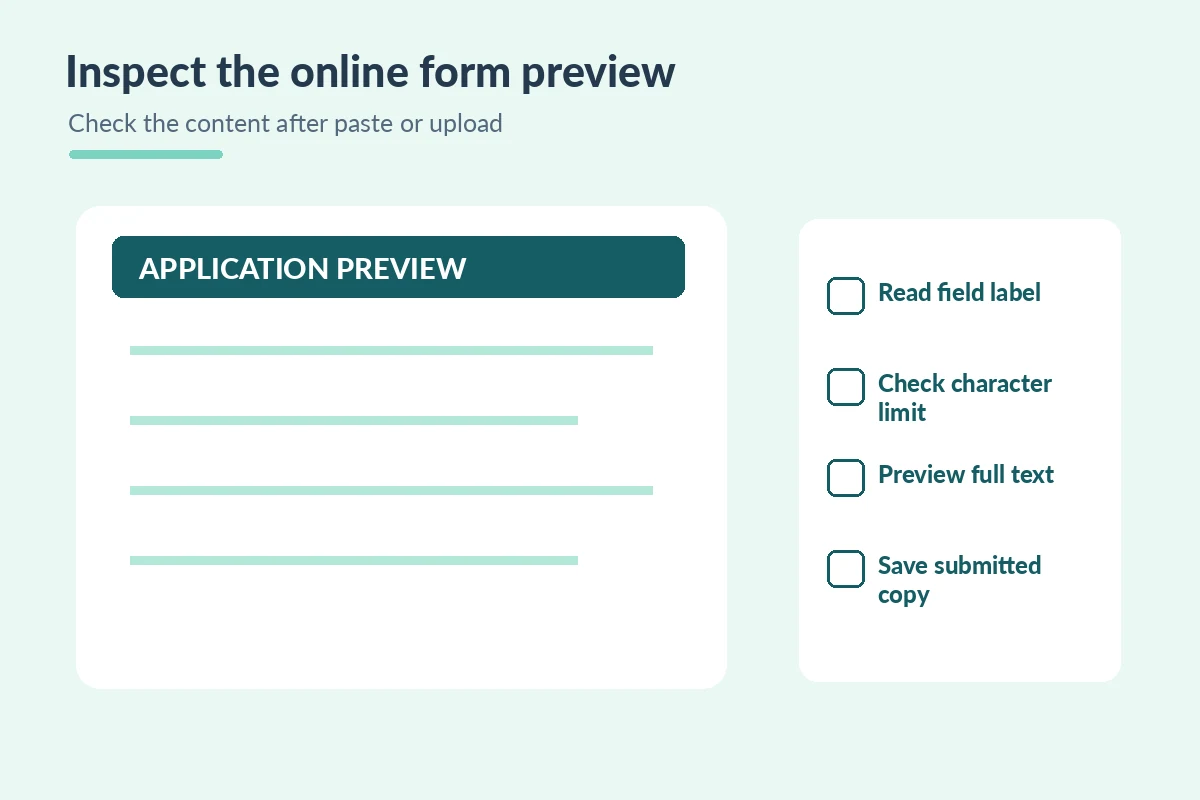
Application portals may display a character counter, a formatted preview, or only the first part of uploaded text. The visible preview is your chance to catch a cut-off sentence, lost paragraph break, or inappropriate special character. After pasting, scroll to the end and confirm the closing is present; do not assume that what fits in your clipboard was accepted. For a file, open the actual uploaded preview if the portal provides one. Check that the role and employer in the file match the application you are completing.
If the form shows a warning, stop and fix the content before proceeding. If a paste operation duplicates paragraphs, remove the duplicate and inspect again. If a required field rejects formatted text, use a simple plaintext version and keep your original in a separate local file. Avoid relying on browser autofill for application narratives: it may insert an old employer name or a previous role. No layout guarantees how an applicant tracking system interprets text, so optimize for accurate, readable information and the platform’s stated requirements.
| Element or channel | Specific check |
|---|---|
| Separate upload | Use a readable letter file and verify preview. |
| One text box | Preserve role, one example and closing if space permits. |
| Multiple prompts | Answer each field without redundant business-letter headers. |
| No letter field | Follow the listed submission requirements; do not force a file. |
Keep a record of the submitted version and channel
Before clicking the final submission control, compare your letter with the application: the same opening, job title, dates, and work history should appear wherever they overlap. Save a copy of the exact message you submitted for your own reference. When the portal produces a receipt or reference number, record it privately; that confirmation does not mean a recruiter has read the cover letter. If an update is permitted, use the official edit method rather than contacting unrelated employees about a formatting mistake.
A final six-point check is useful: correct job, required fields complete, relevant evidence, limit respected, text previewed, and files opened. Do not enter private data into arbitrary “additional comments” fields when it was not requested. For federal applications, USAJOBS notes that required documents depend on the announcement, which is a reminder not to impose one universal upload rule on every employer. The format should fit the form while keeping your claims specific, honest, and easy to understand.
How We Research Cover Letter Formats
We reviewed official career guidance and document-accessibility resources for the specific presentation and channel questions in this article: CareerOneStop. USAJOBS. Microsoft Support. The examples use fictional applicants, posting codes, and organizations; they are not employer policies, application receipts, testimonials, or promises that software will accept a document. Where an employer specifies a different field, signature, length, or file format, the actual announcement controls. See our affiliate disclosure; these informational links carry no invented affiliate relationship.
More Resume and Cover Letter Guides
Only if the field is meant to receive a full letter and space allows; otherwise focus on the requested content.
Use simple short sentences, check the preview and retain a readable plain-text version.
No. Use the labeled document fields and follow the employer instructions.
The core facts should match, but the form response may be shorter and omit document-only elements.
Shorten nonessential introduction or formatting and confirm the entire final message is visible before submitting.