
A job application may include a screening questionnaire, a short skills exercise, an online simulation, a portfolio review, or another employer-selected assessment. Receiving an invitation says only that you were invited to take that step. Starting a test says nothing about whether you passed it. Submitting a work sample does not mean it was approved. A useful tracker records these events separately and links each one to the correct position. Keep the employer name, job ID if available, invitation source, platform, due date, and the specific next action in one place. Use employer wording for any actual decision.
Verify the invitation before opening a test link
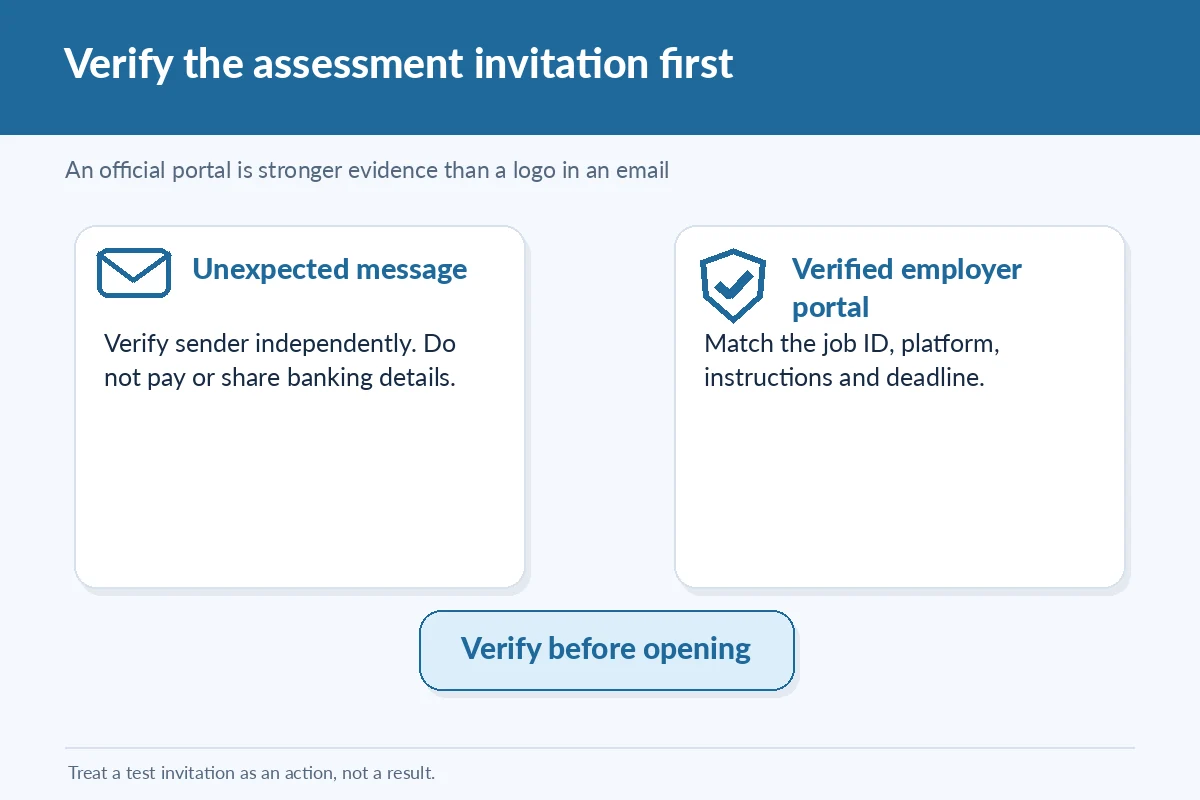
Check whether the assessment appears inside the employer’s official candidate portal, in correspondence you were expecting, or in instructions directly confirmed by a legitimate recruiting contact. A branded email and a plausible hiring title are not sufficient proof on their own. Search the official employer site independently if an invitation arrives unexpectedly or asks for personal details. The FTC documents fake recruiters who impersonate employers and push candidates toward financial information or suspicious online tasks. Do not pay to unlock an assessment, deposit money for supposed earnings, or upload identity documents to a random test link.
Record the deadline precisely and keep the instructions
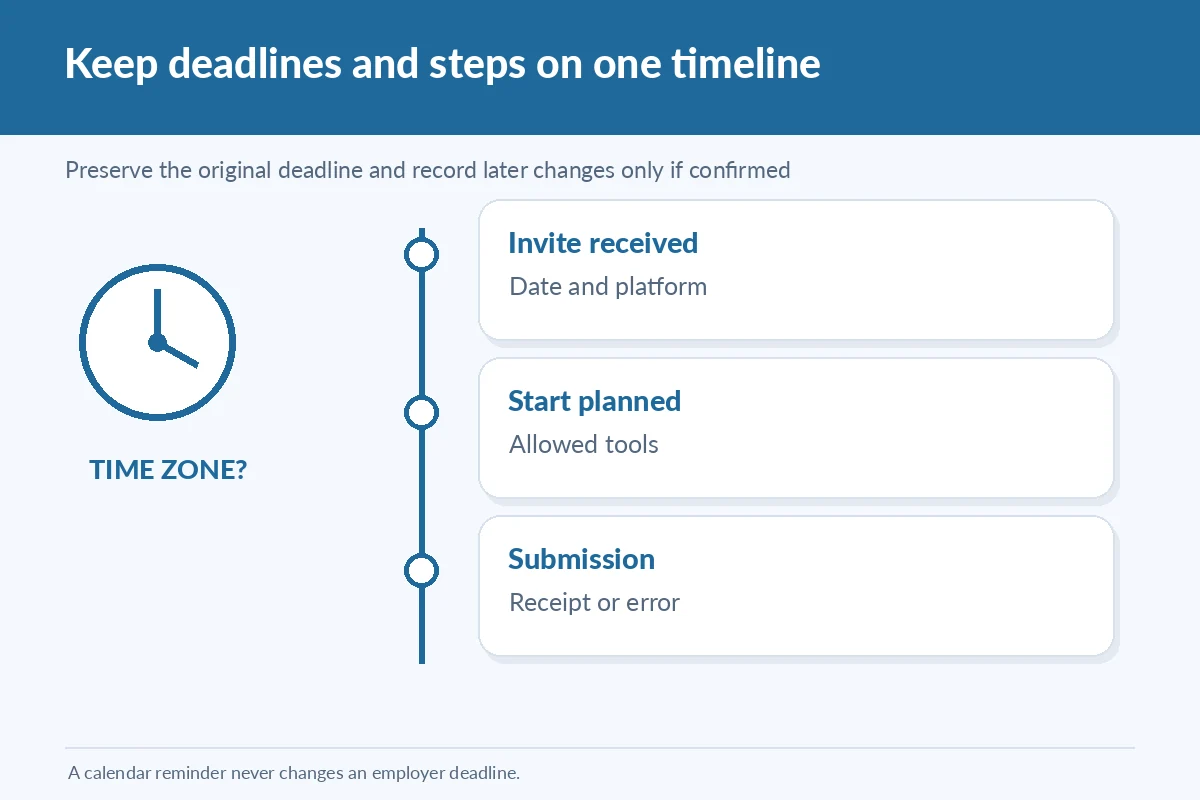
Copy the invitation date, due date, displayed time, stated time zone, and the employer-provided submission channel. If a deadline says “within 48 hours,” note which received timestamp it follows and ask for clarification when the instruction is genuinely ambiguous. Do not assume the computer’s local clock matches the employer’s office. Retain the allowed instructions for a limited period, not proprietary test questions. If the candidate portal provides a countdown, re-check the official screen before planning your session. A calendar reminder is a personal tool, not proof the employer extended the actual deadline.
Define the exact assessment type and permitted tools
A written prompt, timed coding exercise, spreadsheet task, and recorded-answer interview require different preparation. Record whether the assessment is timed, whether it can be paused, whether notes or outside resources are allowed, and what file formats are requested. Treat any stated confidentiality requirement seriously. If you want to use an accessibility arrangement or face a technical barrier, contact the authorized employer process rather than trying to bypass security. Do not ask a stranger to complete a test for you or use prohibited tools. A truthful tracker can also record that an assessment was declined or that you requested clarification before starting.
Make an event log that proves only what happened
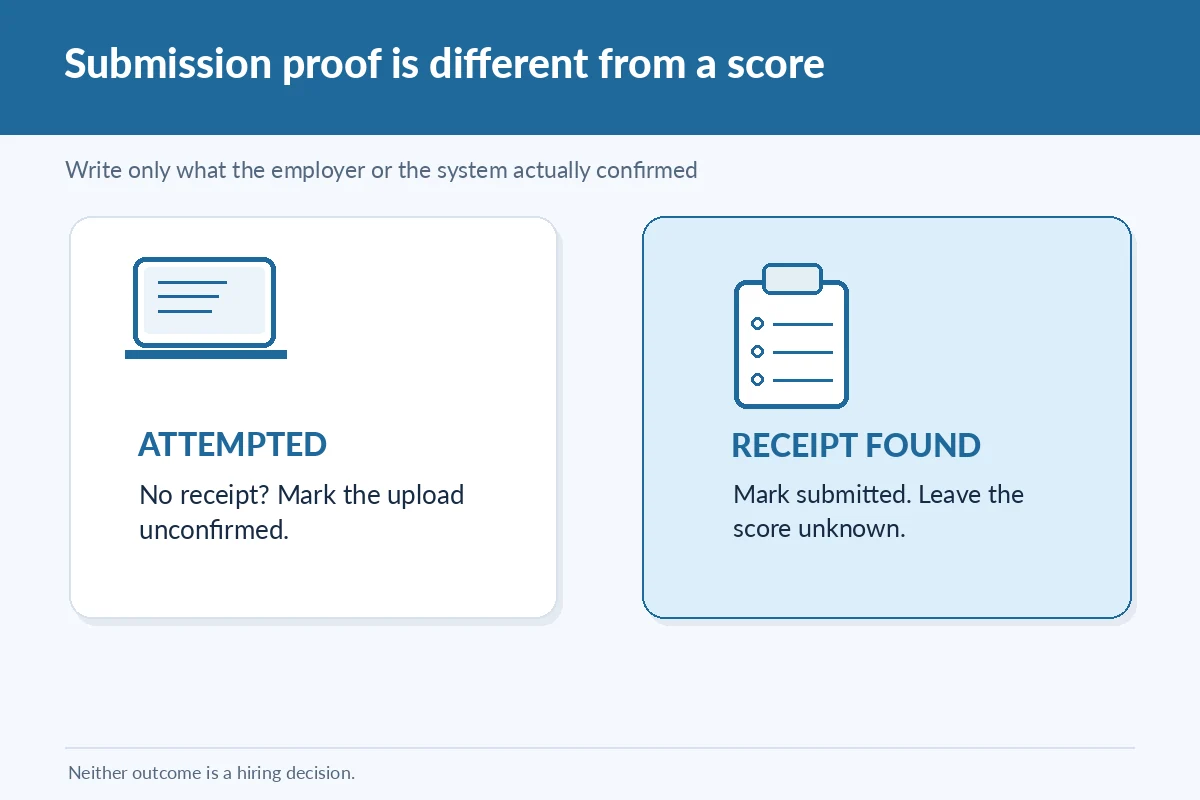
In a hypothetical application for a customer support role, the portal invites a candidate to a scenario exercise due Thursday at 5 p.m. Central Time. On Tuesday she verifies the invitation in the portal; on Wednesday she completes the exercise; the portal displays “submitted.” Her log should contain those three dated steps and a copy of the non-sensitive receipt if one was issued. She should not enter “passed” because no result has been communicated. If a technical error interrupted submission, “attempted; no receipt” is more accurate than “completed,” even if she did all the work.
| Stage | What to save | Status rule |
|---|---|---|
| Invitation received | Verified sender, portal, due time | Invited, not passed |
| Assessment started | Permitted instructions and start time | Started, not submitted |
| Submission attempted | Portal receipt or error message | Use exact evidence |
| Employer result | Dated message in official channel | Record stated outcome only |
Separate progress, file version, and confirmation
A compact table can contain assessment name, job ID, official platform, invitation received, deadline with time zone, status, permitted file type, submitted date, receipt reference, and next contact. Use “not started,” “in progress,” “submitted,” or “technical issue” only as self-reported activity. Reserve “passed,” “needs retake,” or “not selected” for wording supplied by the employer. If a job involves a work sample, save an appropriately named personal copy only when the assignment allows you to retain one, and do not publish confidential materials online. Avoid storing passwords or access links in a shared sheet.
Report a technical problem with precise details
If the test page fails, take a non-sensitive screenshot of the error when allowed, note the time and device/browser, and use the assessment support route or recruiter contact stated in the verified invitation. A concise message can say: “I attempted [assessment] for [job ID] at [time and time zone]. The page returned [error wording], and I could not confirm submission. What recovery option is available?” Do not claim the work was received if you have no receipt. A support ticket documents your request, not a promised extension. Retain both the original deadline and any revised deadline only when the employer issues one.
Review what can and cannot be shared later
A candidate may want to reuse a spreadsheet task, case write-up, or recorded interview clip in a portfolio. Do not assume that submitting work makes it public or gives you rights to publish the employer’s prompt, scoring criteria, or private scenarios. Check instructions and permissions. If you wish to demonstrate comparable skills later, make a new independent example using public or fictional information. Your tracker can store that the sample was submitted and whether a follow-up arrived, without copying the protected content. Never retain private interviewer notes or proprietary files merely to prove that you completed a stage.
Close an assessment with the correct status
Once the employer communicates a result, add the exact message and date to the linked application row. If the deadline passes without a confirmation, leave the assessment as “status unknown” and check the official system once, rather than declaring success. If an employer asks for a second test, record it as a separate event and note which role it belongs to. At your weekly review, sort by genuine upcoming deadlines first, then pending responses. The benefit is readiness and accuracy: you can act on valid requests while avoiding repeated, potentially unsafe attempts to reach a result that has not been disclosed.
How We Research Application Tracking Decisions
This article compares published career-center guidance with employer or staffing-firm process documents relevant to job application assessment tracker. The employer-specific examples are not universal policies; the hypotheticals illustrate how to record evidence without claiming an outcome. Source pages and URLs were checked on November 15, 2026. Policies, interfaces, and deadlines can change. Always verify a particular employer’s current instructions before sending information or making a time-sensitive decision.
Sources consulted: Assessment and career guidance — 1; Assessment and career guidance — 2; Assessment and career guidance — 3; Assessment and career guidance — 4. The linked materials support tracking and role-specific caveats, not a guarantee of hiring results.
For site relationships, advertising policies, and reader disclosures, review the JobAsk affiliate disclosure.
Related Job Search Guides
No. Submission is an action. Record a pass only when the employer reports it.
Check the official portal and approved support route. Record the attempt as unconfirmed until evidence arrives.
No. Save the task type and legitimate instructions, not confidential prompts or protected content.
Verify it using the employer’s official portal or a known recruiting contact before opening links or sharing details.
No. Calendar reminders are personal; only employer-issued communication changes the deadline.