
A Microsoft Word cover letter template is a layout starting point, not a ready-to-send application. Replace every sample name, employer, date, contact field and achievement; then rewrite the middle paragraphs using your own verifiable evidence. Keep the readable structure and export in the format the employer requests. A beautiful template with a false detail or broken attachment is not finished.
Microsoft’s Word guidance recommends readable fonts, consistent spacing, correct sections and inspection after PDF export. Template availability and interface menus may vary by Word version and subscription. The workflow below does not depend on a particular paid template or AI feature, and it does not promise that any format bypasses application screening.
Select a simple, editable starting point
Choose a template that has a conventional name-and-contact header, greeting, evidence area and closing. Avoid designs built from many text boxes, sidebars and floating decorative objects unless you can verify the final file remains readable. Plain document text is easier to edit and check than an image pretending to be a letter.
Before typing, inspect the template’s sample sections. Some include guidance in gray type, a fake business name or a placeholder address. Make a working copy under a role-specific filename so you do not accidentally overwrite a previously submitted letter. If the template is supplied by the employer, treat its instructions as higher priority than generic examples.
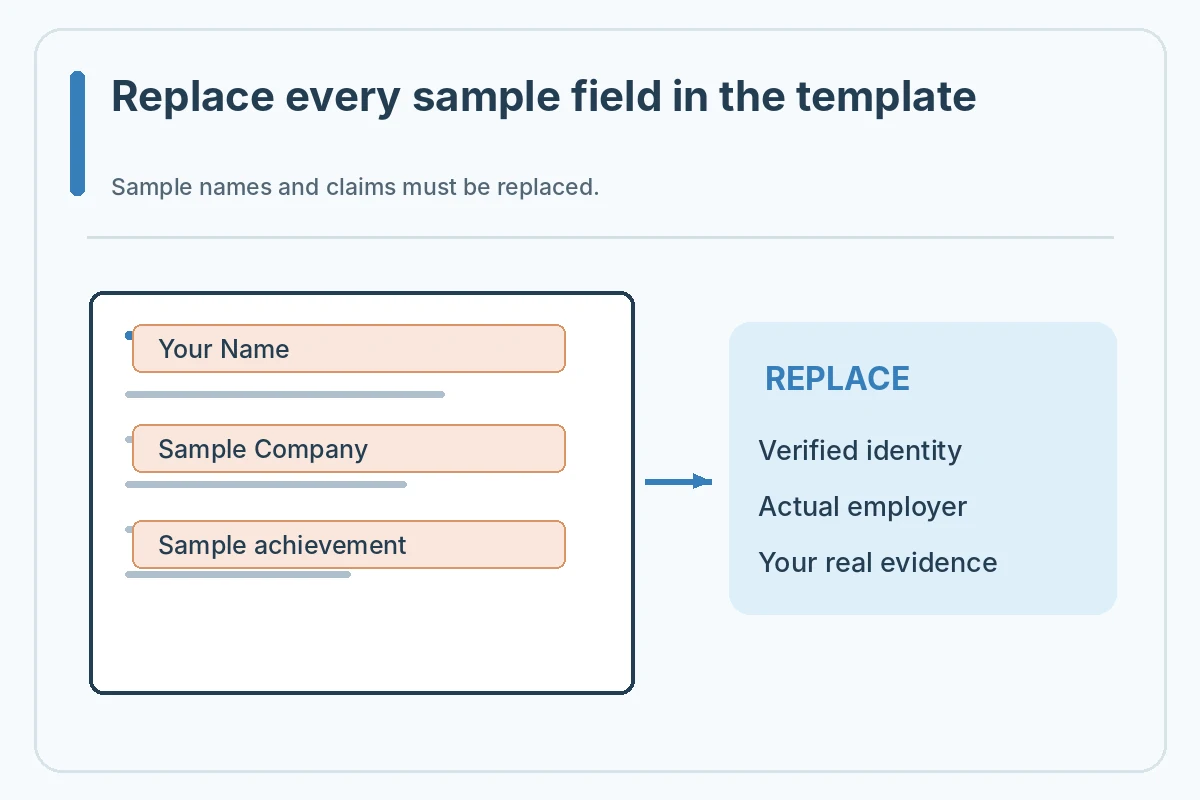
Replace every placeholder systematically
Search the document for square brackets, “Your Name,” “Company,” “Date,” “Insert,” and sample contact details. Replace or remove all sample fields. Do not use search-and-replace blindly for a word that might also appear in your genuine narrative; inspect each replacement. Verify the actual spelling of the employer and the precise job title.
A sample phrase such as “increased sales by 40%” is not a reusable achievement. Delete it unless you have your own verified evidence for a claim of that kind. Your real example can be modest: checking a roster for scheduling conflicts, documenting an approved change or helping a project team maintain accurate version labels. Say what you personally did.
Keep the styles consistent
Microsoft recommends readable body fonts around 11–12 points, standard page margins and clear paragraph spacing as useful defaults. Change one document style where possible rather than manually formatting each line differently. Confirm that bold and accent colors are used sparingly and do not hide contact details.
When pasting content from another document, choose a paste option that avoids importing unexpected styles. Inspect the header, body and closing after edits. If one sentence pushes your signature onto page two, shorten repetitive wording before making the whole letter smaller. A consistent one-page presentation is helpful, but the posting’s requirements come first.
Write fresh evidence instead of filling sample prose
For each important requirement, identify one real action you can discuss. The introduction should name the specific position; the body should add context beyond your resume; the closing should be polite and brief. CareerOneStop describes this general structure, but your own experiences determine the content.
Suppose a hypothetical operations candidate has a school project and part-time service experience. They might connect a verified schedule-check task to the employer’s coordination needs. They should not claim to have managed a corporate operations team or generated a measured savings figure if they did not. The template cannot validate your story.

Check links, spelling and contact details
Open each hyperlink and ensure it points to a professional resource you intend to share. Compare your email and phone against the resume. Verify the date and the exact recipient name if one is used. Remove comments, tracked changes and leftover instructional notes before delivering the final letter.
A document can look complete while retaining a hidden sample footer or reviewer comment. Word’s review tools can help detect such content. Make sure you understand what will be visible to the recipient in the exported format, particularly when sharing an editable DOCX rather than a PDF.
Export the format the posting accepts
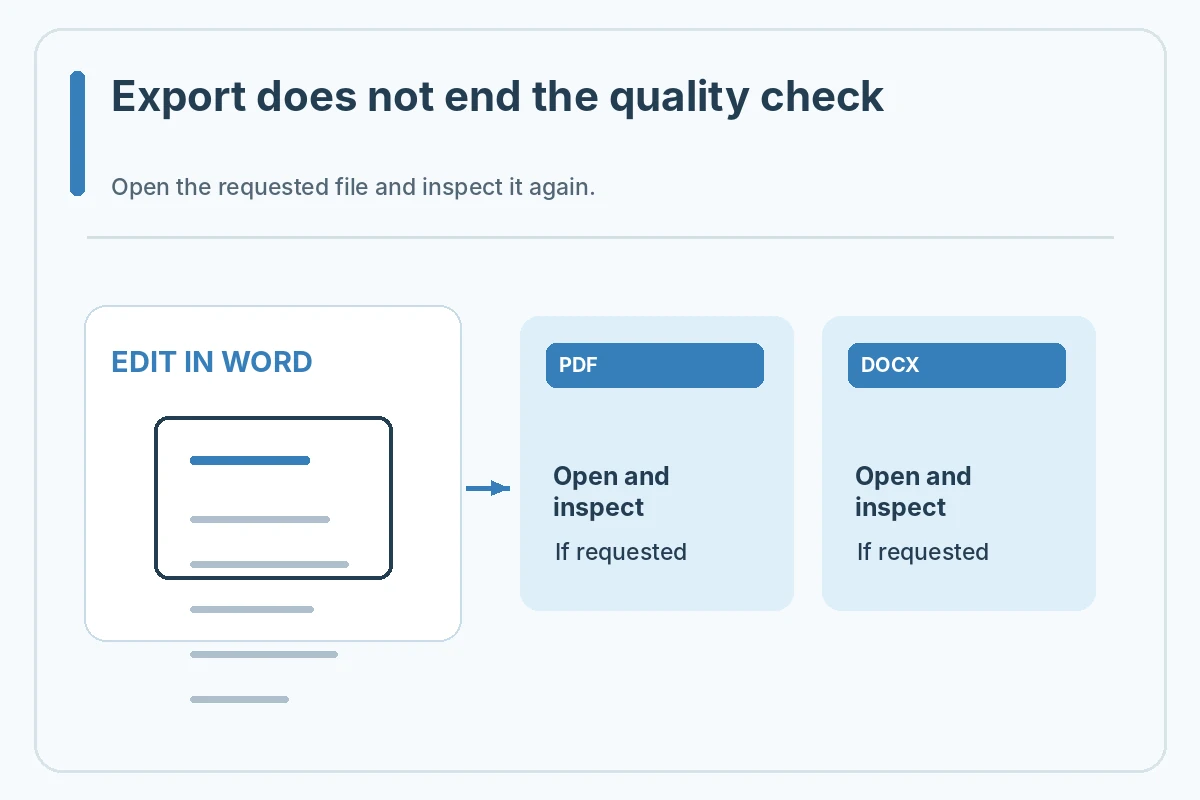
If the employer allows PDF, export a PDF and open it separately to verify the text, spacing, last paragraph and links. If the employer requires DOCX, keep that format and confirm it opens correctly. Never rename a Word file with a .pdf extension instead of converting it; the actual file format must match the extension.
Look at the portal’s upload instructions before selecting a file type. A form that asks for plain text needs a different version, regardless of how good your Word letter looks. A document-sharing link is not interchangeable with an attachment unless the employer explicitly supports links and its access permissions are correct.
Save a clean, traceable version
Use a descriptive local filename with your name and the role, then keep a copy of the version you submitted. If the employer uses a document naming convention, follow it. Avoid “final-final-2” or multiple files with indistinguishable names that can lead to attaching an outdated draft.
Before sending, reopen the actual file from the folder you plan to use. Read the first and last lines and check the full page preview. If you update the letter for another position, create a new version and recheck all employer references. Do not assume a template once edited is safe for every later application.
Worked Example: A Draft You Must Personalize
Hypothetical Word template audit: the applicant finds “Hiring Manager, Sample Company,” a sample date, an unverified award and a placeholder URL. They replace the company and date using the real posting, delete the award, include a truthful volunteer coordination example, inspect a PDF export and save a role-specific copy. The example is a checking process, not a claim about an actual candidate.
Treat this example as a demonstration only. Do not copy fictional employment, names, credentials, results or contact information into a real application. Recheck each detail against your records and the employer posting. When a system does not show a submission receipt, do not claim that a saved document was delivered.
Verify This Letter in Its Actual Submission Format
Before sending, reread the headline question: microsoft word cover letter template. Verify that the visible letter matches the employer and role, the claims describe things you actually did, the document or text is readable in the target channel, and no sample placeholders remain. A practical check has four steps: compare the posting, open the exact submission file, inspect its content or preview, and record the actual submitted status. Do not treat this guide as a promise of a recruiter response.
When you adapt the letter for another employer, repeat the check from the beginning. Employer-specific instructions outrank generic examples, and digital portals may behave differently. A clear application is valuable because it communicates your experience faithfully, not because a particular font, file name, software or page layout is universally approved.
How We Research This Guide
We compared first-party career-center cover-letter guidance, Microsoft Word documentation where relevant, and the JobAsk topic inventory on November 2, 2026. The guidance describes practical formatting options rather than mandatory US-wide hiring rules; real job postings and submission platforms take priority. Examples and names are fictional, not verified candidate outcomes. Read our affiliate disclosure.
Microsoft Word layout guide: Microsoft explains readable type sizes, page margins, spacing, templates and export checks in Word. Reviewed November 2, 2026.
Career guidance source: CareerOneStop describes the purpose and usual sections of a concise, tailored cover letter. Reviewed November 2, 2026.
Career guidance source: UC Berkeley advises aligning cover-letter font, contact header and layout with a resume. Reviewed November 2, 2026.
More Resume and Cover Letter Guides
Yes, if the structure is readable and you fully customize and verify every detail.
Follow the posting. If both are allowed, check that the chosen export opens and preserves your content.
No. Replace it with your own verified experience or remove it.
No. Review and remove comments and edits you do not intend the recipient to see.
No. Use straightforward text and follow the employer instructions; no template guarantees system behavior.