
Applying online for an airline job starts with a distinction that job boards can hide: an airline name is not a job description. Gate and ticket counter jobs center on passenger communication and reservation procedures; ramp and baggage positions involve physical movement of items and strict operational procedures; operations support can emphasize records, scheduling and handoffs. Open the actual role description, not only the listing title, and note the employer, airport, department and requisition number.
Start with the airport and job family
An airline may advertise several positions at the same airport, and airport contractors may post roles that resemble airline jobs. The organization that will employ you is the one whose posting and application terms matter. Do not describe a contractor job as direct airline employment, or assume that cabin crew requirements apply to a check-in role. This guide focuses on ground-support applications, not pilots or flight-attendant certification.
Verify the employer and the application destination
If you found a vacancy through a social post, job board or text message, navigate independently to the employer’s official career pages. Search for the exact title, airport, job number and date. If the role does not appear, it may have closed, moved or been posted by a separate service provider; contact the verified company through published channels rather than sending identity documents to a link forwarded by an unknown account.
A credible role can still use an external applicant-tracking platform, so a different web address is not automatically a scam. What matters is that the verified employer itself links to that application destination. The FTC warns that impostors copy company branding to collect personal or financial information. Never pay an application fee merely because a stranger promises access to an airline hiring list.
Compare duties before choosing one application
Create a two-column comparison: “work I can actually show” and “requirements I still need to clarify.” For a customer-facing ground role, real examples might include verifying reservation details, handling long lines or escalating a customer issue. For a baggage or equipment-adjacent job, evidence might involve approved physical handling tasks, time-sensitive teamwork or careful safety reporting. Do not claim equipment certification, driving authorization or restricted-airport access unless you hold the required authorization.
The BLS separates flight-attendant duties, including cabin safety training, from the broad ground-support environment. Treat this as a warning against borrowing appealing keywords from an unrelated airline occupation. If a description mixes service and operations duties, ask which tasks are routinely assigned and which require employer-provided training.

Enter a truthful location and schedule
Check the precise airport code, terminal or worksite as written in the vacancy. A posting for the right airline but the wrong airport is not a near match when the commute is impractical. Record whether the worksite is fixed, whether reporting at unusually early hours is expected, and whether the role requires a valid driver’s license or other employer-specified qualification. Do not assume these requirements are universal across ground jobs.
When the application asks for availability, list hours you can actually work, including transportation at the first and last part of a shift. If the field is ambiguous, write a brief factual note instead of selecting every option to appear flexible. Employment schedules and any onboarding conditions should be confirmed in writing before you rely on the job as a guaranteed placement.
Choose examples that fit the posting
An illustrative customer-service line could read: “Handled busy reception periods, verified visitor information against booking records and referred exceptions to a supervisor.” Replace every duty with an action you personally performed. For a material-handling role, an honest line could mention documented stock movements and correct escalation of damaged packages, but only if that work happened. These are examples, not claims about an actual applicant or airline.
The application may ask for work history beyond the resume. Use consistent employers, dates and job titles. If a role was school-based, volunteer or contract work, label it accordingly. Answer eligibility questions exactly; an application is not a place to guess about future airport credentials, background screening or physical requirements.

Audit the fields and attachments
Before uploading, verify that the resume filename identifies the correct version and that its text is readable when opened separately. Use only the file type requested by the employer. If a form prepopulates a degree, employer or job title, compare every field to the source document; a parsed resume is not a verified record. In a voluntary note, emphasize the actual airport, department and relevant evidence rather than repeating the airline name.
Review email and telephone details, especially if you use a separate address for job searching. Do not upload passports, driver’s licenses or financial records to an unverified form. Some legitimate employers may later request screening documents through secure, authorized channels; verify the stage and destination independently before sharing sensitive material.
Use the final review as a decision gate
Read the portal summary from the employer’s point of view. Is this the correct airport? Are you applying to a ground role rather than a cabin position? Do the claimed skills match the role’s responsibilities? Is the shift range plausible? A useful five-minute audit compares the vacancy, your resume, every required form field and the attachment names in one place.
If you discover a real mismatch before submission, edit the form while it is still a draft. After submitting, use any official correction or withdrawal mechanism shown by the portal; do not create a second application automatically. Different employers manage duplicate submissions differently.
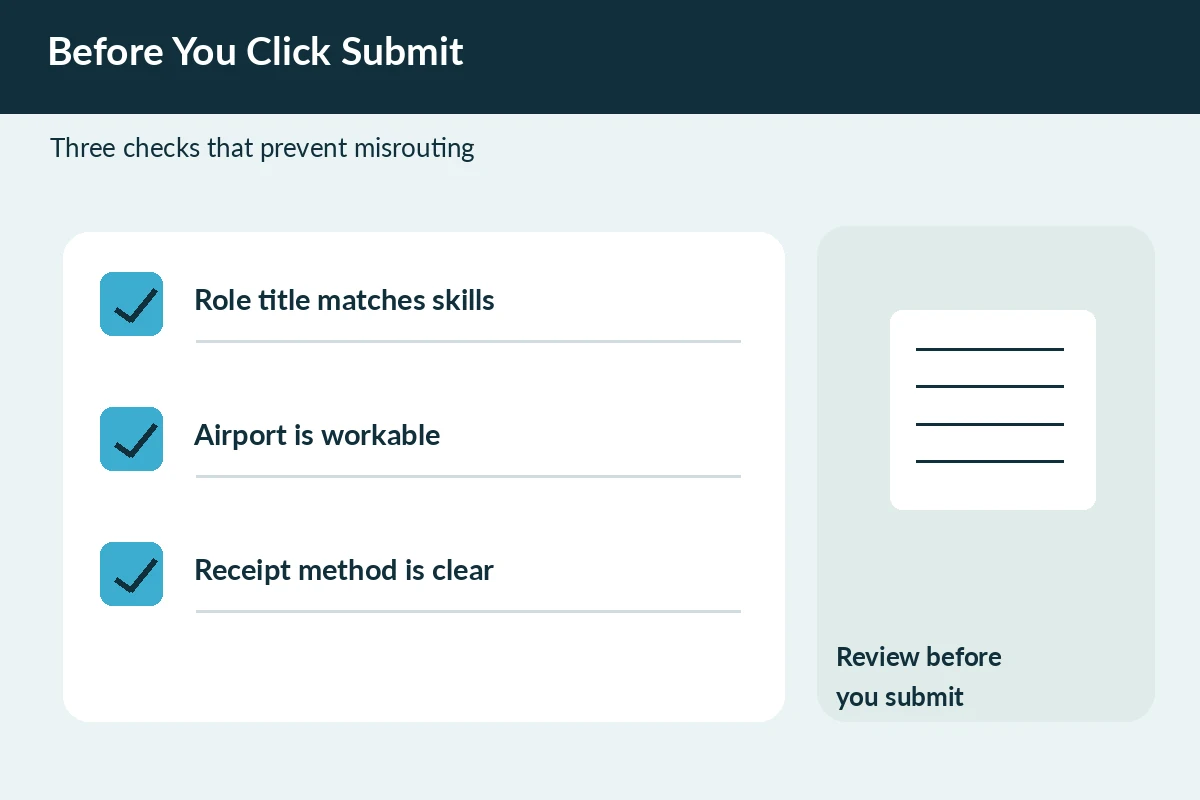
Keep a precise record of what happened
After clicking submit, look for the portal’s completion screen, application record or confirmation email. Saving a profile or opening a requisition is not the same thing as submitting an application. Record the role title, requisition ID, airport, submitted date, resume version and status exactly as displayed. This lets you distinguish two similar ground jobs later without making guesses.
If the site crashes, check your account history and email before trying again. When the status remains unclear, use the support contact on the verified careers page and ask whether the specific requisition received your application. Avoid giving a stranger a password or one-time verification code to “fix” the submission.
Plan a realistic next action
If the posting describes assessments, a scheduled interview or a document-verification stage, prepare for only what the verified employer says will occur. Review the core customer, operational or scheduling responsibilities you selected and draft a concrete experience example for each. Do not purchase training or submit documents to third parties because a message promises that a job has already been awarded.
You can continue applying for separate suitable roles while tracking each requisition, provided the employer’s stated rules permit it. A carefully chosen ground role at a workable airport is more useful than a cluster of applications that rely on exaggerated qualifications.
How We Research Online Job Applications
We reviewed U.S. occupational descriptions, university career-center guidance, and FTC consumer protection material as relevant to this specific online application. Our editorial examples and field labels are hypothetical, not screenshots of a live employer portal. The employer’s own posting and authorized application instructions determine eligibility, file types, deadlines, screening and training. The guidance is informational and cannot guarantee an interview or offer. Review date: November 10, 2026. We do not assume a saved profile is a completed application or that a candidate possesses access, certification or approval they have not earned.
Primary and reference sources reviewed November 10, 2026: www.bls.gov (BLS distinguishes in-flight cabin safety work and the related training or certification from airline ground occupations.) www.bls.gov (BLS describes freight and material movement activities that can help distinguish baggage-handling roles from customer-facing jobs.) consumer.ftc.gov (FTC recommends verifying a vacancy directly with the employer before sharing application data.) Examples are fictional and should be replaced with the reader’s own dates, work history and documents. This independently prepared article does not imply paid placement or any employer endorsement. Read the JobAsk affiliate disclosure.
Related Job Search Guides
Follow the named employer on the specific vacancy. Airport contractors may hire ground staff separately; never label the position as directly employed by an airline unless that is accurate.
No. They have different duties and may have different screening and training requirements. Read each posting rather than borrowing cabin-crew qualifications.
Possibly, if the employer permits separate requisitions and you can genuinely work at both locations. Track the airport and job ID for each submission.
Only if a verified employer explicitly requests a particular document through a legitimate authorized process. Do not provide sensitive identification to unverified links or recruiters.
Not necessarily. Look for a submission receipt or a status associated with the actual position; a saved profile alone does not prove the application was submitted.